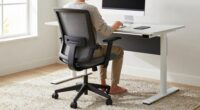
To instantly boost focus at your standing desk, adjust it so your elbows are at a 90-degree angle and your monitor is at eye level, about an arm’s length away. This setup reduces strain on your neck, shoulders, and wrists, helping you stay comfortable longer. Keep your feet flat and shoulders relaxed. A quick correction can make a huge difference—stick around to learn the exact steps to perfect your posture and stay productive.

Get the little things that make your day delivered free with Prime
- Fast, free delivery on millions of items
- Prime Video, Amazon Music and more included
- Member-only deals all year
Key Takeaways
- Adjust your desk so elbows are at a 90-degree angle to promote proper posture.
- Position your monitor at eye level, about an arm’s length away, to reduce neck strain and improve focus.
- Use adjustable risers or digital height monitors for quick, precise height modifications.
- Keep feet flat on the floor and distribute weight evenly to maintain comfort and stability.
- Regularly check and fine-tune your setup to prevent discomfort and sustain concentration.
As an affiliate, we earn on qualifying purchases.
Why Your Standing Desk Height Affects Focus and Comfort
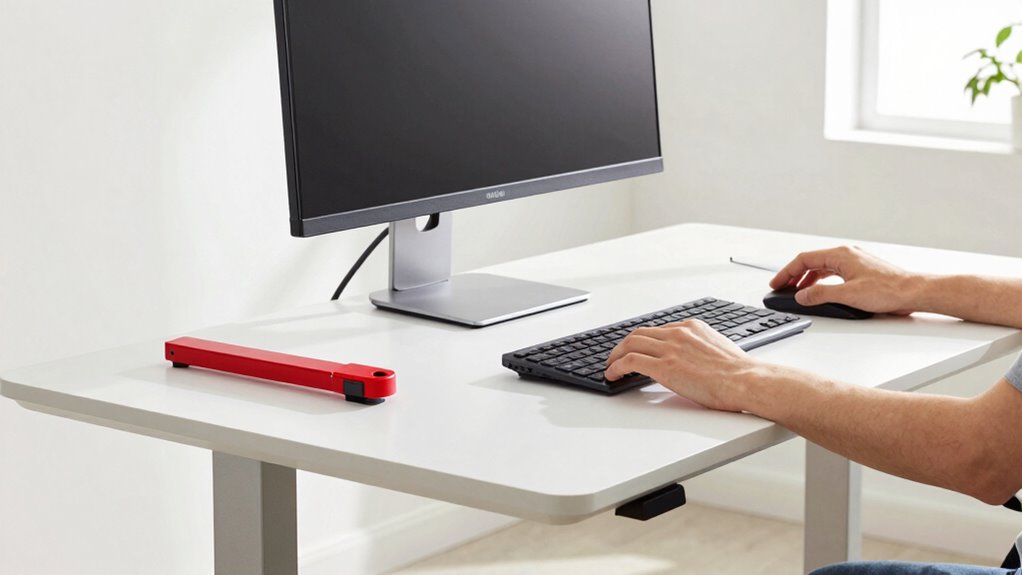
Your standing desk height directly impacts your focus and comfort throughout the day. When your desk is set too high or too low, it can lead to poor posture correction, causing strain on your neck and shoulders. Proper desk height guarantees your elbows stay at a 90-degree angle, reducing fatigue and discomfort. Additionally, wrist support becomes essential; if your desk is too high, you might bend your wrists awkwardly, leading to soreness or injury. Conversely, if it’s too low, your wrists may have to reach upward, increasing strain. Maintaining the right height promotes better posture and minimizes physical distractions. When your workspace supports your body naturally, you stay focused longer and work more efficiently, avoiding unnecessary aches that can break your concentration. Supporting good posture can also help prevent long-term musculoskeletal issues, ensuring sustained comfort during extended work periods. Optimizing your desk height is a simple yet effective way to enhance ergonomic health and productivity. Proper ergonomic setup encourages musculoskeletal health, which is crucial for maintaining comfort over time. Additionally, using adjustable desks or accessories can help tailor your workspace precisely to your body’s needs, further promoting postural alignment and reducing strain. Incorporating ergonomic accessories like footrests or keyboard trays can also enhance your overall setup and comfort.
As an affiliate, we earn on qualifying purchases.
What Are the Benefits of Proper Desk Height for Productivity?
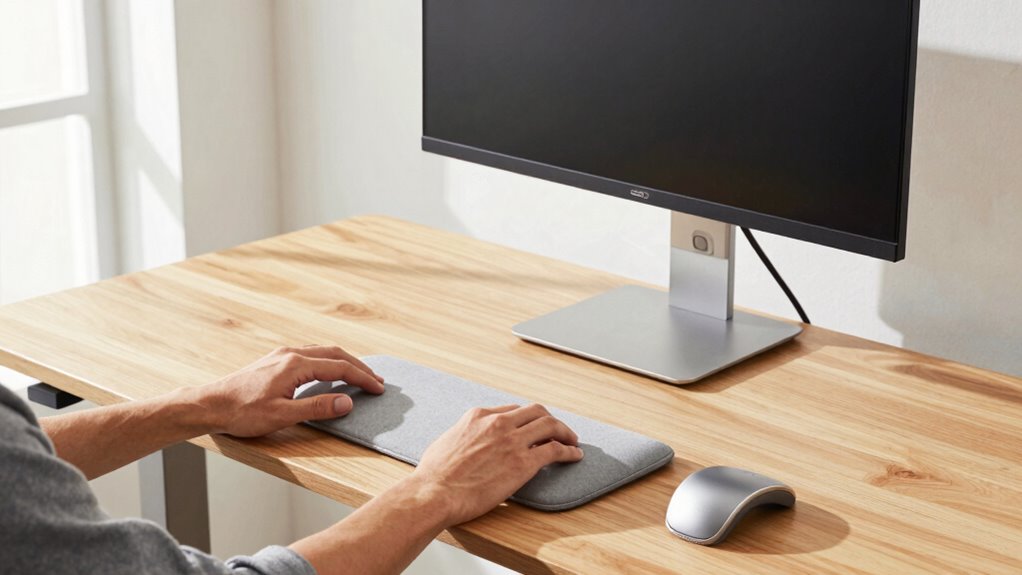
Proper desk height directly boosts your productivity by enabling you to work comfortably and maintain focus longer. When your desk is at the right height, keyboard ergonomics improve, reducing strain on your wrists and shoulders. This ergonomic setup enhances comfort and can prevent repetitive strain injuries. This allows you to type more efficiently without discomfort or distractions. Additionally, correct desk height promotes posture alignment, helping you sit or stand with your back straight and shoulders relaxed. Good posture minimizes fatigue and prevents aches that can interrupt your workflow. When you don’t have to constantly adjust or shift to relieve discomfort, you can focus fully on your tasks. Maintaining early detection awareness of symptoms can further support your overall well-being and productivity. Incorporating ergonomic accessories, like an adjustable monitor stand or keyboard tray, can help you achieve optimal workstation setup. Using proper ergonomic principles ensures your workspace remains comfortable and reduces the risk of musculoskeletal issues. Implementing an ergonomic workspace also supports household safety by reducing the risk of musculoskeletal issues. Overall, setting your standing desk to an ideal height creates a healthier, more efficient workspace that keeps you engaged and productive throughout the day.
ergonomic footrest for standing desks
As an affiliate, we earn on qualifying purchases.
As an affiliate, we earn on qualifying purchases.
How to Quickly Find Your Ideal Standing Desk Height?

Finding the ideal standing desk height quickly starts with a simple test: stand naturally with your arms relaxed at your sides, then bend your elbows so your forearms are parallel to the floor. Your desk height should match this elbow level to ensure proper posture alignment. When your forearms rest comfortably on the desk without reaching up or dropping down, you’re at the right height. Keep your shoulders relaxed and avoid shrugging or hunching. If your desk is adjustable, make small tweaks until your elbows are at a 90-degree angle, maintaining natural arm positioning. This quick method helps you find a comfortable, ergonomic desk height that promotes good posture and reduces strain during long work sessions. Regularly checking your setup can help you maintain proper posture as you work. Additionally, understanding contrast ratio and other projector specifications can enhance your overall viewing experience, especially for extended sessions. Incorporating ergonomic principles into your setup ensures sustained comfort and productivity throughout your workday. Paying attention to adjustable features allows you to fine-tune your workspace for optimal comfort and health benefits.
keyboard tray for ergonomic setup
As an affiliate, we earn on qualifying purchases.
As an affiliate, we earn on qualifying purchases.
Simple Adjustments to Instantly Improve Your Standing Desk Setup
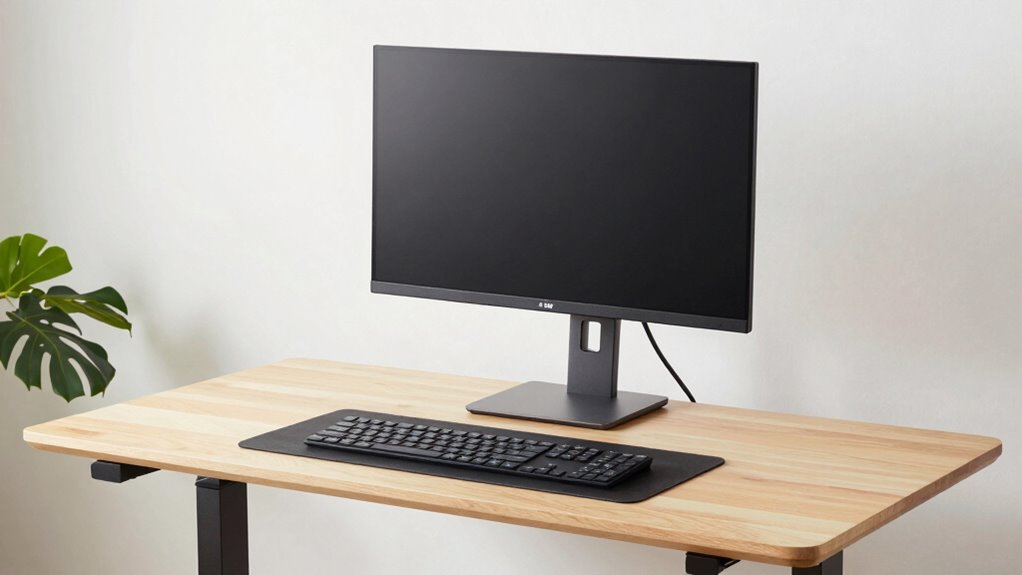
Adjusting your desk height so your elbows are at a 90-degree angle guarantees comfort and reduces strain. Position your monitor directly in front of you at eye level for better posture and less neck pain. Finally, place your feet flat on the floor with your weight evenly distributed to support a healthier standing stance. Incorporating ergonomic best practices into your setup can further enhance comfort and prevent injury. Remember to use proper tools when making adjustments to ensure safety and precision. Additionally, regularly take breaks to stretch and move, which can significantly improve your overall comfort and productivity. Incorporating smart furniture solutions like adjustable standing desks can also help maintain optimal ergonomics throughout your workday and promote long-term health benefits.
Correct Desk Height
To guarantee your standing desk is comfortable and promotes good posture, start by setting the desk height so that your elbows are bent at about a 90-degree angle when your arms rest naturally at your sides. This ensures your ergonomic wrist stays neutral, reducing strain. The desk surface should be level with your elbows, providing a stable work area without forcing you to stretch or hunch. Adjust the height so that your forearms are parallel to the floor, maintaining a relaxed shoulder position. Avoid setting the desk too high, which can cause raised shoulders, or too low, which can lead to slouching. A proper desk height supports a natural, comfortable posture, minimizes fatigue, and helps you stay focused throughout your work session. Proper ergonomic setup can also help prevent musculoskeletal issues over time. Additionally, ensuring your workspace has adequate support can contribute to sustained comfort during extended periods of standing. Incorporating adjustable desks can further enhance your ability to find the optimal height for your needs.
Proper Monitor Position
Once your desk height feels comfortable and supports good posture, focusing on your monitor position can make a big difference. Proper monitor alignment ensures your screen is directly in front of you, reducing neck strain and eye fatigue. You want the top of your monitor at eye level so that you look straight ahead without tilting your head up or down. This positioning helps maintain a neutral neck posture and minimizes discomfort during long periods of work. Adjust the monitor height or use risers if needed to achieve this eye-level alignment. Keep the screen about an arm’s length away to prevent eye strain. Small adjustments to your monitor position can instantly improve your focus, comfort, and overall standing desk experience.
Ergonomic Foot Placement
Proper foot placement is essential for maintaining comfort and stability at your standing desk. Position your feet shoulder-width apart to ensure even weight distribution, which helps prevent fatigue and discomfort. Keep your toes pointed slightly outward for better balance. Shift your weight evenly between both feet, avoiding leaning too heavily on one side. If your feet feel tired, alternate your stance or gently rock from heel to toe to reduce strain. Using a small footrest or anti-fatigue mat can improve foot placement and support better weight distribution. Remember, the goal is to stay grounded and balanced throughout your work session. Proper foot placement not only boosts comfort but also enhances overall stability, helping you stay focused and alert while working at your standing desk.
Common Mistakes When Setting Your Standing Desk Height: And How to Avoid Them
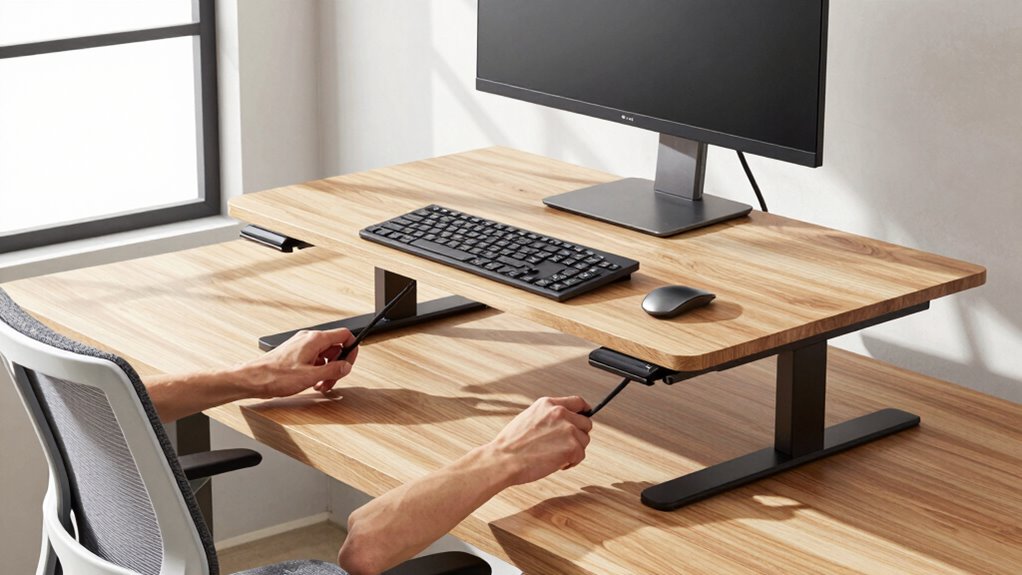
Many people make the mistake of setting their standing desk too high or too low without considering their body’s natural posture, which can lead to discomfort and strain. To avoid this, focus on proper posture correction by aligning your monitor at eye level and keeping your elbows close to your sides at about a 90-degree angle. Ignoring chair ergonomics can also cause issues; your chair should support your lower back and help you maintain a neutral spine when switching between sitting and standing. Setting your desk too high often results in shoulder tension, while too low causes unnecessary bending of the neck. Regularly check your stance and adjust gradually to find a comfortable, healthy height that promotes good posture and reduces fatigue.
Tools and Accessories to Make Standing Desk Height Adjustments Easier
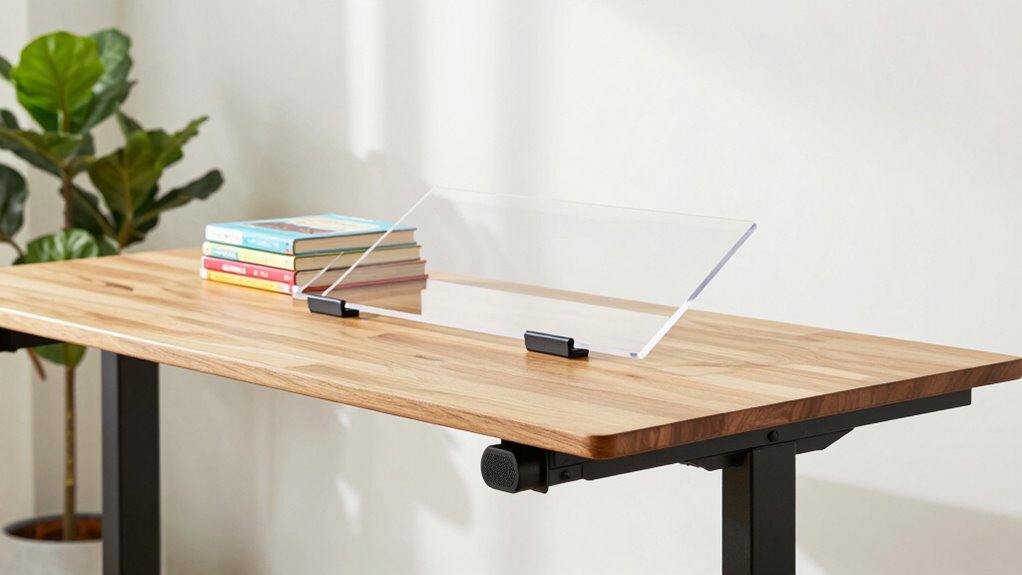
Adjusting your standing desk height can be quick and effortless with the right tools and accessories. Using the right desk accessories and height tools helps you find your ideal ergonomic position without hassle. Here are four game-changing items:
- Adjustable Desk Risers – instantly change your desk height with sturdy, reliable risers.
- Digital Height Monitors – precisely set and remember your preferred standing height.
- Cable Management Clips – keep cords organized as you adjust, preventing tangles.
- Memory-Enabled Desk Mats – provide tactile feedback and support for consistent positioning.
These tools make height adjustments seamless, saving time and reducing frustration. With the right desk accessories and height tools, you’ll stay comfortable, focused, and productive all day long.
How to Maintain Ergonomics at Your Standing Desk Throughout the Day
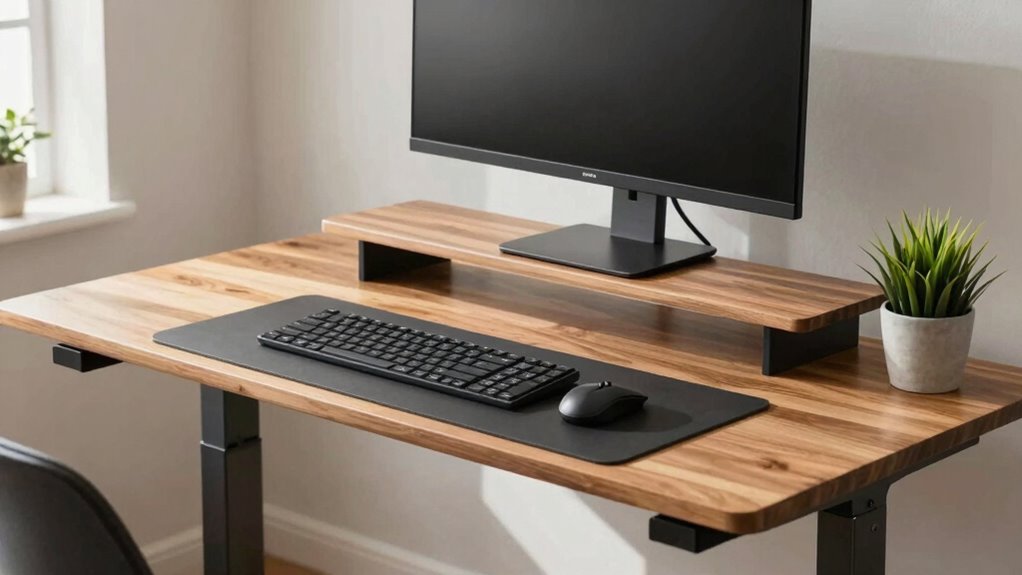
To keep your ergonomics on point throughout the day, it’s essential to pay attention to your posture awareness and make desk customization adjustments as needed. Regularly check that your monitor is at eye level, and your elbows are close to a 90-degree angle. Shift your weight between both feet, or use a footrest to prevent strain. Adjust your standing desk height if you notice discomfort or misalignment. Remember, small changes in your stance or desk setup can prevent fatigue and promote focus. Take brief breaks to stretch and reset your posture. Staying mindful of your body’s signals helps you maintain proper ergonomics, reducing strain and boosting productivity. Consistent desk customization and posture awareness are key to working comfortably all day long.
Frequently Asked Questions
Can Adjusting Desk Height Reduce Neck Strain During Long Work Sessions?
Yes, adjusting your desk height can reduce neck strain during long work sessions. When you set your desk at the right height, your monitor stays at eye level, promoting better posture correction. Using ergonomic accessories like adjustable monitor stands and ergonomic chairs further supports proper alignment. This combination helps prevent neck pain and fatigue, keeping you comfortable and focused throughout the day. Make sure to frequently check and adjust your setup as needed for ideal comfort.
How Often Should I Reassess My Standing Desk Height for Optimal Focus?
You should reassess your standing desk height every few weeks to make certain it aligns with ergonomic considerations and maximizes productivity benefits. As your posture or work tasks change, adjusting your desk helps maintain comfort and focus. Keep an eye on your neck, shoulders, and wrists, and make small tweaks as needed. Regular checks prevent strain, enhance focus, and support long-term ergonomic health during extended work sessions.
Are There Specific Tools Recommended for Quick Desk Height Adjustments?
Ever wish adjusting your desk was as easy as snapping your fingers? You should consider ergonomic accessories like adjustable tools designed for quick height changes. These tools, such as quick-release levers or motorized lifts, make your setup seamless, ensuring ideal focus. Investing in high-quality ergonomic accessories not only saves time but also keeps your posture perfect, helping you stay productive without the hassle of fiddling with manual adjustments.
What Signs Indicate My Standing Desk Height Is Incorrect?
You know your standing desk height is off if you experience discomfort, like neck or shoulder strain, or if your arms aren’t at a comfortable ergonomic posture, with elbows bent at about 90 degrees. Also, if your eyes strain or you have to lean forward to see your screen, it affects visual comfort. Adjust your desk so your monitor is at eye level and your arms rest naturally to improve focus and reduce fatigue.
How Does Desk Height Impact Overall Energy Levels During the Day?
Your desk height directly affects your energy levels by influencing your posture and comfort. When it’s ergonomic accessories like adjustable monitors or footrests, you reduce strain and stay alert longer. Proper height supports posture correction, preventing fatigue and discomfort that drain your energy. So, adjusting your standing desk to the right height keeps you focused, energized, and productive throughout the day.
Conclusion
Getting your standing desk height right can be a game-changer for your focus and comfort. With a few quick tweaks, you avoid the pitfalls that can throw off your productivity. Remember, a little effort goes a long way—so don’t be afraid to fine-tune your setup until it feels just right. When you strike the perfect balance, you’ll be able to work smarter, not harder, and truly make the most of your day.
Halloween Picks
halloween
As an affiliate, we earn on qualifying purchases.