
To make your desk look expensive, adopt a cable management standard that emphasizes concealment and organization. Use cable clips, sleeves, and under-desk trays to hide clutter and create a seamless surface. Combine wireless accessories with ergonomic stands for a sleek, modern look. Focus on routing cables neatly and maintaining regular upkeep. This approach enhances your workspace’s aesthetic and professionalism. Keep exploring further steps to elevate your setup even more.

Get the little things that make your day delivered free — and shop member deals
- Fast, free delivery on millions of items
- Access to Prime Big Deal Days deals on October 6–7
- Prime Video, Amazon Music and more included
Key Takeaways
- Use sleek cable management tools like cable sleeves and clips for a clean, streamlined appearance.
- Incorporate wireless devices to reduce visible cables and enhance modern aesthetics.
- Hide cables with under-desk trays and routed channels for a clutter-free workspace.
- Select ergonomic accessories with integrated cable features for a cohesive, high-end look.
- Regularly maintain and adjust cable organization to sustain a sophisticated and polished environment.
Have you ever struggled with tangled, messy cables that make your workspace look cluttered and hinder efficiency? If so, you’re not alone. Cable clutter can turn a sleek desk into a chaotic eye sore, making it hard to focus and decreasing productivity. Fortunately, adopting a cable management standard can transform your setup into a clean, professional-looking space that feels both organized and high-end. The key is understanding how to integrate wireless setups and ergonomic accessories seamlessly, reducing the need for excessive cables and making your workspace look expensive without spending a fortune.
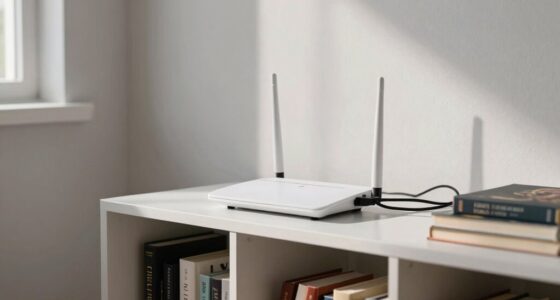
Start by prioritizing wireless setups whenever possible. Connecting your devices via Bluetooth or Wi-Fi eliminates the need for multiple cables snaking across your desk. Wireless keyboards, mice, printers, and speakers not only declutter your surface but also give your workspace a modern, streamlined appearance. When cables are minimized, your desk looks more polished and intentional, creating an impression of sophistication. Pair this with ergonomic accessories designed for comfort and efficiency, such as adjustable monitor stands, ergonomic chairs, and keyboard trays. These accessories often come with built-in cable channels or discreet compartments, helping you hide or route cables neatly out of sight.
Prioritize wireless devices and ergonomic accessories with built-in cable management for a sleek, clutter-free workspace.
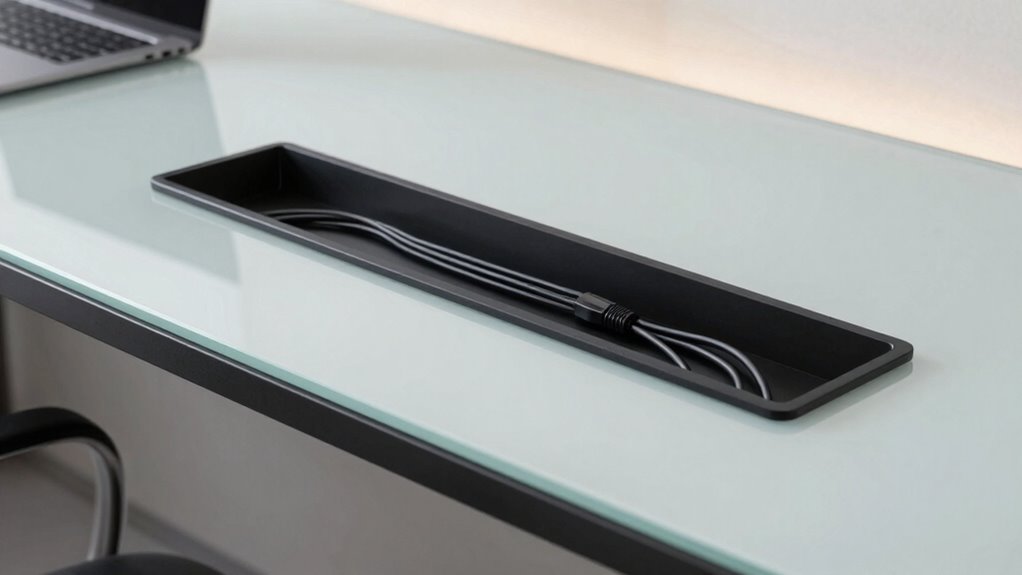
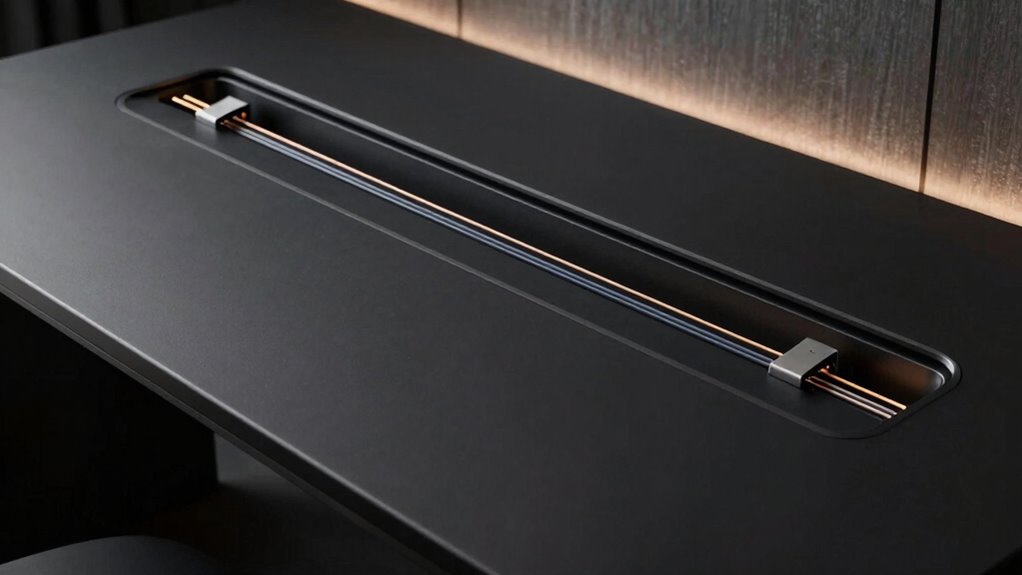
A solid cable management standard involves using cable clips, sleeves, and under-desk trays to secure and conceal wires. Installing cable clips along the edges of your desk keeps cords organized and prevents them from tangling. Sleeves can bundle multiple cables into a single, tidy conduit, which not only looks better but also protects the wires from damage. Under-desk trays are ideal for hiding power strips and excess cable lengths, maintaining a clean surface. When combined with wireless setups and ergonomic accessories, these methods create a cohesive system that looks intentional and high-end. The goal is to make cables disappear into the background, so your workspace looks sleek, functional, and expensive. Incorporating cable organization techniques can significantly enhance the overall aesthetic and durability of your setup. Additionally, employing proper cable routing methods ensures that cables stay secure and out of sight, further elevating the professional appearance of your workspace. Regular maintenance and routine adjustments also help sustain a tidy environment over time. To maximize effectiveness, consider using cable management tools to keep everything streamlined and accessible. In fact, paying attention to cable flexibility can make future adjustments easier and keep your setup adaptable as your needs evolve.
As an affiliate, we earn on qualifying purchases.
Frequently Asked Questions
How Long Does It Take to Implement This Cable Management Standard?
It typically takes about an hour or two to implement this cable management standard, depending on your desk’s setup. You’ll focus on cable organization, using clips, sleeves, or channels to hide wires neatly. As you work, your desk aesthetics improve quickly, giving your workspace a clean, professional look. With a bit of patience, you’ll enjoy a clutter-free desk that looks stylish and well-organized in no time.
Is This Standard Compatible With All Desk Types and Sizes?
This standard is like a universal adapter, compatible with most desk types and sizes. You can easily integrate it into various setups, thanks to flexible cable compatibility and options for desk customization. Whether you have a compact or expansive workspace, this standard adapts seamlessly, helping you maintain a sleek, organized look. It’s designed to work with different materials and configurations, making it a versatile solution for your cable management needs.
What Materials Are Recommended for Optimal Cable Concealment?
For maximum cable concealment, use flexible, durable materials like cable sleeves or raceways to hide wires neatly. Incorporate cable labels to identify cables easily, especially with wireless solutions that reduce clutter. These materials keep your desk clean and professional-looking, seamlessly blending with your setup. guarantee the materials are compatible with your desk type and size, providing a sleek appearance while maintaining easy access when needed.
Can This Standard Be Used in Both Home and Office Environments?
Yes, you can use this standard in both home and office environments. It seamlessly blends with decorative accessories, enhancing aesthetics, while also offering ergonomic benefits by reducing clutter and improving workspace organization. Whether at home or in a professional setting, this standard helps create a clean, sophisticated look and promotes better posture and productivity. Its versatility makes it ideal for any space aiming for a polished, functional appearance.
Are There Any Maintenance Tips to Keep Cables Tidy Long-Term?
To keep cables tidy long-term, establish simple maintenance routines like regularly checking and re-tying loose cables. For example, in a home office, you might set a monthly reminder to inspect and adjust cable organization. Use cable clips or sleeves to prevent tangling, and avoid overloading power strips. Consistent upkeep guarantees your desk stays sleek and organized, saving you time and preventing damage.
under desk cable management tray
As an affiliate, we earn on qualifying purchases.
As an affiliate, we earn on qualifying purchases.
Conclusion
So, why settle for a cluttered desk that screams chaos when a simple cable management standard can elevate your space effortlessly? By adopting this method, you not only achieve a sleek, professional look but also create an environment that boosts productivity. Isn’t your workspace worth the investment in organization and style? With just a little effort, you can transform your desk into a sophisticated, expensive-looking setup that impresses at every glance.
cable sleeves for desk organization
As an affiliate, we earn on qualifying purchases.
As an affiliate, we earn on qualifying purchases.
As an affiliate, we earn on qualifying purchases.
NFL season / tailgating Picks
team gear
As an affiliate, we earn on qualifying purchases.