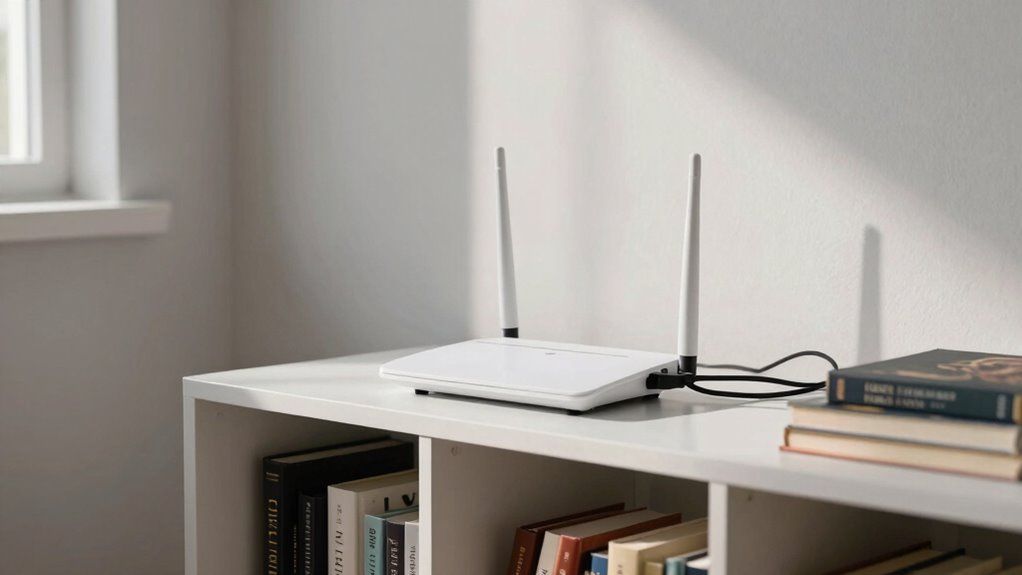

The biggest router placement mistake that causes weird call problems is placing it in a poor spot, like tucked away in closets, basements, or behind furniture. This creates dead zones and weak signals, leading to inconsistent call quality and connection drops. Interference from nearby electronics can worsen issues. To fix this, position your router in a central, open, and elevated spot, away from obstructions and interference sources. Keep exploring for more helpful tips to improve your Wi-Fi and call quality.
Prime for Young Adults — start your free trial
Fast free delivery, streaming and member deals for eligible 18–24 year olds.
As an affiliate, we earn on qualifying purchases.
Key Takeaways
- Placing the router near electronic devices like cordless phones or microwaves can cause interference, leading to call disruptions.
- Hiding the router behind furniture or inside enclosed spaces reduces signal strength, causing poor call quality.
- Positioning the router in a basement or closet creates dead zones, resulting in dropped or unstable calls.
- Keeping the router away from thick walls or metal objects prevents signal reflection and weakens call connections.
- Placing the router in a central, elevated spot minimizes interference and ensures consistent call clarity.
Have you ever wondered why your Wi-Fi signal drops unexpectedly or your internet feels slow? It’s frustrating when you’re trying to work, stream, or make a call, only to be interrupted by weak connections or sudden drops. Often, the problem isn’t your internet provider but the way you’ve placed your router. One common mistake is positioning it in the wrong spot, which leads to Wi-Fi interference and signal dead zones that can cause strange call problems.
Poor router placement causes Wi-Fi dead zones and interference, leading to slow connections and call disruptions.
When your router isn’t positioned properly, it doesn’t broadcast signals evenly throughout your space. Instead, you might have areas where the signal is weak or nonexistent—that’s what we call signal dead zones. These dead zones are prime spots for Wi-Fi interference, especially if your router is near other electronic devices like cordless phones, microwave ovens, or Bluetooth gadgets. All these devices emit signals that can interfere with your Wi-Fi, making your connection unstable or slow. If your router is tucked away in a closet, basement, or behind furniture, the Wi-Fi signal has to travel further and often encounters more obstacles, which amplifies interference and weakens the signal.
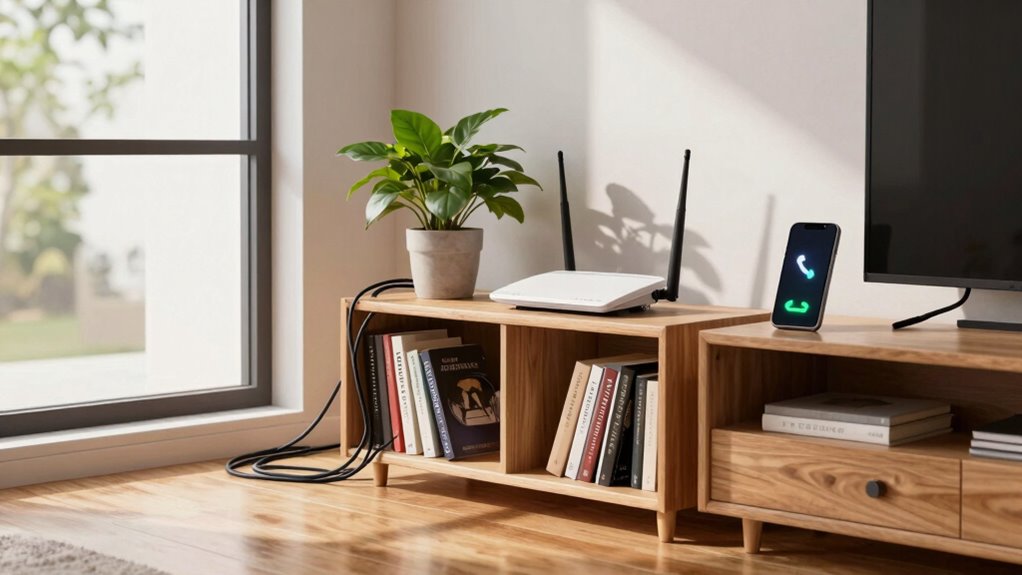
Your goal should be to place your router in a central location, elevated off the ground, and away from potential sources of interference. For example, avoid putting it behind thick walls or near metal objects, as these can block or reflect signals, creating further dead zones. When your router is in a poor spot, your devices struggle to receive a strong, consistent signal, which can cause call quality issues, dropped calls, or even long loading times during video calls. In some cases, the Wi-Fi interference from nearby electronics worsens the problem, making your internet feel slower than it actually is. Proper router placement can significantly reduce these issues and improve overall connectivity. Additionally, understanding the best placement for your router can help you avoid common pitfalls that lead to poor signal coverage. Moving your router to a more open and central location can also help maximize signal distribution across your space, reducing dead zones and interference.
You might not realize it, but simple adjustments to your router’s placement can notably improve your connection quality. Moving it to a more open, central location reduces the chance of Wi-Fi interference and helps eliminate signal dead zones. Additionally, proper positioning ensures that your devices get the best possible signal strength, which is crucial for stable calls and streaming. This can be especially important if you have multiple devices competing for bandwidth, as proper placement can help balance the load more effectively. By optimizing your router’s location, your devices will get a stronger, more reliable signal, and you’ll experience fewer weird call problems or interruptions. Remember, the placement of your router isn’t just a minor detail; it’s the foundation for a smooth, stable internet experience. When you optimize where you put your router, you’re taking a big step toward better Wi-Fi performance and more consistent calls.
As an affiliate, we earn on qualifying purchases.
Frequently Asked Questions
Can Router Placement Affect Device Battery Life?
Yes, router placement can affect your device’s battery life. Poor placement near interference sources like thick walls or electronic devices forces your device to work harder to maintain a stable connection, draining the battery faster. Additionally, considering placement aesthetics might lead you to position your router in less suitable spots, which can weaken signals. Proper placement guarantees a stronger, more efficient connection, helping conserve your device’s battery life.
Does Router Position Influence Internet Speed for Streaming?
Think of your router as the heart of your streaming universe. Its position directly influences internet speed by affecting wireless interference and signal attenuation. When placed too far from your device or near metal objects, the signal weakens, slowing down your streams. To optimize speed, position your router centrally, away from thick walls and electronic clutter, ensuring a strong, clear signal that keeps your streaming smooth and uninterrupted.
How Often Should I Move My Router for Optimal Coverage?
You should move your router every few months or whenever you notice Wi-Fi interference or signal dead zones. Regular adjustments help maintain best coverage, especially as your environment changes or new devices connect. Position it centrally and elevated to reduce interference, but don’t leave it in the same spot for too long. Periodic repositioning ensures strong, consistent signals across your space, minimizing disruptions and dead zones.
Can Router Placement Impact Network Security?
Think of your network as a treasure chest—poor placement can leave it vulnerable. Yes, router placement impacts security; it influences how easily someone can access your network. Proper positioning enhances physical security, making it harder for intruders to tamper with your device. Additionally, make sure you use strong wireless encryption to keep unauthorized users out. Keep your router out of sight and reach, safeguarding your digital treasures from prying eyes.
Does the Router’s Height Matter for Signal Strength?
Yes, router height matters for signal strength. Placing your router higher reduces signal interference from furniture, appliances, and walls, which can weaken the connection. When your router is at a higher point, the signal spreads more evenly throughout your space, improving coverage and speed. Avoid placing it on the floor, and keep it away from metal objects or electronic devices that could cause interference, ensuring a stronger, more reliable connection.
As an affiliate, we earn on qualifying purchases.
Conclusion
Remember, the way you place your router is like planting a seed—start in the right spot, and good signals will grow effortlessly. Avoid hiding it in corners or behind thick walls, because this mistake can turn your smooth connection into a tangled web of call problems. Think of your router as the heart of your home’s network; keep it open and accessible, and you’ll keep those weird call issues at bay, letting your digital life flow seamlessly like a well-conducted symphony.
As an affiliate, we earn on qualifying purchases.
As an affiliate, we earn on qualifying purchases.
Fall yard work Picks
leaf blowers
As an affiliate, we earn on qualifying purchases.