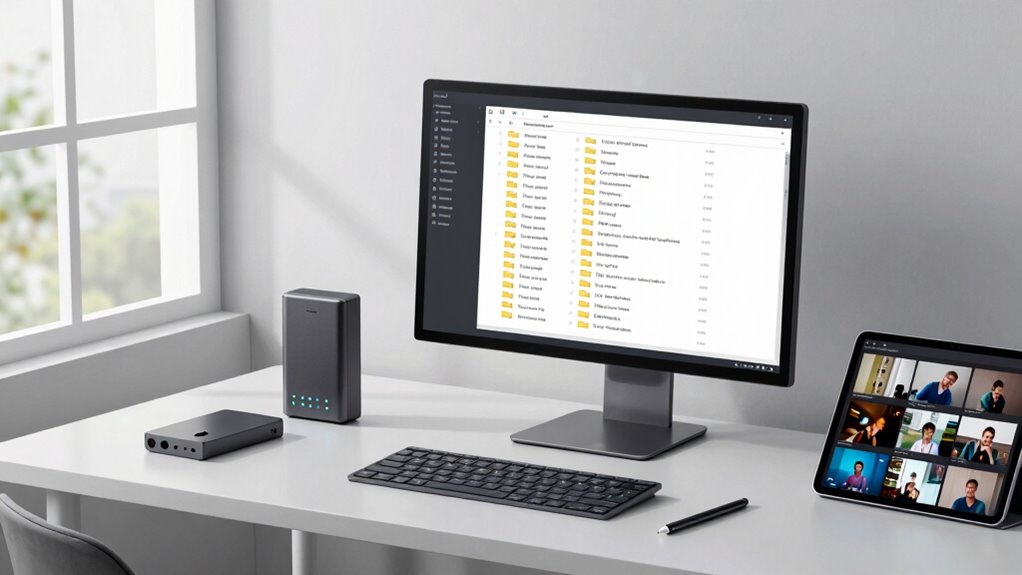

A professional creator file system helps you stay organized so you never lose footage again. Use clear folder hierarchies that reflect your workflow, and adopt consistent naming conventions with dates, scenes, and versions. Tag your clips with metadata for quick searches and keep raw and edited files separate. Regularly back up your footage to cloud and physical drives to prevent data loss. Keep everything simple and scalable, and discover how to optimize your system further as you continue exploring.
Key Takeaways
- Implement a clear folder hierarchy reflecting workflow stages, such as raw footage, edits, and exports.
- Use consistent naming conventions with descriptive details like date, scene, and version for easy identification.
- Apply metadata and tags to footage for quick filtering and efficient retrieval during editing.
- Regularly back up files to cloud storage and external drives to prevent data loss.
- Utilize specialized management tools to organize, tag, and track footage, ensuring seamless project continuity.
Why Keeping Your Footage Organized Saves You Time

When your footage is organized from the start, you save yourself countless hours searching through files later. Implementing effective storage strategies guarantees everything has a designated place, making retrieval quick and effortless. Consistent file naming is essential—use clear, descriptive labels that include dates, scenes, or shot types. This approach also facilitates content formats that adapt to changing project needs. Proper organization prevents frustration during editing, reduces the risk of losing valuable clips, and keeps your workflow smooth. When you develop a system early on, you avoid clutter and confusion, allowing you to focus on creating instead of hunting for files. Additionally, passive voice detection tools can help ensure your writing remains clear and direct, enhancing communication and efficiency. Developing a digital asset management system early helps you maintain control over your files and simplifies collaboration. Ultimately, good organization saves time, boosts productivity, and helps you stay on top of your project from start to finish.
The Essential Elements of an Effective Video File System
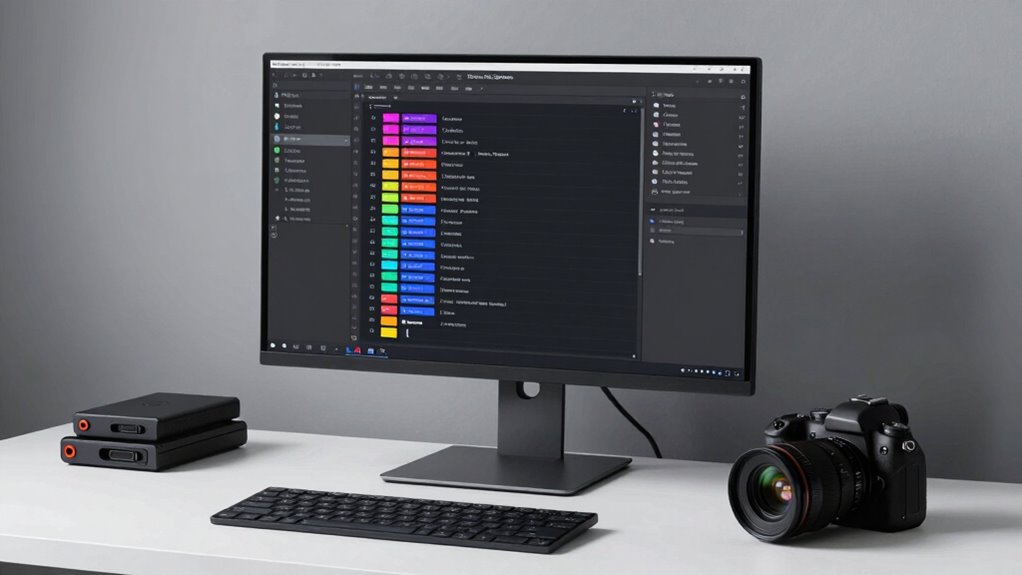
To keep your video files organized, you need clear naming conventions and a consistent folder structure. These elements help you find what you need quickly and prevent confusion. By setting these standards, your workflow becomes more efficient and less frustrating. Additionally, incorporating organized golf history can provide context for your footage, making retrieval even more intuitive.
Clear Naming Conventions
Have you ever struggled to find a specific video file amid a cluttered folder? Clear naming conventions are essential for organizing your digital assets effectively. By establishing a consistent file taxonomy, you make it easy to identify files at a glance. Use descriptive keywords that include project name, date, version, and shot details. Keep your naming style uniform—avoid spaces, use underscores or hyphens, and stick to a logical order. This consistent naming style ensures that your files are sortable and searchable across your system. Clear names reduce confusion and save time when locating footage, especially in large projects. When everyone follows the same system, your digital asset management becomes seamless, making your workflow more efficient and less stressful. Incorporating standardized naming conventions can also improve collaboration among team members and streamline your editing process. Additionally, adopting a standardized file structure helps maintain organization as your project grows or as multiple projects are handled simultaneously.
Consistent Folder Structure
A consistent folder structure is the backbone of an organized video file system, ensuring that your assets are easy to locate and manage. You should develop a clear folder hierarchy that reflects your workflow, such as separate folders for raw footage, edits, audio, and final exports. Maintaining consistent naming standards within each folder helps you quickly identify files without opening them. Use descriptive labels and dates to keep everything sorted logically. Avoid clutter by sticking to a predefined structure, and update it as your projects grow. A well-organized folder hierarchy minimizes confusion, saves time, and reduces the risk of losing important files. When your folder system is predictable and standardized, managing large projects becomes far more efficient and stress-free.
How to Set Up a Folder Structure That Works for Your Projects
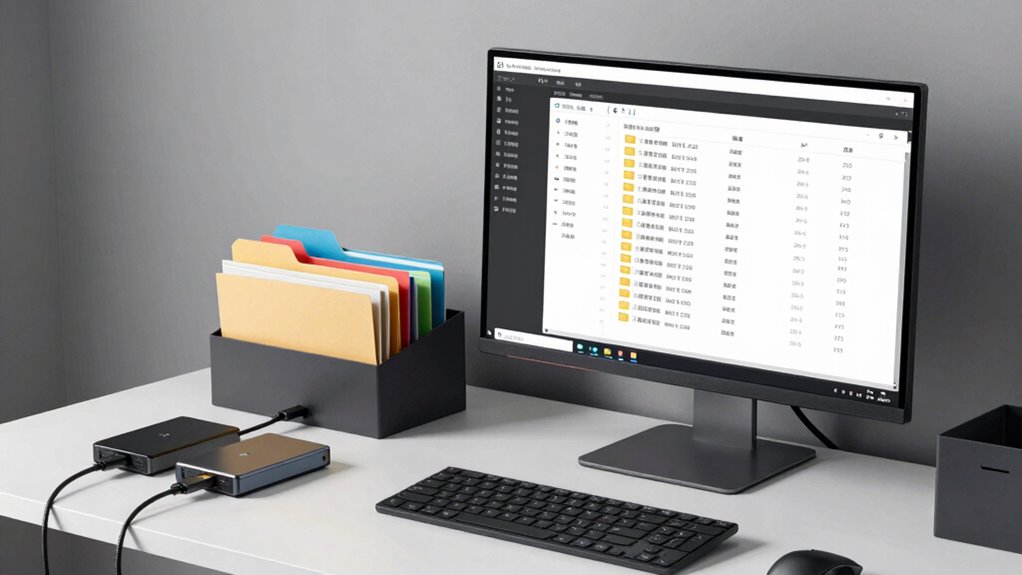
Creating an effective folder structure is essential for managing your projects efficiently. Start by designing a clear folder hierarchy that reflects your workflow, dividing footage, edits, and deliverables into main categories. Use broad folders like “Raw Footage,” “Projects,” and “Exports,” then break them down into subfolders for specific scenes, dates, or camera angles. Consistent organization prevents clutter and makes locating files quick. Choose suitable storage solutions that support your folder hierarchy—whether external drives, cloud storage, or local servers—so your files stay safe and accessible. Keep your structure simple but scalable, so it adapts as your projects grow. Regularly review and refine your setup to ensure it aligns with your evolving needs, saving you time and frustration down the line.
Naming Conventions That Make Finding Clips a Breeze
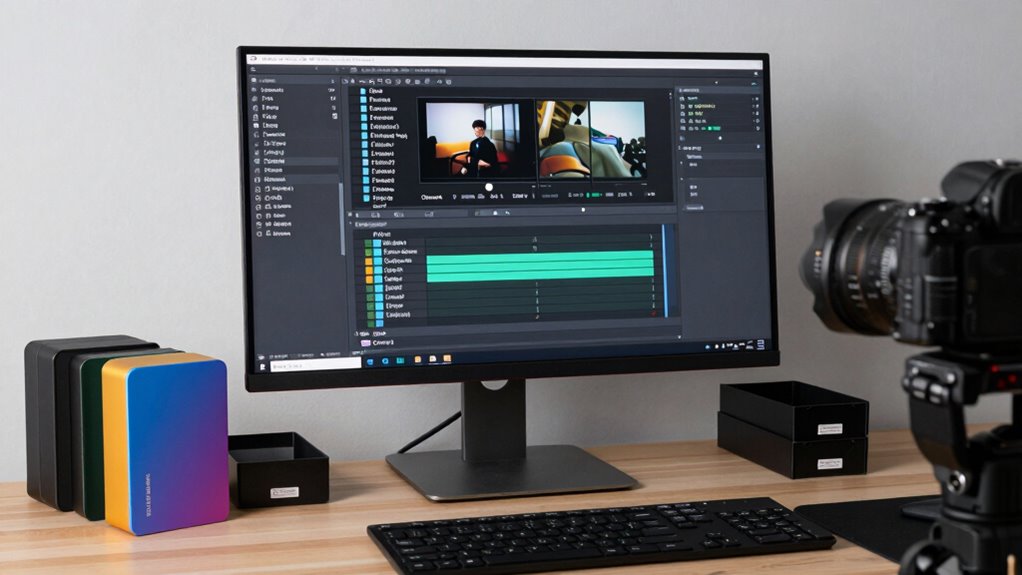
Using consistent naming patterns helps you locate clips quickly and reduces confusion. Clear, descriptive tags add context and make searching even easier. When you combine these two strategies, managing your files becomes much more efficient.
Consistent Naming Patterns
Ever wonder how to quickly locate the right clip among dozens or even hundreds? Consistent naming patterns are your secret weapon. Use clear, standardized naming conventions that include essential details like shoot date, scene, take, and subject. Incorporate color coding to visually distinguish different types of footage, such as interviews or B-roll, making sorting effortless. Implement version control in your file names to track edits and updates without confusion. For example, “2024-04-27_Interview_John_V1” and “2024-04-27_Interview_John_V2” clearly show progression. Sticking to a predictable pattern saves time and prevents misfiling. When your naming system is consistent, you’ll find clips faster, keep your workflow smooth, and reduce frustration during editing.
Clear Descriptive Tags
Adding clear, descriptive tags to your file names further streamlines the search process by providing immediate context. Use color coded tags to visually categorize clips—such as red for interviews or blue for B-roll—so you can quickly identify their type at a glance. Incorporate keyword labels that specify essential details like location, subject, or date, making searches more efficient. For example, a clip named “Interview_John_Downtown_April2024” with relevant tags lets you locate footage instantly. Consistent, meaningful tags prevent confusion and save time when sifting through large libraries. By combining color coded tags with precise keyword labels, you create a tagging system that’s intuitive and easy to navigate, ensuring you never waste time hunting for the right shot.
Managing Raw Footage and Edited Files Without Chaos
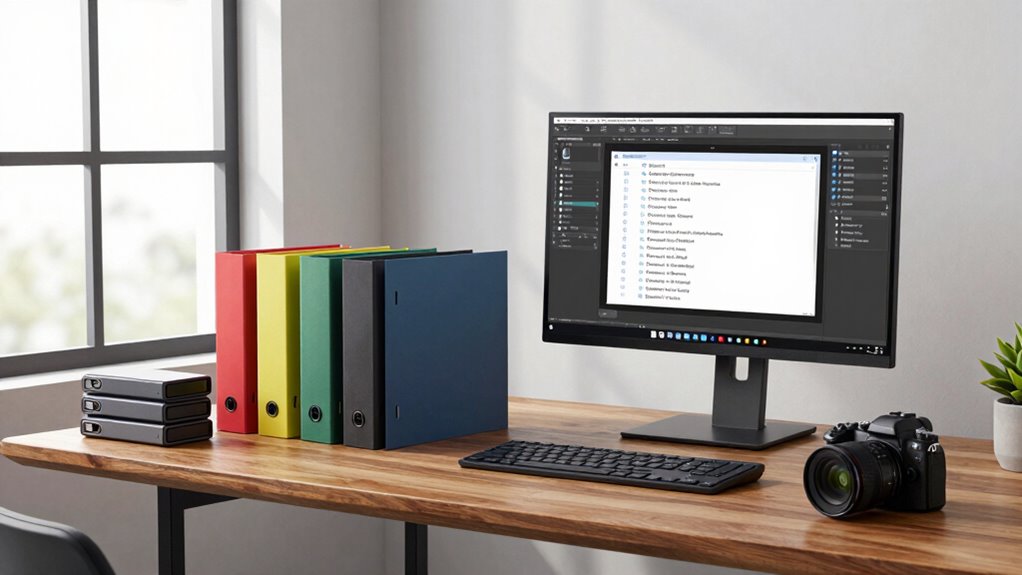
Keeping raw footage and edited files organized can feel overwhelming, especially when you’re juggling multiple projects. To prevent chaos, develop effective archival strategies that categorize files by project, date, or scene, making them easier to locate later. Use consistent naming conventions and folder structures to keep everything clear. When transferring files between devices or collaborators, employ reliable file transfer techniques like checksum verification to guarantee data integrity. Regularly back up your footage and edits to secure locations, such as external drives or cloud storage, to avoid loss. Implementing a systematic approach minimizes clutter and saves time during editing. Staying disciplined with your organizational methods ensures you can smoothly access your files, whether revisiting raw footage or final edits, without feeling overwhelmed. Additionally, adopting file management best practices can further streamline your workflow and prevent future disorganization.
Using Metadata and Tags to Find Clips Fast

Using metadata and tags can dramatically speed up your workflow by allowing you to quickly locate specific clips. When working on color grading or sound design, precise clips are essential. Tag scenes with keywords like “night,” “interview,” or “drone shot” to filter your footage efficiently. Metadata such as camera type, date, or scene location helps you narrow down searches even further. Applying consistent tags ensures you don’t waste time hunting for that perfect clip later. For example, if you need a shot for color grading, you can instantly find all clips marked “low light” or “high contrast.” Similarly, sound design elements like “ambient noise” or “dialogue” become easily accessible. This systematic approach keeps your project organized and boosts your ability to find clips quickly when deadlines are tight.
Tools and Software to Keep Your Files in Order
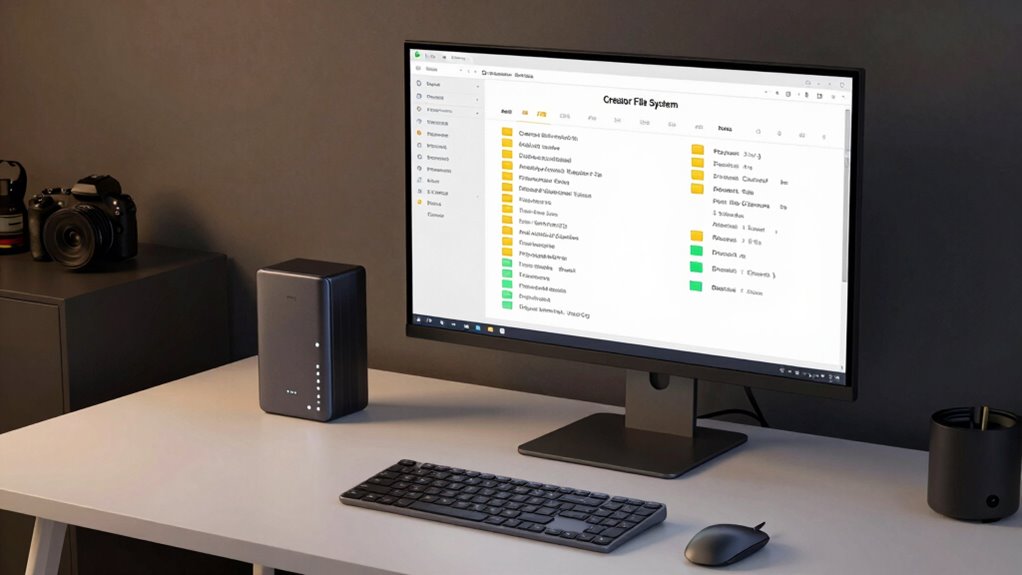
Organizing your files effectively requires the right tools to complement your metadata and tagging system. Cloud storage solutions like Dropbox, Google Drive, or OneDrive allow you to access files from anywhere while keeping everything synchronized. These platforms often include automatic version control, so you can easily revert to previous edits or recover lost work. Dedicated file management software, such as Adobe Bridge or ACDSee, offers robust tagging and organization features, making it easier to categorize and locate footage. Combining cloud storage with these tools guarantees your files stay safe, organized, and accessible. With version control integrated, you reduce the risk of overwriting important work, maintaining a clear history of your edits. This setup streamlines your workflow and keeps your footage in order.
Backing Up and Archiving Your Footage to Avoid Loss
To prevent the devastating loss of your footage, it’s essential to implement reliable backup and archiving strategies. Start by regularly copying your files to cloud storage, which offers remote access and protection against hardware failure. Cloud solutions like Google Drive, Dropbox, or dedicated backup services keep your footage safe and accessible from anywhere. Additionally, create offline backups by copying your footage onto external drives or RAID systems. Store these backups in a secure, separate location to guard against theft, fire, or other disasters. Automate your backup process whenever possible to minimize the chance of forgetting. Combining cloud storage with offline backups ensures your footage remains protected, organized, and recoverable, giving you peace of mind and safeguarding your creative work against unforeseen events. Furthermore, understanding the importance of contrast ratio in projectors can help you choose equipment that enhances your viewing experience and preserves the quality of your footage during playback. Proper file management practices also play a crucial role in maintaining organized archives and streamlining your workflow. Incorporating version control can further prevent accidental overwrites and facilitate easier retrieval of previous edits.
Frequently Asked Questions
How Often Should I Review and Update My File Organization System?
You should review your file organization system at least once every three to six months. This review schedule helps you identify any clutter or inefficiencies. Keep your system flexible so you can adapt to new projects or workflows easily. Regular updates prevent chaos and make sure your footage stays accessible. By staying proactive, you avoid losing important files and keep your workflow smooth and organized over time.
What Are Common Mistakes to Avoid When Organizing Footage?
Think of your footage as a garden; avoid letting weeds grow by misnaming folders or neglecting backup strategies. Common mistakes include inconsistent folder naming, which clouds your navigation, and skipping regular backups, risking loss. Keep your system tidy and reliable by establishing clear conventions and automating backups. This way, you’ll nurture your footage, not lose your harvest, ensuring every shot remains accessible when inspiration strikes.
Can My Organization System Adapt to Different Project Types?
Yes, your organization system can adapt to different project types if you prioritize file structure consistency and create an adaptable workflow. By establishing clear folder hierarchies and naming conventions, you guarantee easy navigation across various projects. Flexibility allows you to modify your system as needed, accommodating unique project requirements while maintaining organization. This approach keeps your workflow efficient and prevents footage from getting lost, regardless of the project size or scope.
How Do I Handle Version Control Within My File System?
You manage version control by using clear file naming conventions that track progress and revisions, avoiding confusion. While it’s tempting to skip, consistent backups guarantee your work’s safety amid chaos. Juxtapose the chaos of lost footage with the calm of a well-organized system. Regularly update your backups and label versions meticulously, so you always know which is the latest, preventing costly mistakes and giving you peace of mind.
What Are the Best Practices for Sharing Organized Footage With Team Members?
To share organized footage effectively, leverage cloud collaboration tools that allow seamless access permissions management. You should set clear permissions for team members, ensuring they can view or edit files as needed while maintaining security. Regularly update the shared folder structure, keep everyone informed of changes, and encourage feedback. This approach promotes efficient collaboration, reduces confusion, and keeps your team aligned with the project’s organization standards.
Conclusion
By organizing your footage with a clear file system, you save time and reduce stress on every project. When everything has its place, finding that perfect clip becomes effortless — no more endless searching or risking lost footage. Isn’t it worth investing a little time now to streamline your workflow and focus on creating? With the right system, you’ll feel confident your footage is safe, accessible, and ready when you need it most.