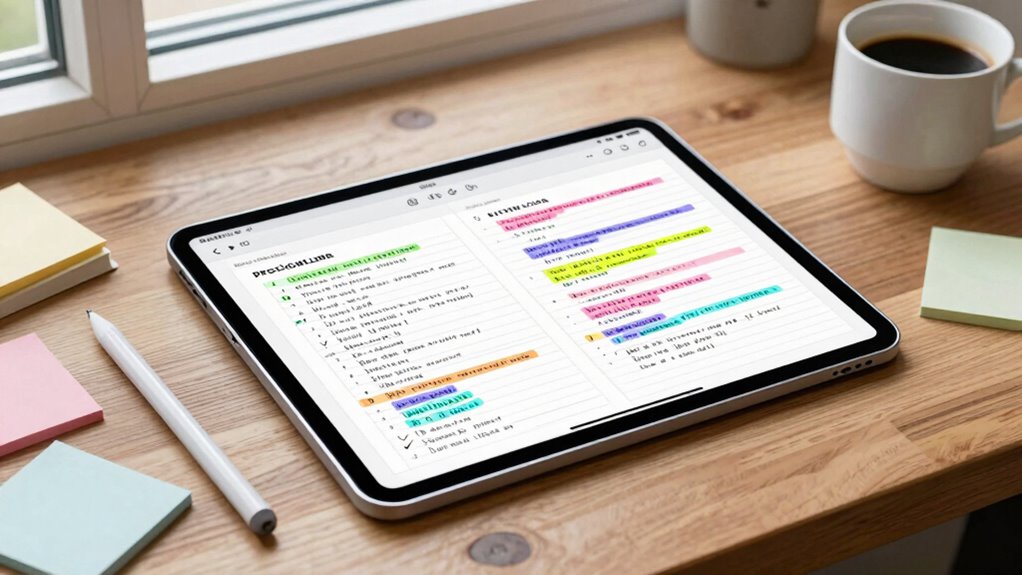

To make tablet note-taking stick and save hours, use a consistent, well-designed template that matches your needs. It helps you stay organized, reduces setup time, and builds muscle memory for faster note entry. Incorporate visual elements, clear hierarchies, and color coding to boost comprehension and retention. Regularly customize and maintain your template to fit evolving needs. Keep troubleshooting simple, and watch how your workflow becomes smoother—continue for expert tips that turn this into a long-term system.
Key Takeaways
- Use organized, consistent note templates to streamline handwriting and reduce setup time during each session.
- Match templates to your note-taking style and purpose for quicker, more effective capturing of ideas.
- Customize templates with key sections, color-coding, and visual elements to enhance clarity and review speed.
- Save and organize templates systematically to avoid wasting hours searching or formatting notes later.
- Regularly update and troubleshoot templates to maintain smooth workflow and maximize long-term time savings.
Why Using a Consistent Note Template Transforms Your Tablet Workflow
Using a consistent note template can substantially improve your efficiency when working on a tablet. It streamlines your digital handwriting process, allowing you to focus more on capturing ideas instead of adjusting layouts. When your template remains the same, your stylus ergonomics become optimized, reducing strain and fatigue during long note sessions. Consistency helps you develop muscle memory, making note-taking faster and more accurate. Plus, it minimizes distractions caused by searching for different formats or layouts, so you can stay in the flow. Over time, this habit boosts productivity and ensures your notes are organized and easy to review. By establishing a reliable template, you create a smooth, effortless workflow that transforms your tablet into a powerful tool for learning and creativity. Additionally, maintaining a standard format can help you more effectively utilize digital tools like search functions and annotations, further enhancing your overall note-taking experience.
How to Choose the Best Note Template for Your Needs
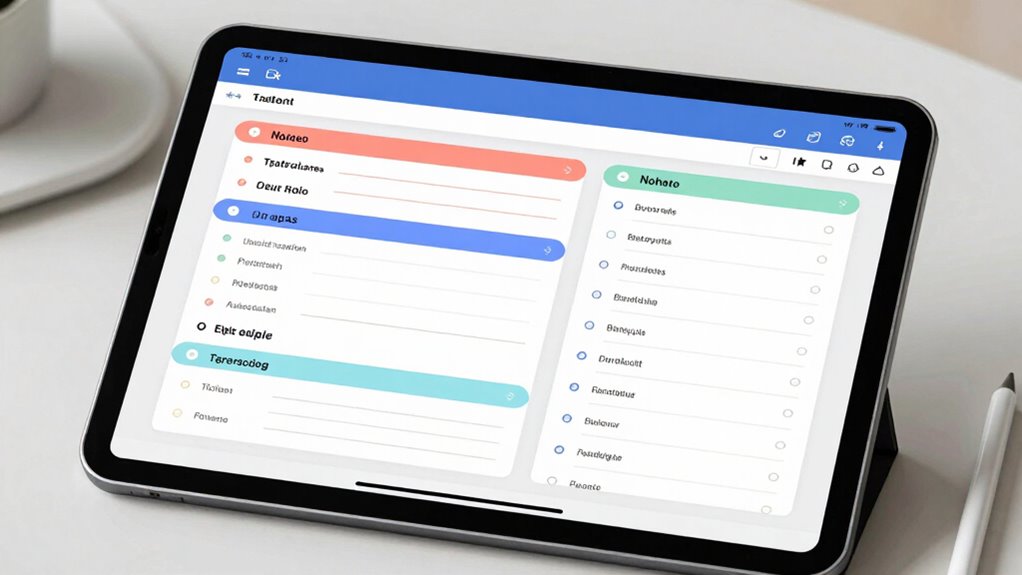
To pick the right note template, start by evaluating what you need to capture most often. Then, find a template that matches your style—whether you prefer structured outlines or free-form notes. Choosing the right fit helps your notes stick and keeps your workflow smooth. Incorporating natural light and wellness touches into your workspace can also improve your focus and productivity.
Assess Your Note Needs
Before choosing a note template, it’s important to clearly identify what you need from your notes. Consider your note taking habits—do you prefer quick jotting, detailed digital annotation, or structured outlines? Think about how you’ll use your notes later—are they for studying, projects, or meetings? If you often review material, opt for templates that support highlighting and organization. If you need to capture complex diagrams, look for templates with sections for sketches. Evaluating these needs helps you select a template that aligns with your workflow, saving you time and effort. By understanding your habits and how you plan to use your notes, you ensure your chosen template enhances your productivity and keeps your notes effective and easy to navigate.
Match Templates To Style
Choosing the right note template depends on matching its format and features to your personal style and specific needs. To guarantee this, focus on style matching and maintaining template consistency. Consider these factors:
- Purpose of notes: Are you capturing ideas quickly or organizing detailed information? Select templates that suit your workflow.
- Design and layout: Match the template’s style to your preferred note-taking method—whether minimalist, visual, or structured.
- Flexibility vs. structure: Decide if you need a versatile template for various tasks or a consistent format to streamline your process.
Easy Steps to Set Up Your Note-Taking Template
Setting up your note-taking template is simple when you start by choosing a style that fits your needs. Next, customize it with key sections to keep your notes organized and easy to review. Incorporating air fryer accessories can enhance your cooking experience and help you stay organized. When planning your space, consider home decor tips like rug sizing and furniture placement to create a cohesive environment. Implementing personal finance strategies can further streamline your organization process and ensure your notes support your goals. Additionally, understanding automotive performance parts such as flywheels and engine upgrades can inspire you to optimize your setup for better results. Using cookie management options allows you to tailor your browsing experience and ensure your note system remains clutter-free. Finally, save your template properly and organize your files so you can access them quickly whenever you need.
Choose Suitable Template Style
Selecting the right template style is essential for effective note-taking on your tablet. It helps you stay organized and makes digital handwriting more efficient. To choose the best style, consider these steps:
- Think about your note-taking needs—do you prefer lined, grid, or blank templates? Each supports different writing styles and layouts. Customizable templates can also adapt to your specific projects.
- Verify your template complements your stylus grip, allowing smooth digital handwriting without strain.
- Test different styles to see which feels most natural and supports your flow, especially if you switch between drafting and detailed notes. template customization can enhance your overall experience.
- Remember that media literacy can help you identify trustworthy sources and reliable content, enhancing your overall note quality.
Picking the right template style improves accuracy and comfort, making your tablet notes stick better and saving you hours in the long run.
Customize With Key Sections
Once you’ve picked a template style that feels comfortable, it’s time to tailor it by adding key sections that match your note-taking goals. Start by considering which sections will help you stay organized and focused. Use color schemes to highlight important topics or differentiate sections, making your notes visually appealing and easy to scan. Pay attention to font choices—select clear, readable fonts and vary sizes or styles for headings and details. This customization helps you quickly locate information and keeps your notes consistent. Keep your layout simple but functional, ensuring each section serves a purpose. Incorporating visual organization techniques can further enhance clarity and retention. With thoughtful key sections, your note-taking template becomes a powerful tool that saves time and boosts retention every time you write.
Save and Organize Files
To keep your notes organized and easily accessible, start by establishing a simple system for saving and naming your files. A clear digital file management system helps you find notes quickly and reduces clutter. Implementing work-life harmony principles in your digital organization can also reduce stress and improve productivity. Consider these steps:
- Use consistent naming conventions that include dates or keywords for easy searchability.
- Create folders for different subjects or projects to maintain filing system organization.
- Regularly back up your files to prevent data loss and keep everything current. Additionally, adopting AI-powered organization tools can streamline your workflow and enhance your note management efficiency, especially as the digital landscape becomes more smarter and connected.
- Incorporate digital organization best practices to optimize your workflow and adapt to evolving technological advancements. Incorporating project management strategies can also help in aligning your notes with broader goals and deadlines, ensuring a cohesive and efficient system.
Tips to Improve Memory and Keep Your Notes Organized
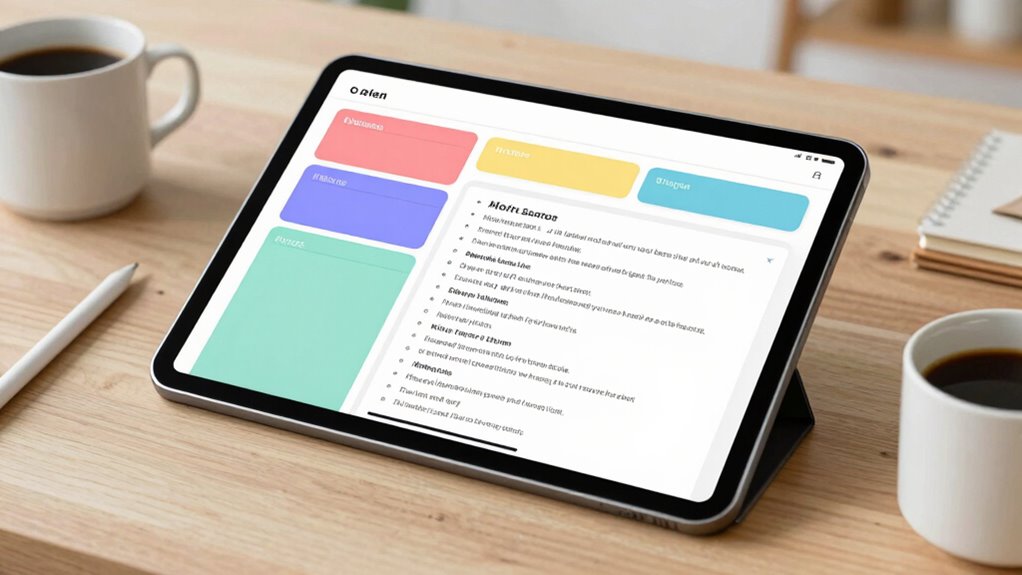
Improving your memory and keeping your notes organized can make a significant difference in how effectively you learn and recall information. Focus on strengthening memory retention by regularly reviewing your notes and using active recall techniques. To enhance note hierarchy, structure your notes with clear headings, subheadings, and bullet points so important concepts stand out. Use consistent symbols or colors to categorize information, making it easier to locate later. Summarize key ideas at the end of each section to reinforce understanding. Incorporate visual elements like diagrams or mind maps to create mental connections. Additionally, choosing the right note-taking tools can further streamline your organization and retention efforts. Applying visual learning techniques such as charts and diagrams can help reinforce memory and make notes more engaging. Being mindful of your note organization strategies can help optimize your study sessions and improve information recall. For instance, integrating support breakfast options into your routine can boost your energy and focus during study sessions. Incorporating techniques from styleGuru.org can also provide valuable insights into effective note-taking and organization. By prioritizing note hierarchy and actively engaging with your material, you’ll improve memory retention and keep your notes organized, saving time and boosting your overall learning efficiency.
Troubleshooting Common Challenges When Using Your Note Template
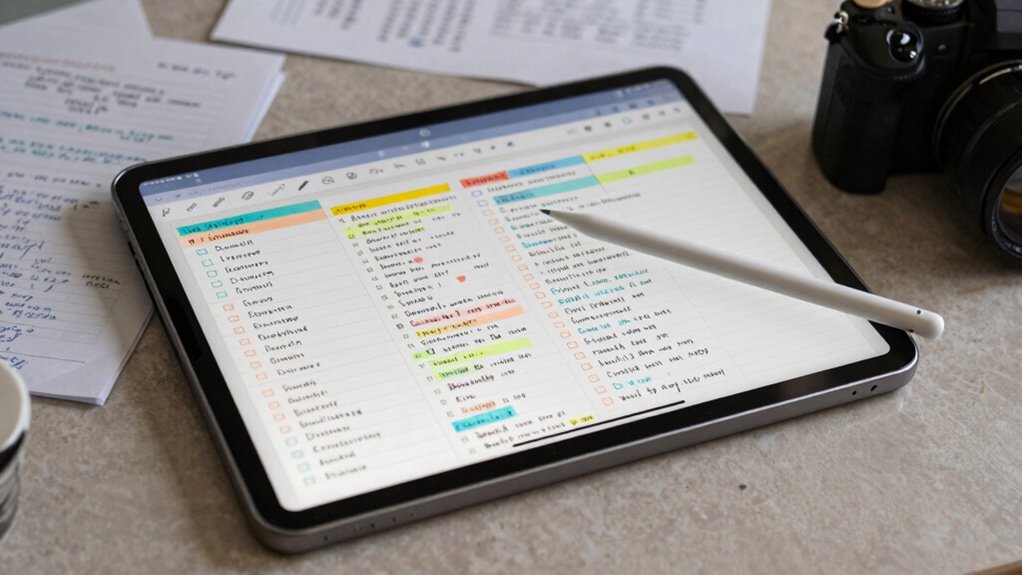
Even with a well-designed note template, you might encounter common challenges that hinder your note-taking efficiency. These include:
- Note template glitches that cause your layout to shift or freeze, disrupting your flow. Ensuring your app is compatible with your device’s operating system can prevent many of these issues. Additionally, checking for software updates can address known bugs that affect template performance.
- Formatting issues where text or images don’t align correctly, making notes look cluttered. Double-check your settings and maintain consistent styles to avoid this problem.
- Difficulties in adapting your template to different subjects or styles, reducing flexibility. If your template isn’t adaptable, consider creating multiple versions tailored to specific needs.
- Incorporating consistent storytelling techniques can help you organize information more clearly and maintain flow across various notes.
To troubleshoot, guarantee your app is updated and restart your device to fix glitches. For formatting issues, double-check your settings and maintain consistent styles. If your template isn’t adaptable, consider creating multiple versions tailored to specific needs. Addressing these challenges quickly keeps your note-taking smooth and effective.
Customize and Maintain Your Note System for Long-Term Success
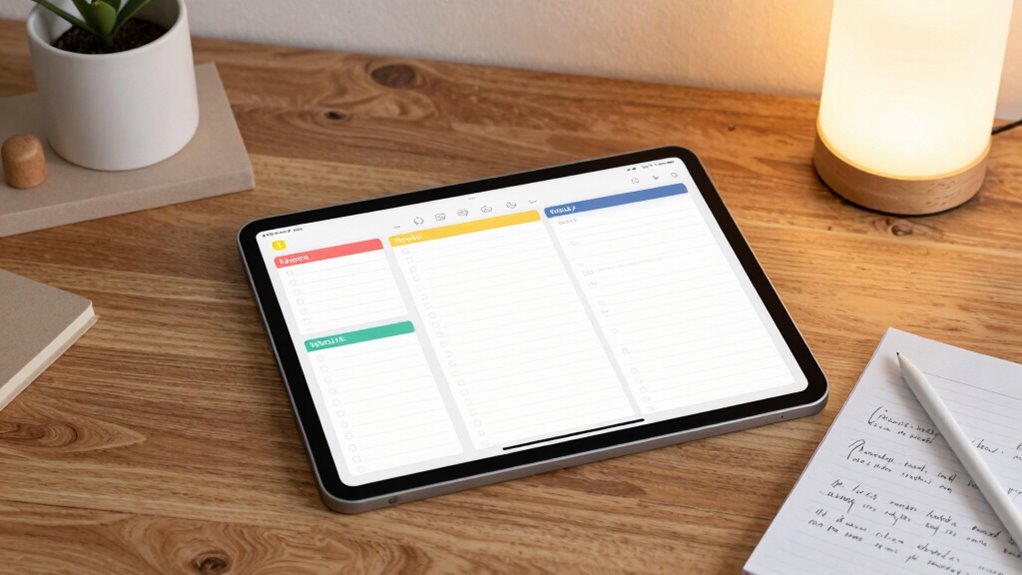
Once you’ve addressed common challenges with your note template, the next step is to customize and maintain your system for ongoing success. Focus on refining your digital handwriting to improve speed and clarity, ensuring notes remain easy to review. Use visual organization techniques like color-coding, headings, and diagrams to keep your notes structured and accessible. Regularly review and update your templates to adapt to new subjects or workflows, preventing stagnation. Backup your notes frequently to avoid data loss. By customizing your system to fit your needs and maintaining it with consistent updates, you’ll create a reliable, long-term note system that saves you time and keeps your information organized and easily retrievable.
Frequently Asked Questions
How Often Should I Update or Revise My Note Template?
You should revise your note template regularly to maintain its effectiveness. Aim for a revision frequency of every few months or whenever you notice it no longer suits your needs. Regular template maintenance helps you stay organized and efficient, ensuring it adapts to new information or changing priorities. Don’t wait too long—stale templates can hinder your note-taking, so update them proactively to keep your system fresh and useful.
Can I Customize Templates for Different Subjects or Projects?
Yes, you can definitely customize templates for different subjects or projects. Creating subject-specific templates helps you focus on key concepts, while project customization guarantees your notes stay organized and relevant. You just need to tailor each template to fit your unique needs, making note-taking more efficient. This way, you save time and improve retention across various subjects and projects, keeping everything streamlined and accessible.
What Apps or Tools Are Best for Creating Note Templates?
You should try apps like GoodNotes, Notability, or OneNote for creating note templates. They excel at digital organization, allowing you to customize templates for different subjects or projects easily. Plus, these tools make note sharing simple, so you can collaborate effortlessly. With their intuitive features, you’ll save hours and keep your notes well-organized, ensuring your study or work sessions are more productive and stress-free.
How Do I Ensure My Notes Are Secure and Backed Up?
Sure, because your notes are obviously more valuable than your secret recipe, right? To keep them secure, use apps that follow top encryption standards and sync with trusted cloud storage services. Enable two-factor authentication, and regularly update your passwords. That way, your notes stay private and backed up, whether you’re in a coffee shop or a hurricane. After all, a good backup is your best friend in digital life!
Are There Any Templates Specifically Designed for Visual or Creative Notes?
Yes, there are templates designed for visual sketches and creative layouts. You can find these templates tailored for capturing ideas visually, with space for doodles, diagrams, and colorful notes. They help you organize your creative thoughts clearly and efficiently. By using these templates, you make your notes more engaging and easier to review, ensuring your visual and creative ideas are well-structured and readily accessible whenever inspiration strikes.
Conclusion
Using a consistent note template on your tablet truly transforms your workflow, saving you hours and boosting your memory. When you choose and customize the right template, you create a system that sticks with you long-term. Think of it like building a mental shortcut—your brain appreciates the organized structure, making recall easier. Embrace the process, troubleshoot when needed, and enjoy the efficiency that a well-crafted template brings to your note-taking.