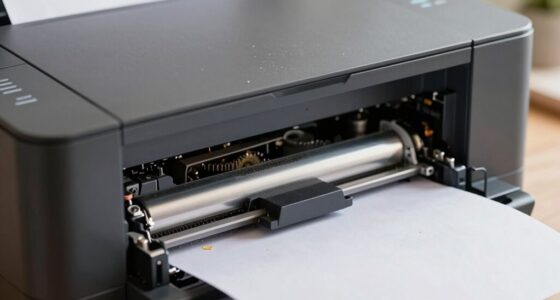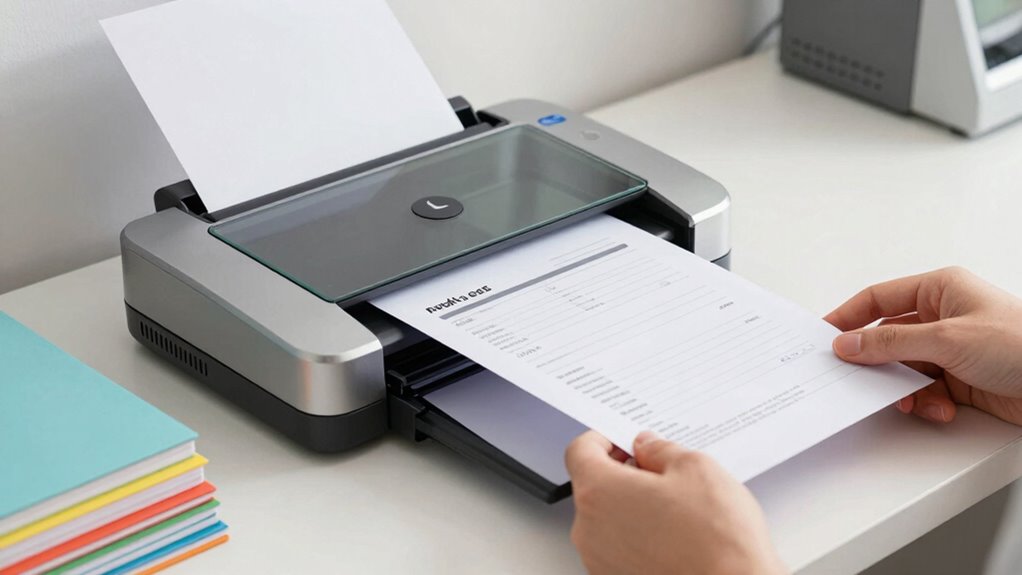

By adopting an automated scanner workflow, you can turn piles of paperwork into organized digital files quickly and with less effort. It automatically indexes and extracts data, reduces manual errors, and integrates with your existing tools for seamless management. You’ll spend less time searching for documents, and more time on important tasks. Embracing these smart features makes paperwork less miserable—stick around to discover how you can implement this efficient system.
Key Takeaways
- Automates document categorization and data extraction during scanning for quick, accurate organization.
- Integrates with productivity tools to streamline workflows and reduce manual data entry.
- Uses AI to improve indexing accuracy and adapt to different document types over time.
- Ensures secure digital storage with automatic backups, protecting against physical damage and loss.
- Significantly speeds up scanning large volumes, freeing resources for strategic tasks.
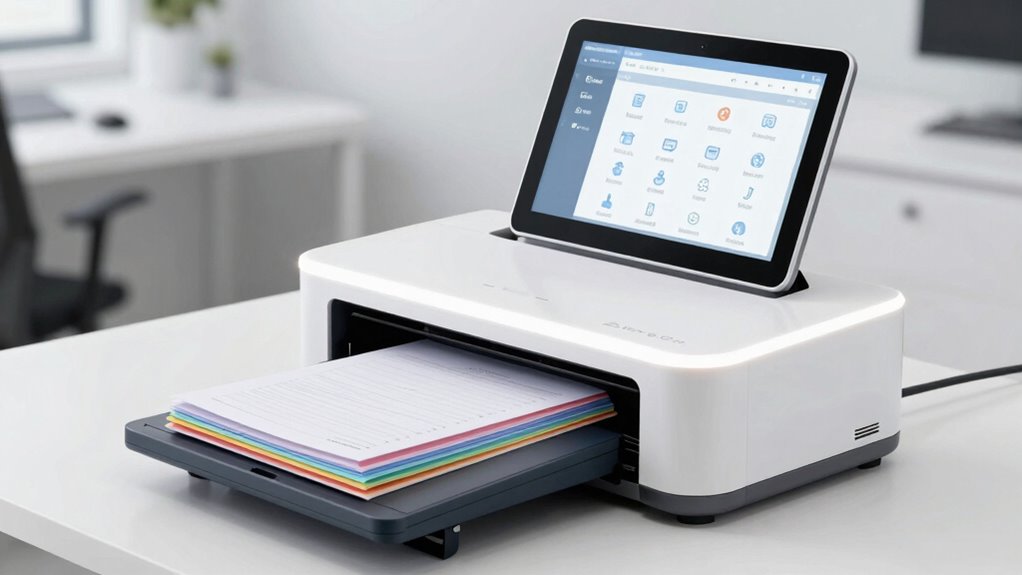
Managing paperwork can be a tedious task, but a new scanner workflow is making it easier and more efficient. Instead of spending hours sorting through piles of paper and manually entering data, you can now leverage digital archiving to store documents securely and access them instantly. This process transforms physical files into organized digital assets, reducing clutter and minimizing the risk of losing important information. With digital archiving, your files are preserved in a structured, easily searchable format, saving you time and effort when retrieving specific documents. The real game-changer is automated indexing, which streamlines how your documents are categorized and labeled during the scanning process. As you scan each page, the workflow automatically extracts relevant data—like dates, names, or keywords—and assigns appropriate tags or folders. This eliminates the need for manual entry, drastically reducing errors and speeding up the entire process. Automated indexing ensures that every document is correctly classified, making future searches quick and straightforward. Instead of rifling through folders or searching through multiple files, you simply type in a keyword or date, and the system pulls up the exact document you need. Additionally, integrating digital archiving with other productivity tools can further enhance your workflow by automating notifications or follow-up actions. Incorporating data recognition technology can also improve the accuracy and speed of document processing, making the workflow even more seamless. Leveraging artificial intelligence in these automation features can continually improve indexing accuracy over time. Implementing smart categorization techniques can further optimize how your documents are organized and retrieved. These advanced automation features leverage artificial intelligence to continually improve indexing accuracy over time. This scanner workflow doesn’t just save you time; it also enhances accuracy. Manual data entry often leads to mistakes, especially when you’re processing large volumes of paperwork. Automated indexing minimizes these errors by using intelligent algorithms that recognize and extract data consistently. Additionally, integrating this workflow with your existing digital archiving system means you can set rules for document storage, ensuring everything is organized according to your preferences. Whether you’re managing invoices, contracts, or receipts, the system adapts to your needs, making document management a seamless part of your routine. Another advantage is that this workflow supports scalability. As your document volume increases, the system keeps pace without requiring extra effort on your part. You can scan hundreds of pages in a fraction of the time it used to take manually, with the confidence that each document is properly indexed and stored. The automation frees you up to focus on more strategic tasks instead of getting bogged down by paperwork. Plus, with digital archiving, you gain peace of mind knowing your files are backed up and protected from physical damage, theft, or misfiling. In short, adopting a scanner workflow that features digital archiving and automated indexing transforms a once-miserable task into an efficient, accurate, and stress-free process. You get organized, save time, and ensure your documents are always accessible when you need them.
automatic document scanner with data extraction
As an affiliate, we earn on qualifying purchases.
As an affiliate, we earn on qualifying purchases.
Frequently Asked Questions
What Types of Documents Can the Scanner Workflow Handle?
You can scan a variety of document formats, including PDFs, JPEGs, TIFFs, and PNGs, thanks to the versatile scanner workflow. This system handles everything from invoices and receipts to contracts and handwritten notes. With workflow automation, you save time by automatically organizing, indexing, and routing these documents. It’s designed to process different file types efficiently, ensuring your paperwork is digitized accurately and seamlessly integrated into your digital systems.
How Secure Is the Digital Storage of Scanned Documents?
Think of digital storage like Fort Knox—your scanned documents are highly secure. You rely on digital encryption to protect sensitive data from unauthorized access and use cloud backup to guarantee your files are safe even if your device fails. These security measures work together, just like a strong vault and a backup plan, giving you peace of mind that your documents stay private and protected against cyber threats or accidents.
Can the Workflow Integrate With Existing Office Software?
Yes, the workflow can integrate seamlessly with your existing office software through cloud synchronization, making document sharing and editing straightforward. You’ll want to provide user training to guarantee everyone adapts quickly and uses the system effectively. This integration streamlines your processes, reduces manual effort, and keeps your team aligned, so you can focus on your work without worrying about compatibility issues or complex setups.
What Is the Typical Setup Time for New Users?
Think of onboarding as planting a seed—you’ll see growth quickly. For new users, setup time varies, but with streamlined user training and setup customization, most get up to speed within a few hours to a day. The process is designed to be simple, so you spend less time waiting and more time cultivating productivity. Your team becomes proficient faster, turning initial effort into long-term efficiency.
Are There Any Ongoing Maintenance Requirements?
Yes, ongoing maintenance is minimal but necessary for peak performance. You should regularly check paper quality to prevent jams and guarantee clear scans. User training is vital to keep everyone proficient with the scanner’s features and troubleshooting. Periodic cleaning and updates also help maintain smooth operation. By staying proactive with these tasks, you’ll keep the workflow efficient, reducing downtime and making paperwork much less of a hassle.
digital document archiving system
As an affiliate, we earn on qualifying purchases.
As an affiliate, we earn on qualifying purchases.
Conclusion
With this scanner workflow, you’ll breeze through paperwork faster than a racecar on a track, leaving chaos in the dust. Say goodbye to mountains of misfiled papers and hello to a sleek, streamlined process that makes sorting and storing feel like a walk in the park. You’ll wonder how you ever survived without it—your desk will thank you, your frustration will vanish, and productivity will skyrocket. Get ready to conquer paperwork like a superhero on a mission!
As an affiliate, we earn on qualifying purchases.
scanning workflow automation software
As an affiliate, we earn on qualifying purchases.
As an affiliate, we earn on qualifying purchases.