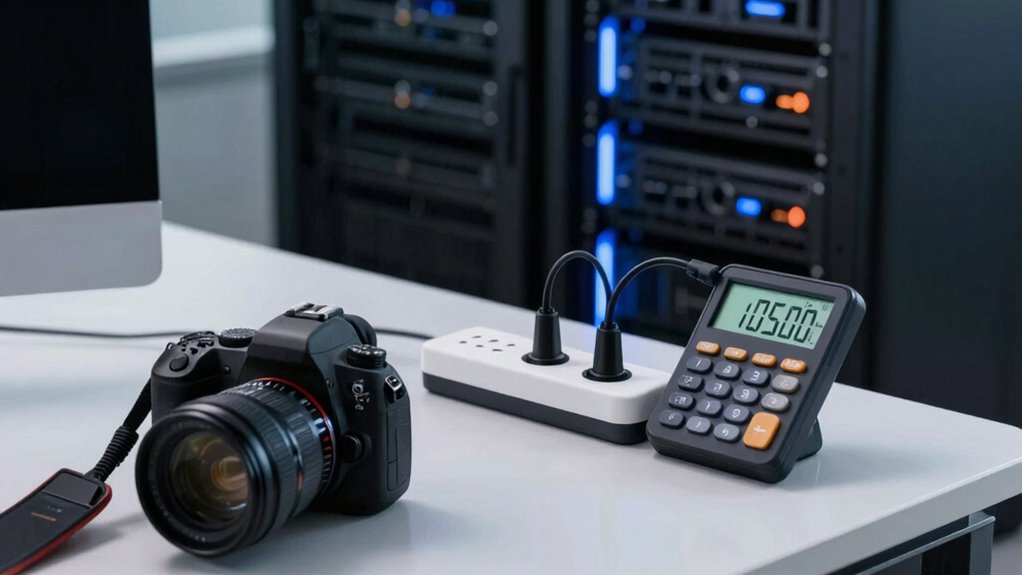

To size a UPS accurately without guessing, start by listing all your devices and noting their wattage and power factor. Calculate total power draw and add a buffer for startup surges and future expansion. Choose a UPS that exceeds your apparent power needs and has sufficient runtime. Prioritize models with higher power factor ratings for efficiency. By considering these steps, you’ll guarantee reliable backup; continue to explore for detailed guidance.
Open a free Amazon Business account
Business pricing, bulk buying and tax-exempt orders.
As an affiliate, we earn on qualifying purchases.
Key Takeaways
- Calculate total device wattage and convert to apparent power (VA), considering power factors for accuracy.
- Include future expansion and startup surges in capacity calculations to ensure sufficient UPS sizing.
- Use load calculation tools or software to accurately determine total power requirements.
- Select a UPS with capacity exceeding the total apparent power, including a safety margin.
- Match UPS runtime capabilities to critical equipment needs, factoring in battery capacity.
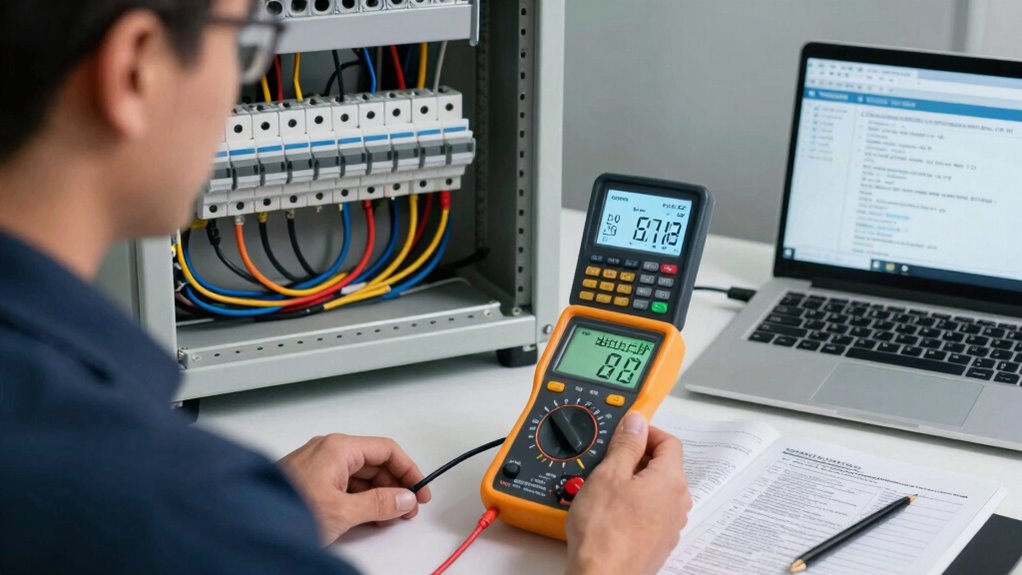
Sizing a UPS correctly is essential to guarantee your equipment stays protected during power outages without overspending on unnecessary capacity. To do this effectively, you need to understand your equipment’s power requirements and how they relate to the UPS’s specifications. One of the most important factors is the total wattage your devices draw, which you can find by adding up their power ratings. But beyond wattage, you should also consider the battery capacity of the UPS. Battery capacity determines how long your equipment can run during an outage, so choosing a UPS with adequate battery capacity ensures you have enough backup time for safe shutdowns or continued operation.
Another critical element is the power factor, which measures how efficiently your equipment uses electrical power. Many devices, especially those with motors or power supplies, have a power factor less than 1, meaning they draw more current than what their wattage rating indicates. When sizing a UPS, you need to account for this by multiplying the total wattage by the power factor to find the apparent power, measured in volt-amperes (VA). A UPS’s capacity is often rated in VA, so understanding and calculating the apparent power helps you select a model that can handle your equipment’s actual load without overloading or underperforming.
You should start by listing all the devices you want to protect and noting their wattage ratings. If some devices only specify apparent power, convert that to watts by considering their power factor. Once you have the total wattage, factor in the power factor to find the total apparent power. From there, choose a UPS with a capacity that exceeds this total, providing some buffer for startup surges and future expansion. It’s also wise to look for a UPS with a higher battery capacity than your minimum requirement, so you have more runtime during outages, especially for critical equipment. Additionally, understanding the power factor of your devices can help optimize the sizing process and improve efficiency. Incorporating the load calculation can further improve your accuracy in selecting the right UPS model.
Properly accounting for power factor correction can also help you maximize the efficiency of your UPS system, reducing unnecessary energy consumption. When selecting a UPS, considering its peak load handling capacity is vital to ensure it can manage sudden surges without tripping or damage. A UPS with a higher power factor rating can operate more efficiently, reducing energy waste and heat. By analyzing your equipment’s power factor and ensuring your UPS’s battery capacity matches your runtime needs, you avoid the guesswork that often leads to either insufficient protection or unnecessary expense. Proper sizing guarantees your equipment stays safe and functional when the power goes out, giving you peace of mind without breaking the bank.
As an affiliate, we earn on qualifying purchases.
Frequently Asked Questions
What Is the Difference Between VA and Wattage in UPS Sizing?
VA (volt-amps) measures apparent power, while wattage indicates real power used by your devices. When sizing a UPS, you need to take into account both for adequate battery capacity and to match your equipment’s power factor, which is the ratio of real power to apparent power. A UPS with a higher VA rating can handle more devices, but make sure the wattage matches your total power needs to avoid overloads.
How Do Future Power Needs Affect UPS Sizing?
Future power needs are vital for UPS sizing, as they influence battery capacity and guarantee power redundancy. Statistically, data centers plan for a 20-30% increase in load over five years. You should account for this growth by selecting a UPS with higher capacity, providing ample backup during peak demands. This proactive approach prevents unexpected outages, maintains system reliability, and allows your equipment to scale seamlessly with future requirements.
Can a UPS Be Upgraded Later if Requirements Increase?
Yes, you can upgrade a UPS later if your requirements increase. Many UPS systems allow you to add extra battery capacity or improve power redundancy, supporting higher loads or longer backup times. Before upgrading, check the compatibility of new batteries or modules with your existing system. Upgrading guarantees your power supply remains reliable during future growth, safeguarding your equipment even as your power needs expand.
What Are the Common Mistakes When Sizing a UPS?
Sizing a UPS is like fitting a glove—you want it snug but not tight. Common mistakes include ignoring the actual load, which affects battery life, and overlooking noise levels, making your space uncomfortable. You might also underestimate future expansion needs or pick a UPS with insufficient capacity. Always consider your equipment’s power requirements and environment to avoid these pitfalls, ensuring reliable backup and acceptable noise levels.
How Does Ambient Temperature Impact UPS Performance?
Ambient temperature markedly impacts your UPS performance by affecting battery efficiency and thermal management. Higher temperatures can cause batteries to degrade faster, reducing their lifespan and capacity. Conversely, cooler environments help maintain ideal battery efficiency, ensuring reliable power during outages. Proper thermal management, through ventilation or cooling systems, keeps temperatures within perfect ranges, safeguarding your UPS components and maximizing its overall performance and longevity.
high capacity uninterruptible power supply
As an affiliate, we earn on qualifying purchases.
As an affiliate, we earn on qualifying purchases.
Conclusion
By accurately sizing your UPS, you might find yourself in a cozy office, where your computer hums softly, and a small lamp glows steadily. It’s as if everything aligns perfectly, like a puzzle piece sliding into place. When you avoid guesswork and measure properly, you create a seamless backup system that feels almost destined. So, take the time to size your UPS correctly — your smooth, uninterrupted power experience is waiting just around the corner.
As an affiliate, we earn on qualifying purchases.
UPS with long runtime for critical equipment
As an affiliate, we earn on qualifying purchases.
As an affiliate, we earn on qualifying purchases.
Fall Picks
fall essentials
As an affiliate, we earn on qualifying purchases.