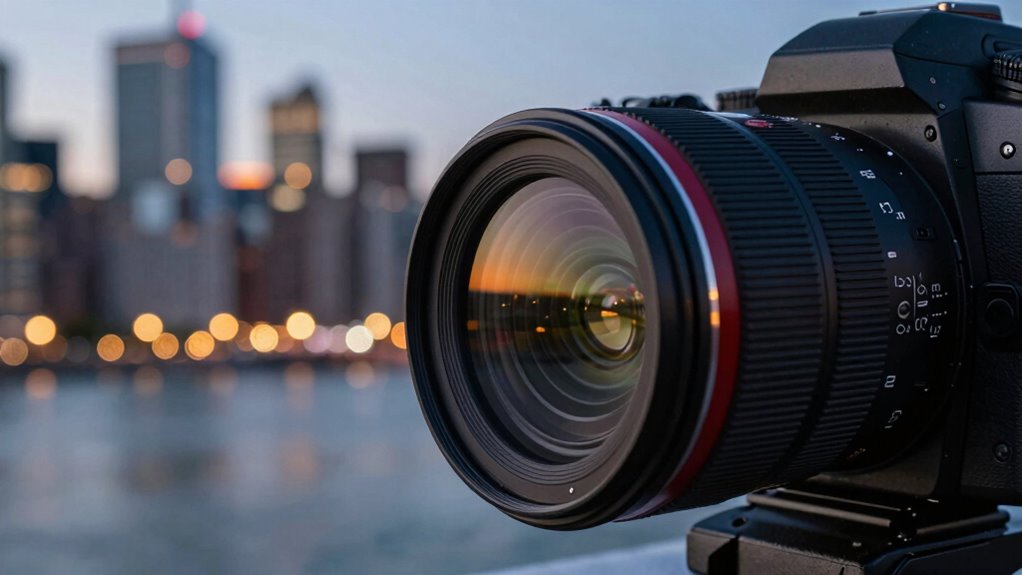
If your videos look soft, it’s likely due to focus issues you might be overlooking. You may be relying on autoFocus that’s hunting or missing the main subject, or using the wrong focus area setting. Manual focus or focus lock can help, but they require precision. Poor lighting and low contrast can also cause focus to slip. Keep in mind, understanding your focus settings and tools is key to sharp, professional-looking videos—there’s more to discover ahead.

Get the little things that make your day delivered free — and shop member deals
- Fast, free delivery on millions of items
- Access to Prime Big Deal Days deals on October 6–7
- Prime Video, Amazon Music and more included
Key Takeaways
- Incorrect focus mode, such as using autofocus in hunting mode, can cause softness due to focus hunting or misalignment.
- Using the wrong focus area setting may select background objects instead of your subject, leading to blurry footage.
- Manual focus inaccuracies or lack of focus verification tools can result in unsharp videos.
- Poor lighting conditions hinder autofocus performance, causing inconsistent or missed focus.
- Not using focus assist features like peaking or focus lock can make it difficult to achieve and maintain sharp focus.
As an affiliate, we earn on qualifying purchases.
How Focus Affects the Sharpness and Clarity of Your Videos
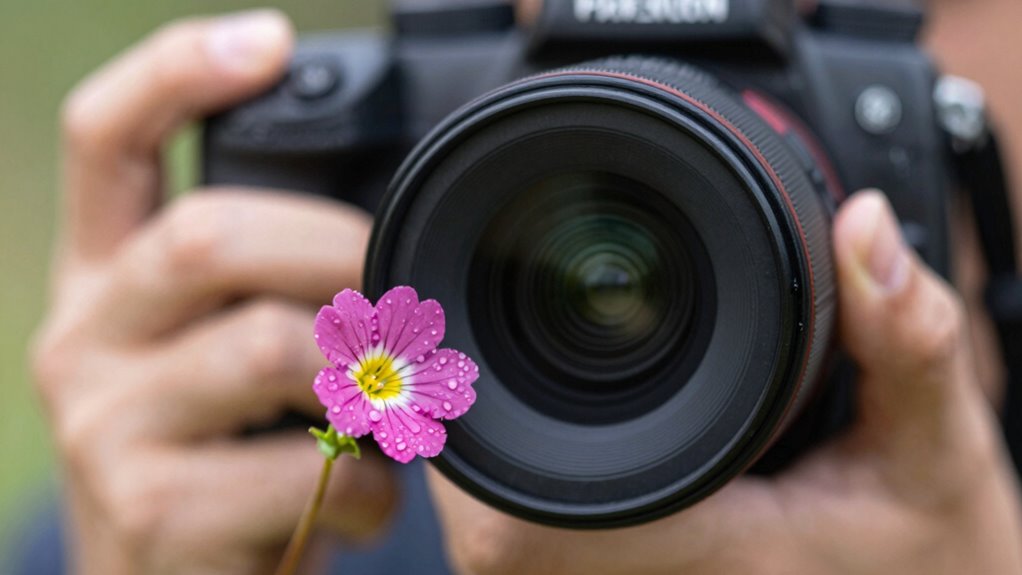
When your camera’s focus is sharp and precise, it directly enhances the overall clarity and detail of your videos. Proper focus controls the depth of field, determining how much of your scene appears sharp. A shallow depth of field isolates your subject, creating a pleasing bokeh effect in the background that draws viewers’ attention. Conversely, a deep depth of field keeps more of the scene in focus, which is ideal for landscapes or scenes requiring detail throughout. When focus isn’t accurate, your footage can appear soft, blurry, or distracting. Achieving crisp focus ensures your subject stands out sharply against a smoothly rendered background, elevating the visual quality and making your videos look professional. Mastering focus settings gives you control over the clarity and aesthetic appeal of every shot. Additionally, understanding how focus adjustments influence image sharpness can help you optimize your camera setup for any shooting scenario. Properly configuring your autofocus modes can also significantly improve focus accuracy, especially in dynamic scenes. Knowing how to manual focus allows for greater precision when automatic systems struggle. Furthermore, maintaining proper lens calibration ensures your focus remains accurate across different shooting conditions.
As an affiliate, we earn on qualifying purchases.
Common Camera Focus Settings That Cause Soft Footage
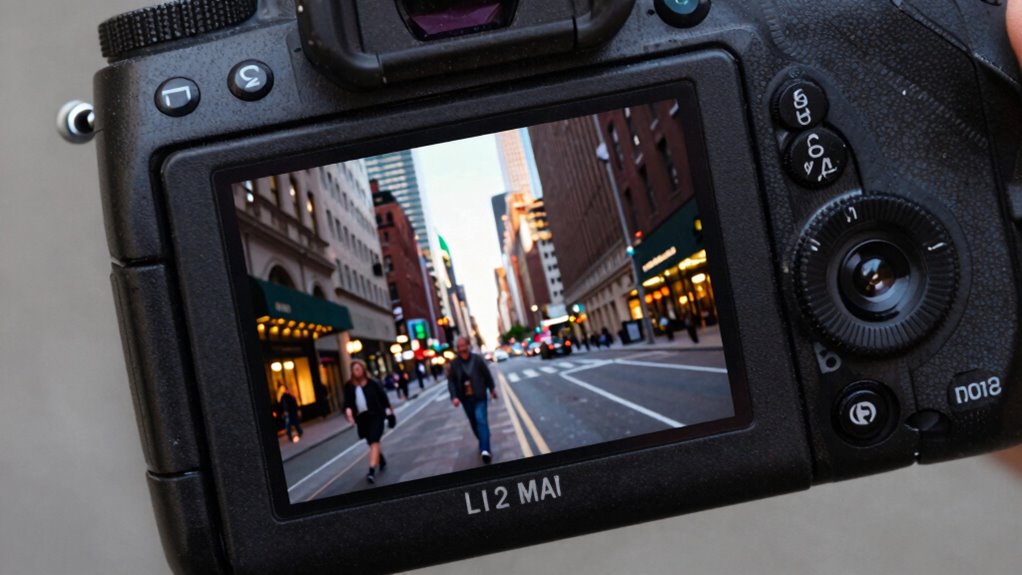
Choosing the wrong focus settings can easily lead to soft footage. Autofocus can hunt or miss, while manual focus requires precision to avoid blurriness. Understanding how focus area options and lock techniques work helps you achieve sharper, more consistent results. Additionally, selecting the appropriate focus mode for your shooting situation ensures better control and clarity in your videos. Considering camera sensor capabilities and limitations can also impact focus performance, especially in challenging lighting conditions. To optimize your focus, it’s also helpful to familiarize yourself with autofocus algorithms and how they adapt to different environments. Being aware of lens quality and its influence on focus accuracy can further enhance your footage’s sharpness. Recognizing the influence of regional camera technology can help you select equipment better suited to your filming environment.
Autofocus vs. Manual Focus
Autofocus and manual focus each have their advantages, but selecting the wrong setting can lead to soft, blurry footage. Autofocus offers quick, convenient focus adjustments, but if your lens isn’t properly calibrated, autofocus accuracy suffers, resulting in missed focus. Manual focus gives you precise control, especially in tricky lighting or complex scenes. To optimize your focus, consider these tips:
- Regularly check and perform lens calibration for better autofocus accuracy.
- Use autofocus when quick shifts are needed, like vlogging.
- Switch to manual focus for static shots requiring pinpoint precision.
- Test both settings to see which produces sharper results for your camera and lens setup.
Choosing the right focus mode and maintaining proper calibration guarantees clear, sharp videos without unnecessary softness.
Focus Area Settings
Incorrect focus area settings are a common cause of soft footage, especially when your camera’s focus points aren’t aligned with your subject. If you choose a wide or automatic focus area, your camera might pick a background or nearby object instead of your main subject, reducing sharpness. This affects the depth of field, making the focus less precise and your footage softer. Additionally, autofocus speed plays a role—if it’s set too slow, your camera may struggle to lock onto moving subjects, resulting in missed focus and blurry images. To improve sharpness, select a focus area mode that matches your scene, such as single-point focus for static subjects or zone focus for moving ones. Adjusting these settings guarantees your focus stays where you want it, creating crisper, more professional-looking videos.
Focus Lock Techniques
One common reason for soft footage is how focus lock settings are used during filming. Incorrect focus lock techniques can result in blurry images, especially when changing subjects or camera positions. Over-relying on auto focus lock can reduce control over depth of field, causing your background or foreground to appear softer than intended. To avoid this, consider these focus lock techniques:
- Use manual focus lock to maintain sharpness during movement.
- Lock focus at a specific distance to prevent shifts that soften the image.
- Avoid locking focus too early or too late, which can blur the subject.
- Be mindful of bokeh effects; improper focus lock can diminish the desired background blur.
- Understanding how focus lock techniques influence image sharpness can help you achieve more professional-looking videos.
Mastering focus lock ensures your videos maintain crisp details and desirable background bokeh effects.
As an affiliate, we earn on qualifying purchases.
How to Verify Your Camera Is Properly Focused
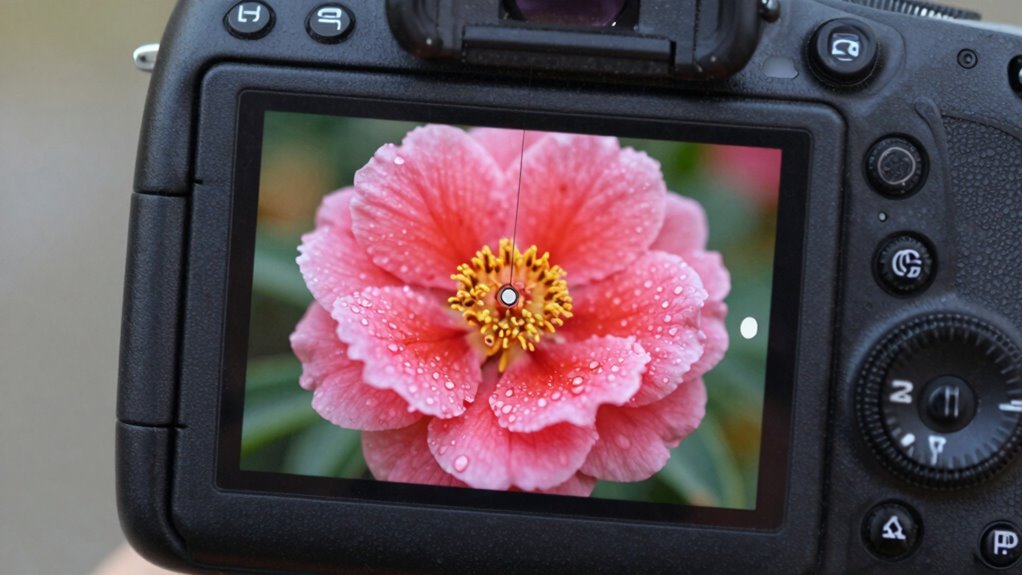
To guarantee your footage is sharp, you need to verify that your camera is properly focused. Start by checking your focus mode and switch to the appropriate setting for your scene. Use focus assist tools and test with nearby objects to confirm your focus is accurate before recording. Additionally, understanding how to adjust focus settings can make a significant difference in achieving clear, professional-looking videos. Recognizing and detecting passive voice in your setup instructions can further enhance the clarity of your communication. For example, reviewing gear and knife roundups can help you select the best equipment for your needs. Ensuring you’re using the correct focusing tools can streamline this process and improve your overall video quality. Being aware of camera focus techniques can also help troubleshoot common issues and refine your filming skills.
Check Focus Mode
Ever wondered how to confirm if your camera is properly focused? Checking your focus mode is essential for sharp videos. First, make certain your camera is set to the correct mode, like autofocus or manual, depending on your shot. Second, look for signs of good focus by examining the depth perception—if the subject appears crisp with a pleasing background blur, you’re on the right track. Third, consider the focal length; longer focal lengths can make focusing trickier, so double-check your settings. Fourth, review your camera’s focus status indicator or LCD screen, which often shows whether focus is locked. By verifying the focus mode and understanding how focal length affects depth perception, you’ll greatly reduce soft footage and enhance your video quality.
Use Focus Assist Tool
Using a focus assist tool is one of the quickest ways to verify your camera is properly focused. It highlights the area in focus, making it easier to spot if your subject appears soft or blurry. When checking focus, pay attention to lens distortion that can distort edges or straight lines, which might mask focus issues. Ensuring your focus is accurate helps maintain image sharpness and prevents the need for extensive post-processing. Additionally, proper focus improves audio synchronization, as blurry visuals can cause viewers to perceive a disconnect between sound and image. Using a focus assist tool allows you to quickly identify and correct focus problems before recording, ensuring your videos are crisp, clear, and professional-looking. Also, regularly inspecting your household products can help prevent safety issues that may affect your filming environment. Being aware of your surroundings and maintaining a safe backyard setup can contribute to a more stable and distraction-free filming experience. Incorporating proper focus techniques into your workflow can further enhance your video quality and viewer engagement, especially for those in senior wellness who benefit from clear visuals. Remember, consistent focus checks can also help you develop a better understanding of your camera’s focus behavior, leading to improved results over time.
Test Focus With Objects
How can you be sure your camera is truly focused? One effective way is to test with objects that have good contrast and clear edges. This helps your eyes assess the depth perception and sharpness directly. To verify focus:
- Place a distinct object at your desired focus distance.
- Check if the edges of the object appear crisp, not blurry.
- Shift your camera slightly and see if the focus stays sharp on that object.
- Use focus peaking or focus assist tools to confirm the area of maximum sharpness.
- Remember that camera settings like aperture and focal length can also influence focus accuracy.
Objects with high contrast make it easier to judge focus, while softer or low-contrast items can deceive your perception. Testing with real objects ensures your camera’s focus is accurate before recording.
As an affiliate, we earn on qualifying purchases.
Tips for Achieving Accurate Autofocus While Recording
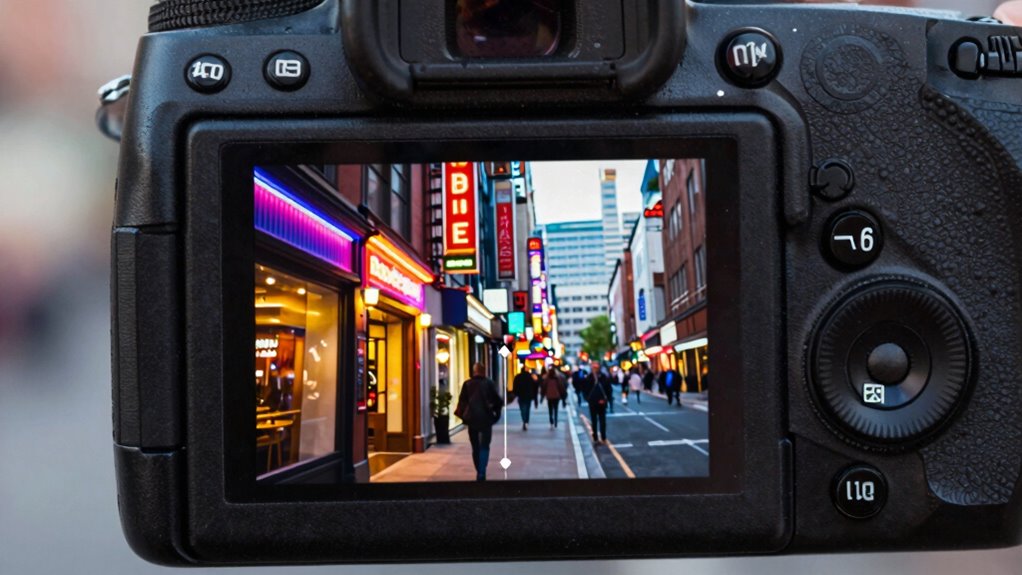
Achieving accurate autofocus while recording requires paying close attention to your camera’s settings and your environment. To improve focus precision, consider adjusting your depth of field; a narrower depth of field can help isolate your subject, making autofocus more reliable. Use focus locking or focus tracking features to keep your subject sharp as it moves. If your camera supports focus stacking during recording, leverage this feature to maintain focus accuracy across different distances, especially in complex scenes. Confirm your autofocus mode is set correctly—continuous autofocus (AF-C or AI Servo) is ideal for moving subjects. Avoid sudden movements or changing focus points abruptly, as these can cause focus hunting. Additionally, understanding camera settings and how they impact autofocus can significantly enhance your video quality. Being aware of autofocus modes and choosing the optimal one for your scene can make a noticeable difference. With these tips, you’ll enhance autofocus performance and produce sharper, more professional-looking videos.
Manual Focus Tips for Sharp and Crisp Videos

While autofocus can often do the heavy lifting, manual focus gives you precise control over your video’s sharpness. To achieve crisp results, start by stabilizing your camera to prevent unwanted shifts. Use good lighting techniques—bright, even light helps you see focus points clearly. Adjust focus slowly, especially when capturing moving subjects, to avoid overshooting. Finally, double-check your focus ring before recording, ensuring your subject is sharp. Here are some tips:
- Stabilize your camera with a tripod or gimbal for steady shots
- Use consistent, soft lighting to enhance focus accuracy
- Adjust focus manually in small increments for precision
- Preview your shot through the viewfinder or screen before recording
Implementing these tips leads to sharper, more professional-looking videos.
Fixing Focus Problems in Low Light and Bright Conditions

Low light and bright conditions can challenge your camera’s autofocus, causing it to hunt or struggle to lock onto your subject. In low light, the camera may have trouble finding contrast, leading to soft or out-of-focus footage. To fix this, increase the lighting conditions if possible, or use a lens with better low-light performance. On the other hand, in bright conditions, glare or reflections can confuse autofocus, making it hunt or shift focus unexpectedly. Confirm your camera is stable during filming to minimize focus shifts caused by movement. Use a tripod or stabilize your shot to help the autofocus lock onto your subject more reliably. Adjusting your camera’s focus settings or switching to manual focus can also improve sharpness in challenging lighting conditions.
How to Stay Focused When Moving Your Camera
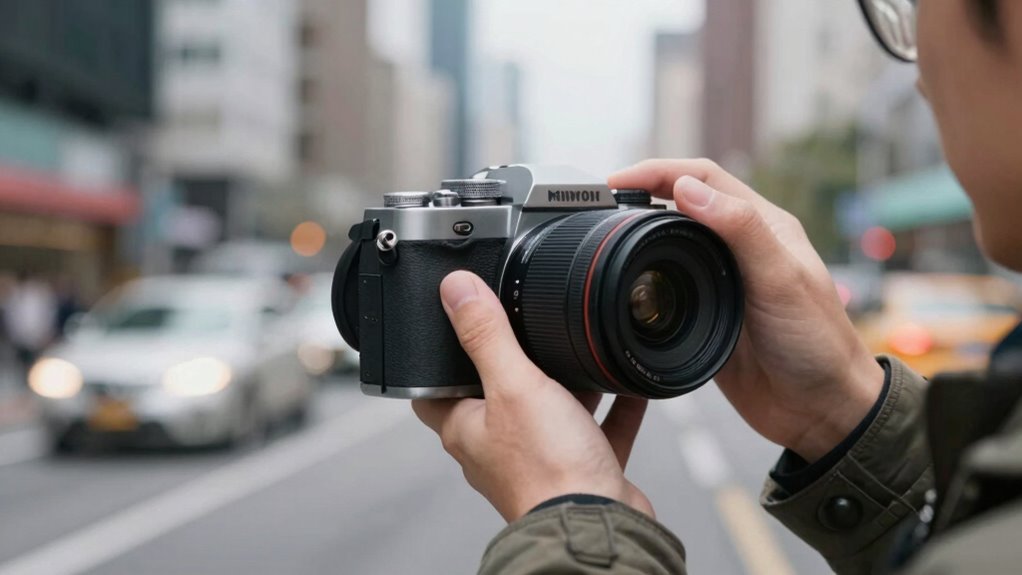
When you move your camera, keeping your subject in focus can be challenging, but it’s essential for sharp, professional-looking videos. To stay focused while moving, consider these tips:
- Use camera stabilization tools like gimbals or steadicams to reduce shake.
- Adjust your focus manually or set continuous autofocus to track your subject.
- Make lighting adjustments beforehand to ensure the scene is well-lit, which helps the camera maintain focus.
- Plan your movements smoothly and steadily, avoiding sudden jerks that can throw off focus.
Does Lens Quality Impact Focus and Sharpness?
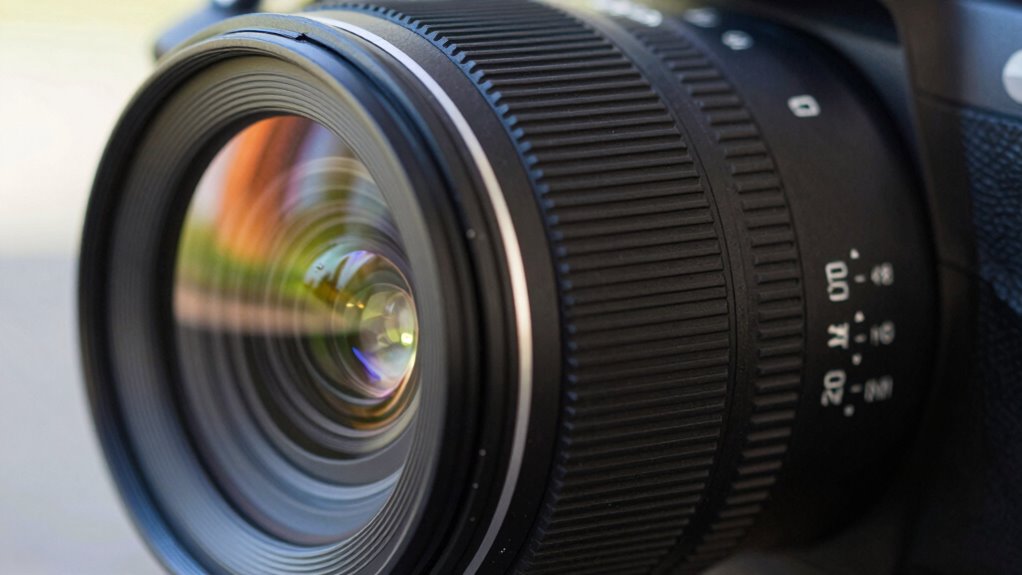
The quality of your lens directly affects how well your camera can focus and produce sharp images. Higher-quality lenses are made from better lens materials, which reduce distortions and improve clarity. These materials allow for more precise focusing, resulting in sharper videos. Additionally, the lens’s aperture size plays a vital role; a wider aperture (smaller f-number) can enhance focus in low-light conditions but may introduce softness at the edges if the lens isn’t top-tier. Cheaper lenses with lower-quality materials often have less accurate focusing mechanisms, leading to softer images. Investing in a good lens ensures better focus performance and sharper videos overall. So, if you want crisper footage, prioritize high-quality lenses with well-constructed lens materials and consider your aperture needs carefully.
Should You Use Manual or Autofocus? Which Is Better?
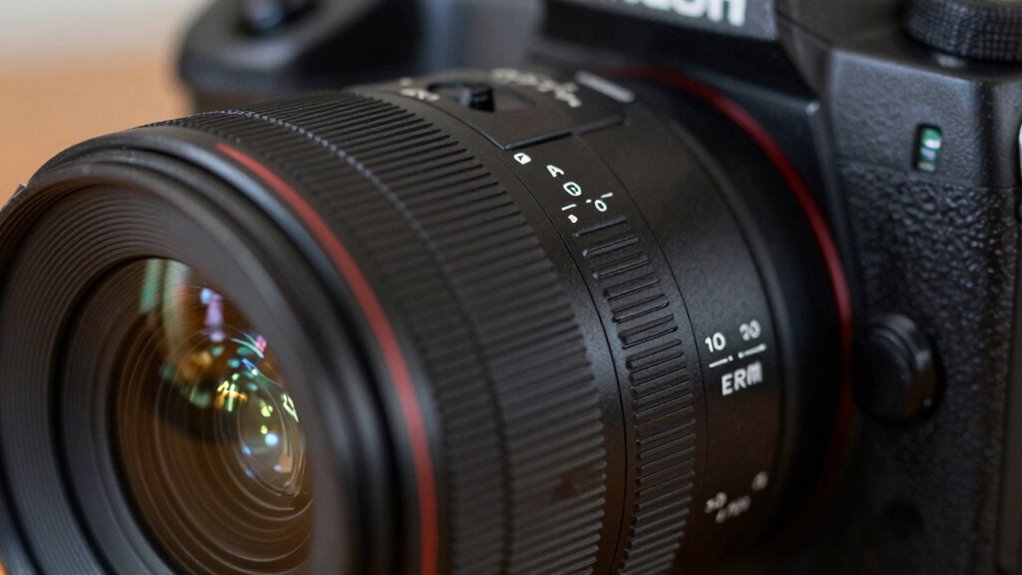
Choosing between manual and autofocus depends on your filming needs and the level of control you want. Autofocus is quick and convenient, ideal for dynamic scenes or when you need to maintain focus across varying depths of field. Manual focus gives you precise control, perfect for static shots or when you’re doing focus stacking to achieve sharpness throughout the scene. Consider these factors:
- Use autofocus for fast-moving subjects or when filming solo.
- Switch to manual focus when you need to control depth of field meticulously.
- Manual focus helps avoid focus hunting, especially in low light.
- Focus stacking benefits from manual adjustments for multiple sharp planes.
Deciding which method suits your project depends on your scene’s complexity and desired sharpness.
Frequently Asked Questions
How Does Aperture Setting Influence Focus and Softness in Videos?
Your aperture setting directly impacts focus and softness in videos by controlling depth of field. A wider aperture creates a shallow depth of field, making your subject sharp while blurring the background, but it can also introduce lens distortion if not used carefully. Smaller apertures increase overall sharpness and maintain lighting balance, reducing softness. Adjusting aperture helps you manage focus precision and softness, ensuring clearer videos with minimal distortion and balanced lighting.
Can Using a Tripod Improve Overall Focus Consistency?
A tripod can instantly transform your focus consistency—it’s like upgrading from a shaky roller coaster to a smooth cruise. With tripod stability, your camera stays perfectly still, allowing focus precision to shine. This eliminates unwanted shifts and blurriness, giving your videos a professional look. So, yes, using a tripod dramatically improves overall focus, making your footage sharp, steady, and visually stunning every time you shoot.
What Are Common Mistakes That Cause Your Focus to Drift During Recording?
You often experience focus drifting due to camera shake or autofocus errors. When you don’t stabilize your camera, even slight movements can throw off focus. Autofocus errors happen if your lens struggles to lock onto subjects or if settings aren’t optimized. To prevent this, use a tripod, double-check your autofocus mode, and ensure your focus point stays on the subject. These steps help maintain sharp, consistent focus throughout your recording.
How Does Sensor Size Affect Depth of Field and Focus Sharpness?
If you shoot with a larger sensor, you’ll notice a shallower depth of field, making your subject pop against a blurred background. For example, a full-frame sensor offers more depth of field effects compared to a smaller sensor, allowing for sharper focus across more of your scene. Sensor size implications directly influence focus sharpness and background separation, so choosing the right sensor can dramatically improve your video’s clarity and professional look.
Are There Specific Accessories That Help Maintain Focus Accuracy?
Yes, you can use accessories like lens filters and focus peaking tools to maintain focus accuracy. Lens filters, especially UV or polarizers, help reduce glare and improve clarity, making it easier to judge focus. Focus peaking highlights the sharpest areas in your frame, ensuring precise focusing. These accessories work together to keep your videos sharp, especially when you’re working with shallow depth of field or challenging lighting conditions.
Conclusion
To get sharp, crisp videos, make sure your focus settings match your scene and lighting conditions. Experiment with autofocus and manual focus to see which works best for you, especially when moving or shooting in low light. Remember, higher-quality lenses can improve sharpness, but proper focus is key. Trust your camera’s focus system, verify it before recording, and you’ll find your videos look much clearer — proving that mastering focus truly makes all the difference.
NFL season / tailgating Picks
team gear
As an affiliate, we earn on qualifying purchases.