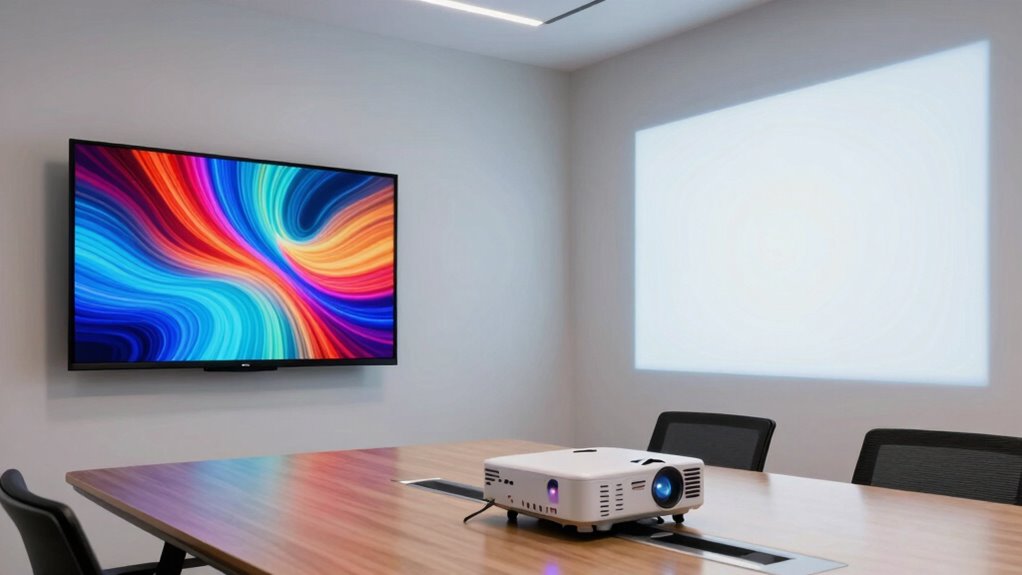

When choosing between a projector and a TV for presentations, consider your environment and audience. Projectors offer larger screens, creating an immersive experience, but they work best in darker rooms and may need extra setup. TVs provide clearer images and are more flexible in various lighting conditions, with simple, quick setup. Your choice depends on your space and presentation style—exploring further can help you make the best decision for your needs.

Get the little things that make your day delivered free with Prime
- Fast, free delivery on millions of items
- Prime Video, Amazon Music and more included
- Member-only deals all year
Key Takeaways
- Projectors create a larger, immersive display ideal for impactful presentations, while TVs offer high clarity for detailed visuals.
- TVs maintain consistent image quality regardless of environment, unlike projectors that require dark settings for optimal visibility.
- Projectors enhance engagement with remote control mobility, reducing the need to stay near the device during presentations.
- Setup for projectors involves space and possibly specialized screens, whereas TVs are easy to install and use immediately.
- The choice depends on the need for size and immersion versus clarity and convenience.
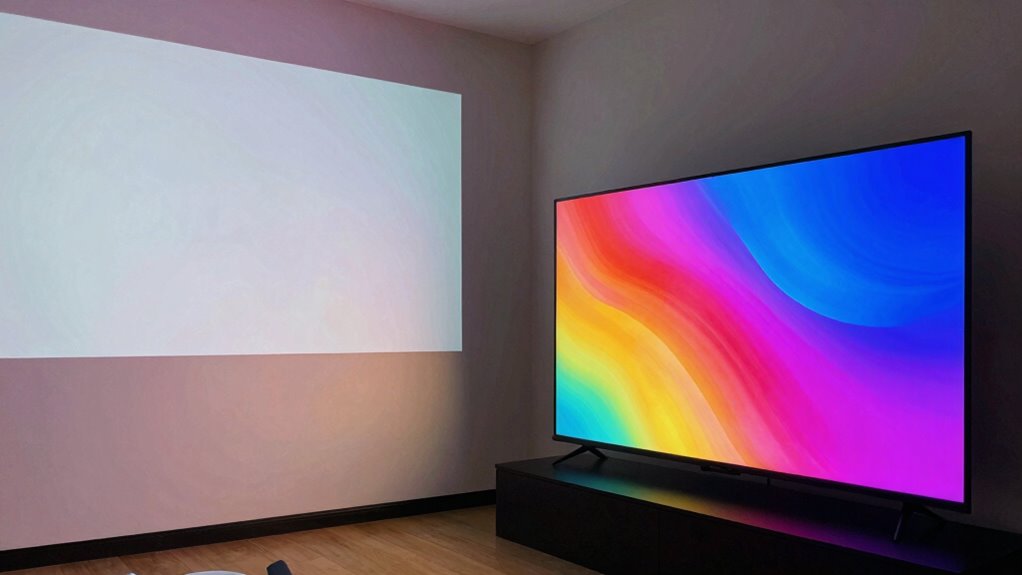
Are projectors or TVs better for presentations? That’s a question many people ask when preparing for meetings, pitches, or classroom lessons. Your choice hinges on several factors, but two of the most important are screen size and convenience. With a projector, you get the advantage of a much larger display, which can be especially useful when you need everyone in the room to see details clearly. You can project onto a blank wall or a dedicated screen, often reaching sizes of 100 inches or more. This creates an immersive experience that makes your visuals more engaging and easier to read from a distance. On the other hand, TVs are limited in size but excel in clarity and simplicity. They’re typically smaller than large projected images but still offer high-definition displays that ensure your content looks sharp and vibrant. When considering your setup, display technology plays a crucial role in determining overall image quality and user experience. Additionally, lighting conditions can significantly impact how well your audience perceives the visuals, especially with projectors that may require a darker environment for optimal viewing.
When it comes to controlling your presentation, a remote control becomes essential. With a projector, having a remote control allows you to move around the room freely without having to stay close to your device. You can advance slides, pause, or adjust settings from anywhere within the room, which helps maintain a natural flow and keeps your audience engaged. Many modern projectors come with remote controls that are intuitive and easy to use. Conversely, TVs also come with remote controls, but since they’re usually stationary, you might find yourself less dependent on them. Still, having one nearby can be convenient, especially if you need to switch inputs or adjust volume quickly. The ease of use can be a decisive factor for many presenters when choosing between these two options.
best portable projector for presentations
As an affiliate, we earn on qualifying purchases.
As an affiliate, we earn on qualifying purchases.
Frequently Asked Questions
Which Is More Energy-Efficient, a Projector or a TV?
A TV is generally more energy-efficient than a projector. TVs use less power, especially with LED screens that have better screen resolution and consume less energy. They also provide consistent audio quality without extra equipment. Projectors often require more energy due to brighter bulbs and additional components like screens or mounting systems. So, if you’re concerned about energy use, a TV’s the better choice for your presentations.
How Do Ambient Lighting Conditions Affect Projector and TV Visibility?
Ambient glare can wash out a projector’s image, making details hard to see in bright rooms, while a TV’s screen stays clear and vibrant. In darker settings, projectors shine with vivid contrast, but in well-lit spaces, ambient glare diminishes their visibility. Adjusting contrast settings helps, yet for bright environments, a TV offers a more consistent viewing experience without needing constant contrast adjustments.
What Is the Typical Lifespan of a Projector Bulb Versus a TV Screen?
You’ll find that a projector bulb typically lasts around 1,500 to 3,000 hours, meaning you’ll need to plan for regular bulb replacements. In contrast, a TV screen generally offers much higher screen durability, often lasting 7 to 10 years with proper care. This difference means less frequent maintenance for TVs, while projectors might require more attention to bulb replacement over their lifespan.
Can Projectors Be Used Outdoors Effectively for Presentations?
Yes, you can use projectors outdoors effectively for presentations, but you need a proper outdoor setup. Choose a weather-resistant projector and make certain your screen is protected from rain and wind. Use a sturdy mount and keep the area shaded to improve visibility. Keep in mind, weather resilience is key—avoid rainy or overly humid conditions, as moisture can damage equipment. Proper planning ensures your outdoor presentation goes smoothly.
How Portable Are Projectors Compared to Large-Screen TVS?
Imagine you’re giving a presentation at a conference, and your projector’s portable design makes it easy to carry in a backpack. Compared to large-screen TVs, projectors excel in size flexibility and portability. They’re lightweight and compact, fitting into small bags or cases. Large TVs, with their bulky screens, are less portable, requiring carts or multiple people to move. So, for on-the-go presentations, projectors are the more flexible choice.
high definition TV for presentations
As an affiliate, we earn on qualifying purchases.
As an affiliate, we earn on qualifying purchases.
Conclusion
Ultimately, choosing between a projector and a TV for presentations hinges on your needs and environment. Think of the decision as a dance—each partner has its rhythm and style. A projector can turn any wall into a grand stage, while a TV offers clarity and immediacy. By weighing these differences, you craft a presentation experience that resonates, much like a melody that lingers long after the final note—powerful, persuasive, unforgettable.
As an affiliate, we earn on qualifying purchases.
As an affiliate, we earn on qualifying purchases.
NFL season / tailgating Picks
team gear
As an affiliate, we earn on qualifying purchases.