Your smart lock’s security relies more on proper settings than its brand name. Focus on customizing access permissions, enabling two-factor authentication, setting alerts, and scheduling temporary codes. Keep your firmware updated and regularly review security features. Proper configuration and maintenance make a big difference in protecting your home. If you want to learn how to optimize your smart lock’s settings effectively, there’s more to discover below.
Key Takeaways
- Proper configuration of access permissions and temporary codes is critical for security, regardless of brand reputation.
- Enabling multi-factor authentication, such as 2FA and biometrics, significantly enhances lock security.
- Regularly updating firmware and security settings ensures protection against emerging vulnerabilities.
- Setting up alerts and notifications for suspicious activity helps monitor and respond to potential threats promptly.
- Hardware durability, encryption protocols, and battery capacity are key technical features that influence overall security.
Why Smart Lock Settings Matter More Than the Brand Name
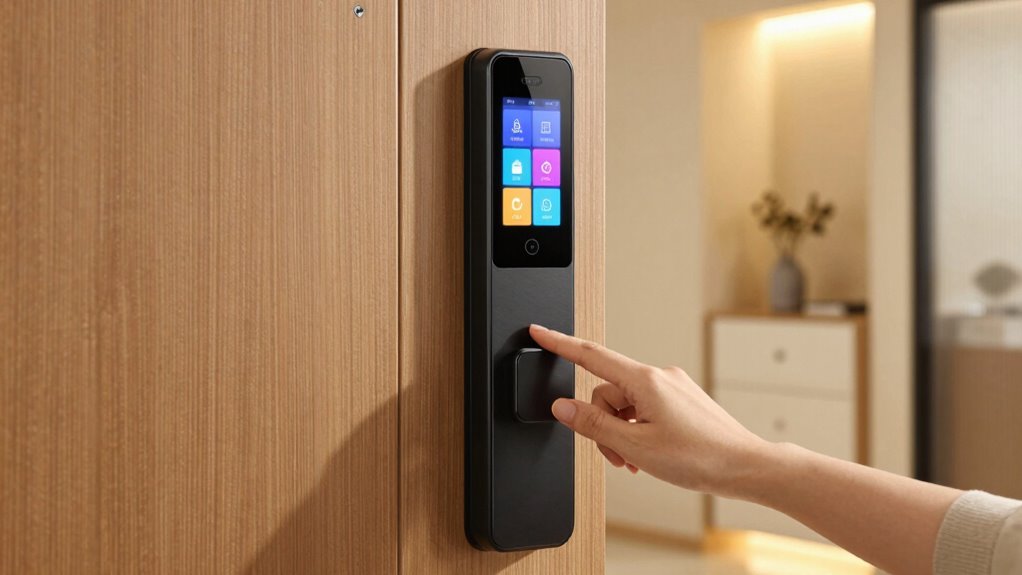
While a well-known brand might catch your eye, the security of your smart lock ultimately depends on its settings. A company’s brand reputation can influence your initial choice, but marketing strategies often focus on appealing visuals and features rather than security specifics. A trusted brand might advertise advanced technology, but if you neglect proper setup, your lock’s vulnerabilities remain. Conversely, a lesser-known brand with strong security features and customizable settings can offer better protection. The key is to understand that your smart lock’s security hinges on your configuration, not just its label. Taking the time to adjust settings properly ensures your home stays secure, regardless of the brand’s reputation or marketing tactics. Ultimately, careful setup beats brand prestige every time. For example, properly configuring your smart lock’s security features can significantly enhance protection beyond the brand name. Additionally, understanding security best practices can help you optimize your lock’s performance and safeguard your home.
A thorough review of your device’s privacy settings can further help prevent unauthorized access.
Understanding the Key Security Features of Your Smart Lock
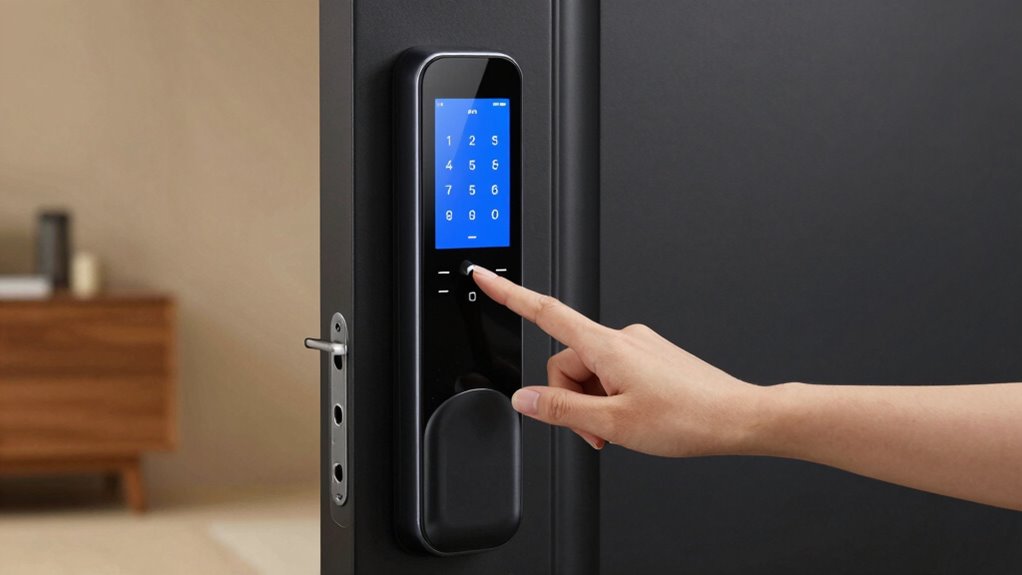
To effectively secure your smart lock, understanding its key security features is vital. These features include robust encryption standards, which protect your data from hacking attempts, and hardware durability, ensuring the lock withstands physical tampering. Look for locks that use advanced encryption like AES-256, offering high-level security. Hardware durability ensures the lock remains functional over time and resists forced entry. Additionally, considering battery capacity can help prevent unexpected lock failures due to power issues, maintaining ongoing security. Regularly checking security updates provided by the manufacturer can further enhance your lock’s protection against emerging threats. Being aware of vulnerability management practices can help you stay ahead of potential security risks. Understanding security protocols can further strengthen your overall security setup. Focusing on these features helps guarantee your smart lock provides reliable, secure access control.
How to Set Up and Customize Access Permissions

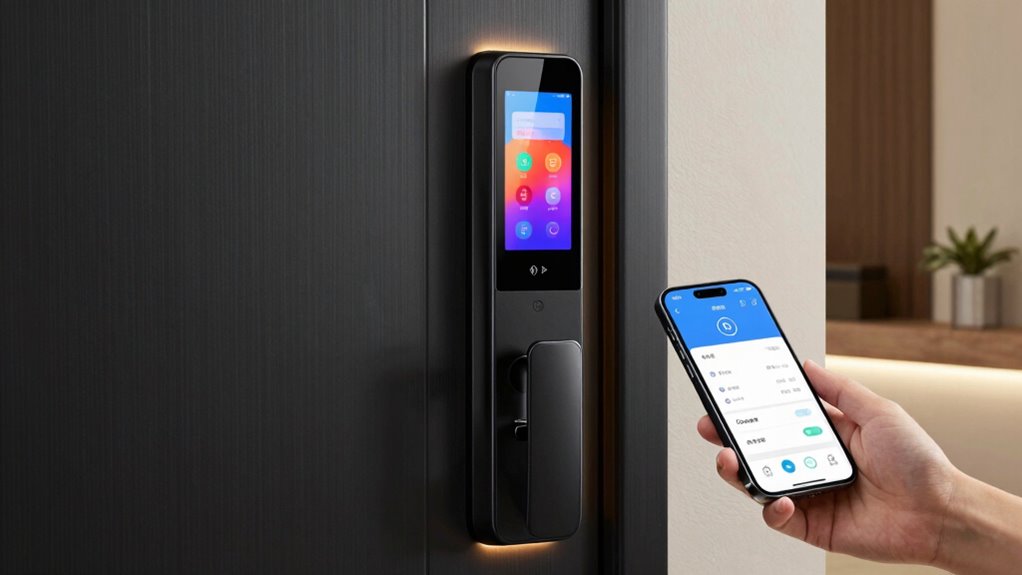
Setting up and customizing access permissions lets you control who can enter your home and when. You can assign different access levels for family members, friends, or service providers, and create temporary codes for visitors. Let’s walk through how to manage these permissions effectively to keep your smart lock secure. Regularly reviewing access permissions ensures that only authorized individuals have entry, enhancing your home’s security. Understanding smart lock security features can help you make informed decisions about protecting your property. Utilizing user management settings allows you to efficiently monitor and modify access rights as needed. Being aware of access control protocols can further strengthen your overall security strategy.
Granting Access Levels
Have you ever wondered how to tailor access permissions for different users on your smart lock? To do this effectively, you need to understand access control and user permissions. Start by assigning specific access levels based on each person’s needs, such as full access, limited entry, or guest mode. Many smart locks allow you to customize these permissions through their app, giving you control over who can unlock the door and when. Set up user profiles for family members, friends, or service providers, ensuring each has appropriate access. Adjust permissions as needed, removing or modifying rights when necessary. This precise control enhances security and makes managing multiple users simple and efficient. Properly granting access levels helps you maintain safety without sacrificing convenience. Additionally, understanding the comprehensive features of your smart lock can help optimize your security setup and ensure that your system functions as intended, especially when utilizing access management tools. Being familiar with user permissions settings enables you to respond quickly to changing security needs, which is essential for maintaining security principles and control. Furthermore, regularly reviewing and updating access permissions can prevent potential vulnerabilities and keep your smart lock system secure.
Managing Temporary Codes
Managing temporary codes allows you to grant limited access to visitors or service providers without compromising your overall security. With effective temporary code management, you can generate unique access codes for specific timeframes, ensuring they expire when no longer needed. Setting an access code expiration helps prevent unauthorized entry after the designated period, reducing risks. When customizing access permissions, choose the duration carefully based on the visitor’s needs, and delete or disable codes once the purpose is fulfilled. Many smart locks let you assign temporary codes that automatically expire, giving you control over who can enter and when. This approach simplifies managing short-term access, enhances security, and minimizes the chance of forgotten or reused codes. Properly managing temporary codes keeps your home safe and your access permissions streamlined. Additionally, understanding the contrast ratio of your projector can significantly improve your viewing experience by providing deeper blacks and brighter whites, especially in dark scenes. Furthermore, utilizing security best practices for managing access permissions can help prevent potential vulnerabilities and ensure your home remains protected. Regularly updating your software and firmware is also crucial to patch security flaws and enhance system reliability, further safeguarding your home. Being aware of potential cable failures and regularly inspecting your cabling setup can also prevent unexpected disruptions and maintain your system’s integrity.
Enabling and Managing Two-Factor Authentication on Your Smart Lock
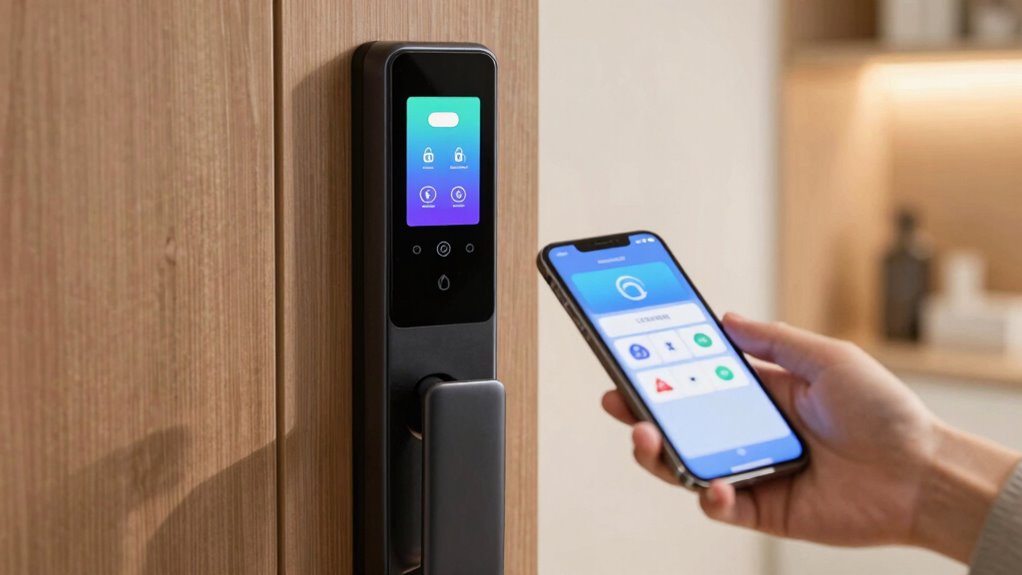
Enabling two-factor authentication adds an extra layer of security to your smart lock. You’ll need to set up the authentication method and guarantee it’s easy for you to use. Managing these methods helps keep your lock protected without complicating access. Regularly reviewing your user consent management ensures you maintain control over your privacy settings and cookie preferences. Incorporating security best practices can further enhance your device’s protection and reduce potential vulnerabilities. Additionally, understanding the importance of proper device upgrades can help prevent security gaps and improve overall system resilience.
Setting Up Two-Factor Auth
Wondering how to add an extra layer of security to your smart lock? Setting up two-factor authentication (2FA) is a smart move. First, access your lock’s security settings through the app. Enable 2FA and choose your preferred method—many smart locks support biometric options like fingerprint or facial recognition for quick, secure access. You can also activate voice command features as a secondary method, adding convenience alongside security. Once enabled, you’ll need to verify your identity with both your password and the biometric or voice command. This layered approach makes it markedly harder for intruders to gain unauthorized access, even if they compromise one method. Regularly review and update your 2FA settings to keep your smart lock as secure as possible.
Managing Authentication Methods
To effectively secure your smart lock, it is crucial to understand how to enable and manage its authentication methods. Most smart locks support biometric authentication, allowing you to unbolt using fingerprint or facial recognition, which provides quick and secure access. Additionally, voice command integration lets you control your lock remotely through compatible devices, but guarantee voice recognition is properly configured to prevent unauthorized access. Managing these methods involves setting permissions, disabling unused options, and regularly updating firmware for security patches. Two-factor authentication can be combined with biometric or voice controls for added security. By actively managing these authentication options, you reduce vulnerabilities and ensure only trusted users can unlock your door, keeping your home safer.
Setting Up Alerts and Notifications to Stay Informed

Setting up alerts and notifications guarantees you’re always aware of activity on your smart lock, giving you peace of mind and quick response options. By enabling alarm alerts, you’re instantly informed of any suspicious activity or unauthorized access attempts. Activity notifications keep you updated whenever someone locks or open your door, providing real-time insights into who’s coming and going. These alerts can often be customized to fit your preferences, such as receiving push notifications on your phone or email alerts. Staying informed helps you react swiftly to potential security breaches or accidental lockouts. Properly configuring these notifications guarantees you don’t miss critical updates, empowering you to maintain control and security of your home at all times.
Scheduling Temporary and Restricted Access Codes
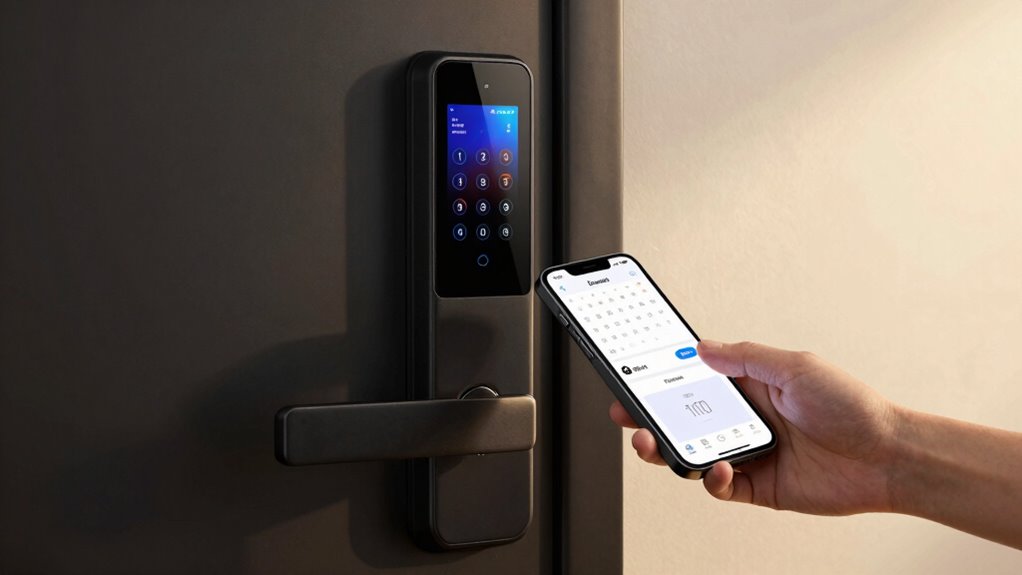
Once you’ve set up alerts to stay informed about activity on your smart lock, you can further enhance security by scheduling temporary and restricted access codes. Access scheduling lets you specify when codes are valid, giving you control over who enters and when. You can create codes with a set expiration time, ensuring they disable automatically once their purpose is fulfilled. This reduces the risk of unauthorized access if a code is compromised or forgotten. Temporary codes are perfect for guests, service providers, or short-term needs, while restricted codes limit access to certain hours or days. By managing code expiration and access scheduling efficiently, you minimize vulnerabilities and maintain tighter control over your smart lock’s security.
Keep Your Firmware and Security Features Updated Regularly

Keeping your firmware and security features up to date is essential for maintaining your smart lock’s protection. Firmware updates often include important security patches that fix vulnerabilities, preventing hackers from exploiting them. Regularly check for updates through your smart lock app or device settings, and install them promptly. These updates can improve the lock’s performance, reliability, and security, ensuring your system stays resilient against new threats. Ignoring firmware updates leaves your smart lock exposed to potential breaches. Make it a habit to stay current with the latest releases, and enable automatic updates if available. Staying proactive about firmware updates and security patches is one of the most effective ways to safeguard your home and personal information.
Frequently Asked Questions
Can I Integrate My Smart Lock With Other Smart Home Devices?
Yes, you can integrate your smart lock with other smart home devices. Many locks support third-party integrations, allowing you to connect with systems like smart hubs or automation platforms. Additionally, check if it offers voice command compatibility with assistants like Alexa, Google Assistant, or Siri. This makes controlling your lock more convenient and seamless, giving you control through your preferred voice commands and automations across your smart home ecosystem.
What Is the Typical Battery Life of a Smart Lock?
Imagine you’re away for a week, and your smart lock’s battery unexpectedly dies. Typically, smart locks last about 6 to 12 months on a set of batteries, depending on usage and power management features. To maximize battery longevity, enable low-power settings and opt for rechargeable batteries. Regularly check your lock’s status and replace batteries promptly to guarantee smooth access and maintain security without surprises.
How Do I Troubleshoot Connectivity Issues With My Smart Lock?
If you’re having connectivity issues with your smart lock, start with Wi-Fi troubleshooting by checking your router and ensuring your lock is within range. For Bluetooth connectivity problems, try turning Bluetooth off and on again on your device, then reconnect. Make sure your lock’s firmware is up to date, and restart both your lock and your smartphone. These steps often resolve common connectivity issues quickly.
Is There a Way to Temporarily Disable the Lock Remotely?
Like flipping a switch in a sci-fi flick, you can temporarily disable your smart lock remotely. Most apps let you do a remote lock or deactivate, which effectively disables the lock temporarily. Check your app’s settings for a “disable” or “pause” feature. This way, you can control access without physically interacting with the lock, giving you peace of mind while managing security from afar.
What Security Protocols Are Used to Protect My Lock’s Data?
Your smart lock uses strong encryption standards like AES or TLS to protect your data. These protocols guarantee that your lock’s information remains private and secure during transmission and storage. You can trust that your data privacy is maintained, preventing unauthorized access. Always keep your firmware updated to benefit from the latest security enhancements, and enable two-factor authentication if available for added protection.
Conclusion
Remember, in the world of smart locks, it’s not the shiny brand that keeps your home safe—it’s your settings. Ironically, all those high-tech features mean little if you overlook simple security tweaks. Think of your lock as a high-tech fortress with a weak door—without proper setup, even the best hardware won’t stop a determined intruder. So, customize wisely, stay vigilant, and don’t let your smart lock become the most expensive paperweight.