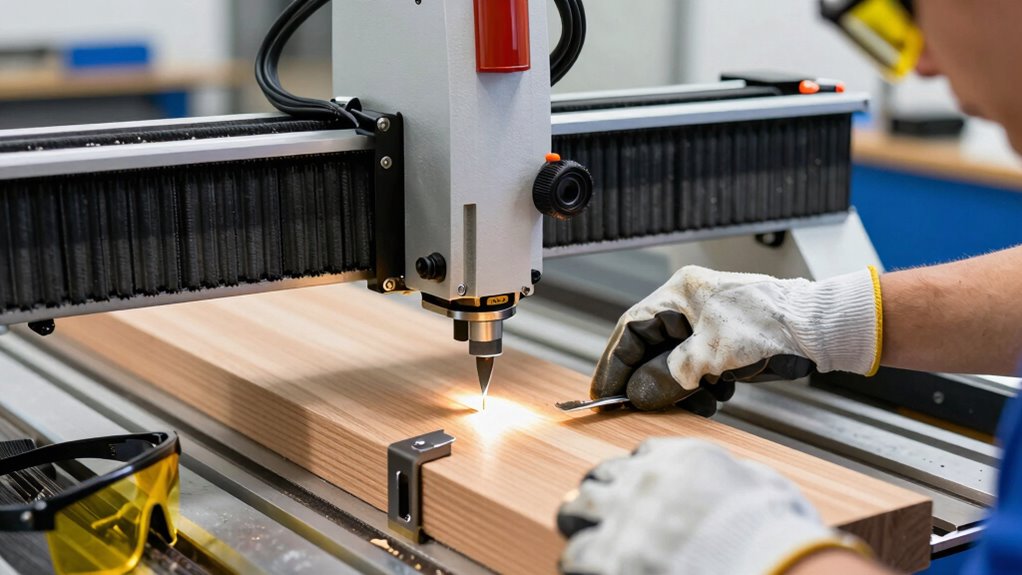

To prevent costly mistakes in CNC routing, always double-check your setup before starting each job. Secure your workpiece, verify tool calibration, and confirm zero points are accurate. Proper clamping and alignment prevent shifts and errors, reducing waste and safety risks. Routine maintenance and safety checks are also essential. Following this setup rule can save you time, money, and potential accidents—stick with these steps to guarantee reliable, precise results every time.
Key Takeaways
- Always verify and double-check tool calibration before starting to prevent errors and damage.
- Securely clamp the workpiece to avoid shifting during routing, ensuring safety and accuracy.
- Confirm zero points and offsets are correctly set to prevent misalignment and costly mistakes.
- Conduct routine safety checks on emergency stops, guards, and machine condition before operation.
- Simulate the toolpath in CAM software to detect errors and avoid collisions or material waste.
Why Proper CNC Setup Is Key to Safe and Accurate Routing
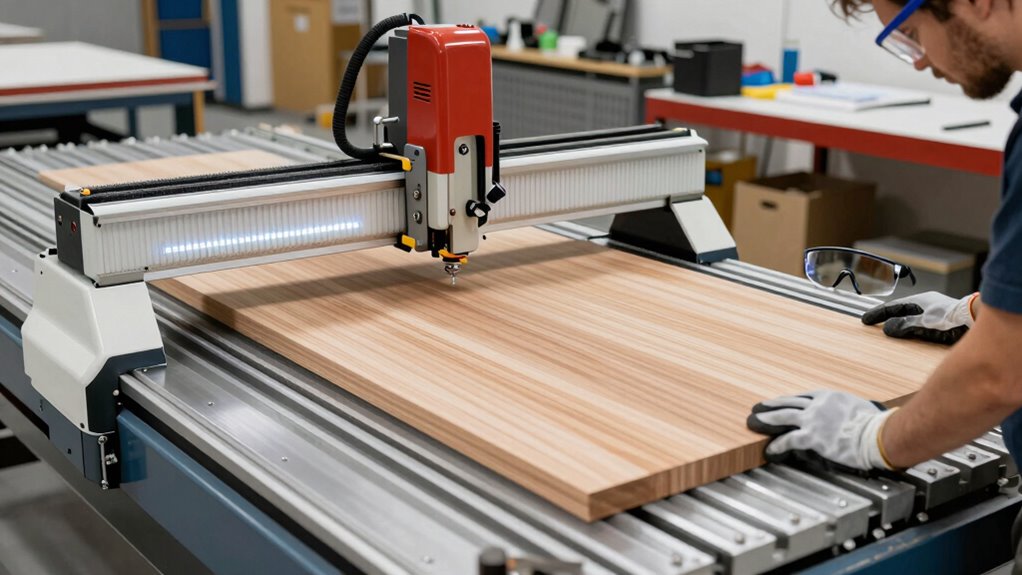
Proper CNC setup is essential because it directly impacts both safety and the accuracy of your routing. Ensuring your machine is properly calibrated, especially with tool calibration, guarantees precision in every cut. Incorrect tool calibration can cause bits to wander, leading to mistakes or damage. Additionally, setting up safety barriers around the CNC machine protects you from flying debris or accidental contact during operation. These barriers create a physical boundary that prevents injuries and keeps unauthorized personnel at a safe distance. Taking the time to verify calibration and install safety barriers minimizes the risk of costly errors or accidents. Proper setup procedures also ensure consistent performance and reduce downtime caused by errors. A thorough, correct setup lays the foundation for safe, precise, and efficient CNC routing, saving you time, materials, and potential hazards down the line. Incorporating routine safety checks into your setup process is a critical step to maintaining optimal operation.
The Most Important Setup Rule You Must Follow Before Cutting
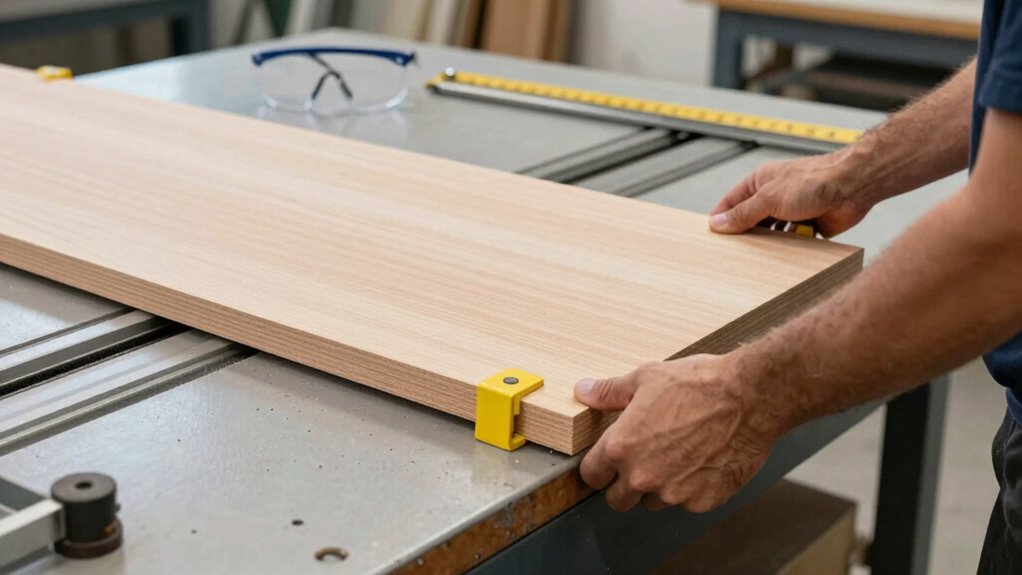
Before you start cutting, always double-check that your workpiece is securely clamped to the table. Clamp stability is vital to prevent shifting during cutting, which can lead to errors or accidents. Make certain the clamps hold the material firmly without causing damage. Next, verify that your tool is properly calibrated; a miscalibrated tool can produce flawed cuts or dangerous situations. Confirm that the bit depth, speed, and feed rate match your material and design specifications. This setup step is essential for safety and accuracy. Neglecting clamp stability or skipping calibration checks increases the risk of costly mistakes or safety hazards. Additionally, ensure your machine’s cabling connections are secure and free from damage to prevent electrical issues during operation. Proper machine maintenance is also crucial to keep your CNC router functioning safely and efficiently. Taking these precautions before cutting ensures your machine operates smoothly and your project turns out as planned.
How to Verify Material and Tool Alignment for Safety and Precision
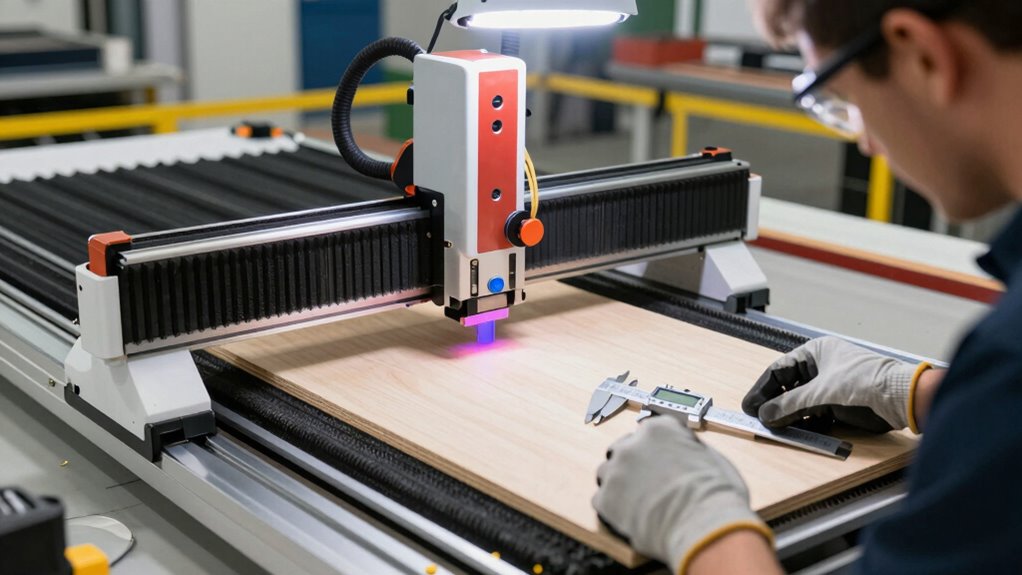
Before starting your cut, you need to verify that your material and tool are properly aligned. Check the material dimensions to guarantee they match your design, and confirm that your tool is compatible with the material. Finally, make sure the workpiece is securely aligned to prevent movement during cutting.
Confirm Material Dimensions
Ensuring the material dimensions are accurate is essential for safe and precise CNC routing. Begin with thorough material verification by measuring the length, width, and thickness with a reliable caliper or ruler. Confirm that these measurements match your design specifications exactly. Measurement accuracy is critical; even slight discrepancies can cause errors or safety hazards during machining. Double-check your measurements, especially if working with complex or multiple materials. Keep your tools calibrated and handle the material carefully to avoid accidental shifts. By verifying dimensions before starting, you prevent costly mistakes, tool damage, and safety risks. Accurate measurement ensures your CNC machine operates as intended, delivering precise cuts and safe operation throughout the project. Additionally, understanding material properties can help you select appropriate tools and settings, further enhancing safety and quality. Recognizing the importance of body jewelry measurements can also inform your approach to material verification for optimal results.
Check Tool Compatibility
To achieve safe and accurate CNC routing, you need to verify that your tool is compatible with the material you’re working with. This ensures proper tool calibration and prevents accidents. First, check the tool’s specifications against the material’s requirements. Second, confirm that the cutting speed and feed rate match recommendations. Third, inspect safety signage on your equipment to remind you of proper procedures. Fourth, ensure the tool fits securely in the collet and is free of damage. Proper tool compatibility prevents tool breakage and material mishaps, keeping safety at the forefront. Always verify these aspects before starting. Doing so minimizes costly mistakes and promotes a safe, efficient workflow. Remember, correct tool matching is a key step in CNC safety.
Align Workpiece Properly
Properly aligning your workpiece and tool is essential for both safety and precision in CNC routing. Start by selecting the right material, ensuring it’s stable and properly supported. Use effective clamping methods to secure the workpiece firmly, preventing any shifting during cutting. Double-check the material’s placement against your machine’s zero point to verify alignment. Proper clamping not only keeps the workpiece steady but also reduces vibrations that can cause inaccuracies or accidents. Confirm that the tool is correctly aligned with the workpiece by visually inspecting and testing the setup before starting the cut. Material selection plays a crucial role in ensuring consistent results and minimizing errors. Accurate material selection combined with reliable clamping methods ensures your workpiece stays in position, minimizing errors and preventing costly mistakes or safety hazards during the routing process.
Setting Zero Points and Offsets for Reliable Results
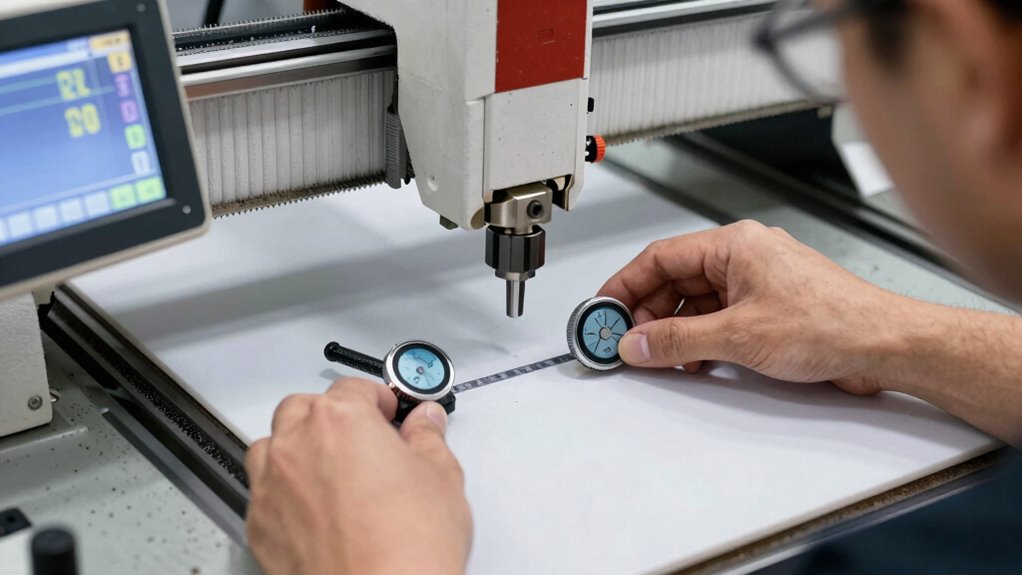
Setting zero points and offsets accurately is essential for reliable CNC routing. Proper zero points ensure your machine knows where your material begins, while correct offsets calibration guarantees precise cuts. To do this effectively, you should:
- Select the correct zero point on your workpiece, typically the top-left corner or center.
- Use a reliable touch probe or edge finder for consistent zero point setting.
- Double-check zero points before starting cuts to avoid misalignment.
- Regularly calibrate your offsets to maintain accuracy, especially after changing tools or materials.
Common Setup Mistakes That Lead to Material Waste and Damage
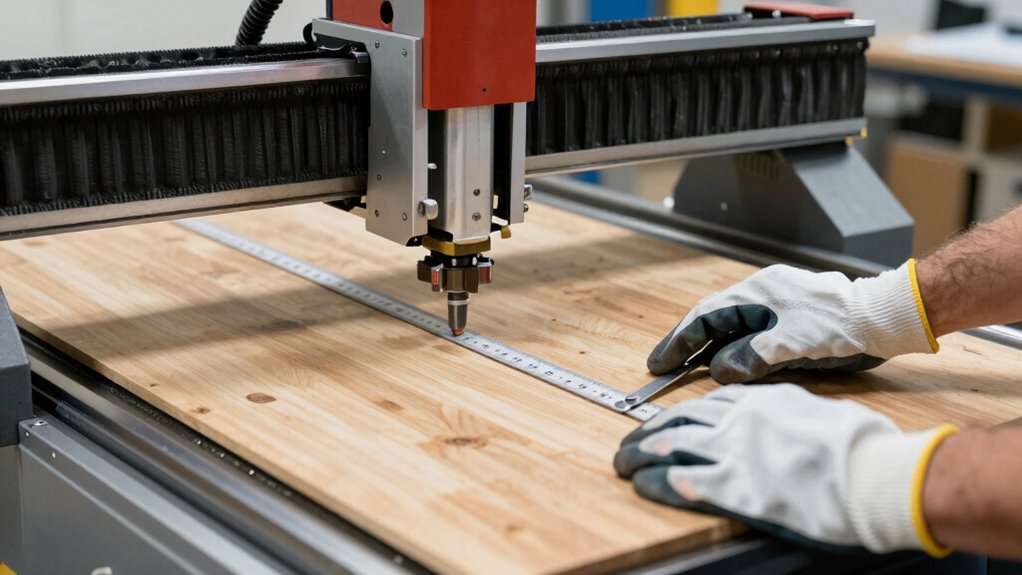
One common mistake is not securing your material properly, which can cause shifting and damage during cutting. You also need to verify your toolpaths carefully to prevent errors that waste material. Additionally, ensuring your machine is calibrated consistently helps maintain accuracy and avoid costly mistakes.
Proper Material Clamping Techniques
Incorrect material clamping is a common mistake that can cause significant waste and damage during CNC routing. Proper clamping guarantees material stabilization, preventing movement that leads to errors. To do this effectively:
- Always check clamp positioning to evenly distribute pressure and avoid shifting.
- Use enough clamps to secure the material firmly without causing deformation.
- Ensure the clamps are tight but not overly tight, which can damage the material.
- Verify that clamps don’t interfere with the toolpath or cutting area.
- Incorporate environmentally friendly materials or reusable clamps to reduce waste and support sustainability.
Accurate Toolpath Verification
Have you double-checked your toolpath before starting the cut? Ensuring toolpath accuracy is essential to prevent costly mistakes. Use verification techniques like simulating the toolpath in your CAM software to spot errors or potential collisions. Check that the entire design fits within the material boundaries and that the start point aligns correctly. Confirm that the cut depth, feed rates, and spindle speeds match your material and tooling specifications. Visualize the entire process to catch any anomalies before actual cutting begins. Accurate toolpath verification minimizes material waste and reduces the risk of damaging your machine or workpiece. Taking these extra steps helps you identify issues early, ensuring your project runs smoothly and safely from start to finish.
Consistent Machine Calibration
Proper machine calibration is essential for achieving accurate cuts and preventing costly mistakes during CNC routing. When your machine isn’t calibrated consistently, you risk material waste, damage, and increased tool wear. To maintain precision, follow these steps:
- Regularly verify machine calibration before each session to ensure accuracy.
- Check and adjust the tool height to prevent over- or under-cutting.
- Inspect for signs of tool wear, replacing tools promptly to avoid misalignments.
- Record calibration settings after adjustments to maintain consistency across projects.
- Stay informed about Gold IRA markets to diversify investments and secure your financial future.
- Incorporate machine maintenance routines to detect potential issues early and ensure ongoing accuracy.
Neglecting these steps can cause misaligned cuts, material waste, and additional costs. Consistent calibration ensures your CNC machine operates correctly, extends tool life, and keeps your projects on track. Proper calibration is the key to safe, efficient, and precise routing.
A Step-by-Step Checklist for a Safe and Precise CNC Setup
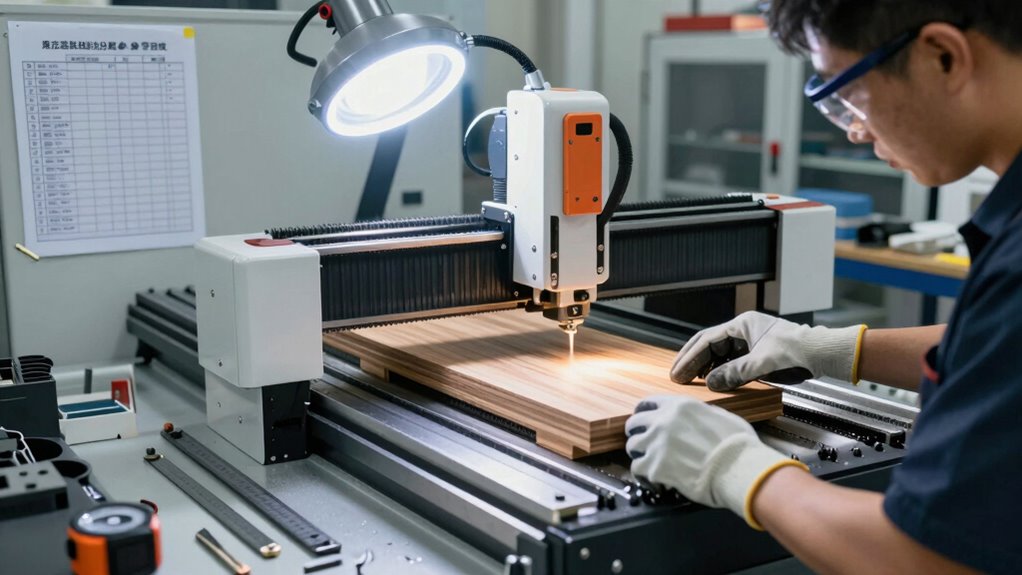
Starting your CNC setup with a clear, step-by-step checklist guarantees safety and accuracy from the beginning. First, verify the material is properly handled, secured, and free of debris to prevent slips or movement during cutting. Confirm the machine is powered off before loading the material and setting the clamps. Next, check that the work surface is level and the clamps are tight. Verify the correct tooling is installed, and the spindle is properly calibrated. Conduct a visual inspection of the machine for any loose parts or obstructions. Always double-check that emergency stops are accessible. Throughout the process, prioritize operator safety by wearing protective gear and maintaining clear communication with others. Additionally, understanding machine maintenance and its importance can help prevent unexpected issues during operation. Proper routine inspections can further identify potential problems early, ensuring your CNC operation starts smoothly. Developing a preventive maintenance schedule tailored to your equipment can significantly reduce downtime and costly repairs. Being familiar with safety protocols and their application can also help you respond quickly to unforeseen events. Following this checklist minimizes risks and ensures your CNC operation starts smoothly.
Tools and Techniques to Double-Check Your CNC Machine Before Cutting

Before cutting begins, it’s essential to thoroughly double-check your CNC machine using specific tools and techniques to guarantee everything is set correctly. First, verify tool calibration to ensure cutting tools are accurately measured and installed, preventing errors. Second, confirm material labeling matches your design files, avoiding mix-ups. Third, inspect the machine’s zero point by manually jogging axes and checking the position against your setup sheet. Fourth, review the cutting path in your software, ensuring it aligns with the actual material and tooling. These steps reduce risks and improve safety, ensuring your machine operates smoothly. Always trust your calibration tools and labeling system—these are your first line of defense against costly mistakes. Proper double-checking keeps your project on track and safe. Additionally, consider incorporating Free Floating techniques to maintain stability and prevent unintentional movements during operation. Incorporating reliable safety protocols can further prevent accidents and enhance overall safety during CNC operations.
Troubleshooting Alignment and Setup Issues That Impact Safety and Quality
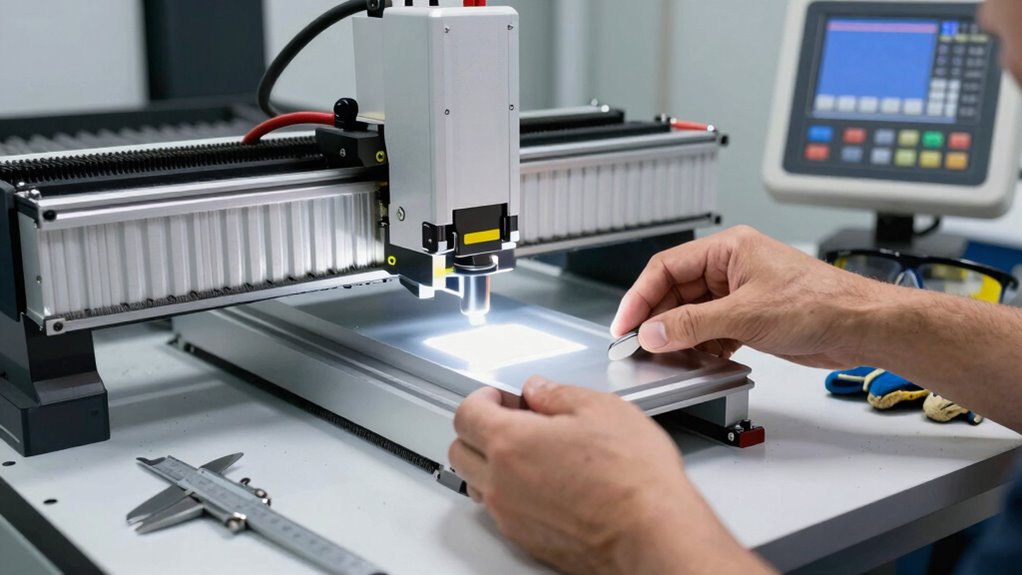
Alignment and setup issues can considerably compromise both safety and the quality of your CNC projects. Poor material storage can lead to warping or shifting during cuts, increasing the risk of accidents and flawed results. Always verify your material is properly stored in a dry, stable environment and securely fastened before starting. Incorrect setup, such as misaligned bits or improper workpiece positioning, can cause dangerous tool crashes or uneven cuts. Operator training is essential to recognize and correct these issues promptly. Regularly double-check your machine’s alignment, and follow setup procedures meticulously. When you understand how to troubleshoot alignment problems early, you prevent costly mistakes, improve safety, and ensure your finished product meets quality standards. Proper setup and training are your first lines of defense.
Best Practices to Maintain Consistent and Safe CNC Routing Procedures
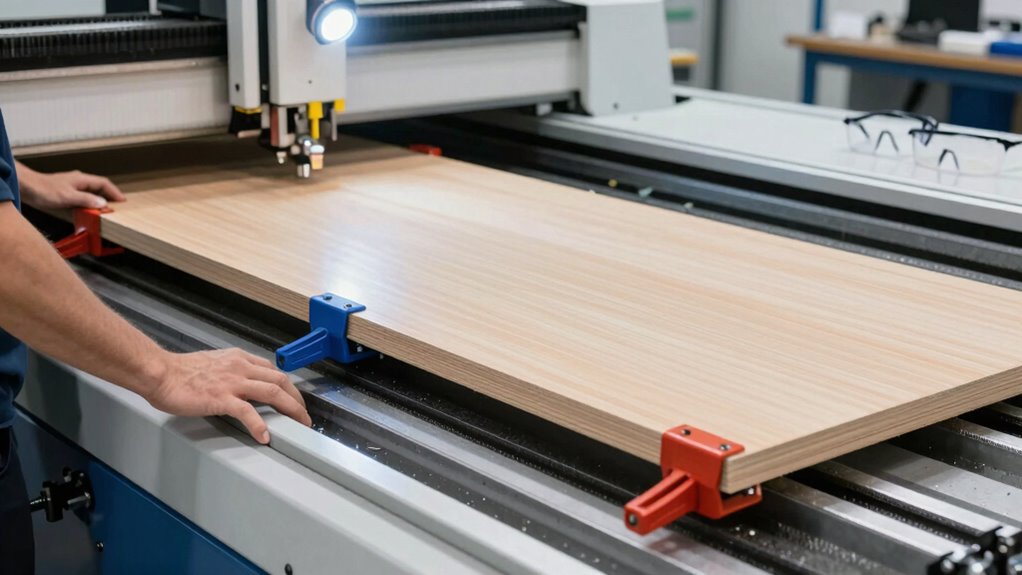
Maintaining consistent and safe CNC routing procedures requires establishing clear protocols and adhering to them diligently. To achieve this, focus on key practices:
- Proper material handling ensures your workpiece stays secure, preventing accidents or misalignments.
- Regularly calibrate your software to maintain precision and avoid unexpected tool paths.
- Follow standardized setup procedures for each job, reducing variability.
- Conduct routine safety checks on the machine, including emergency stops and safety guards.
- Incorporate equipment maintenance practices to ensure all components function correctly and reduce the risk of malfunctions.
- Additionally, understanding toolpath planning helps prevent errors and enhances safety during operation.
- Ensuring proper airflow around the machine can help prevent overheating and dust accumulation, further promoting safety and performance.
- Implementing safety protocols and training staff regularly can significantly reduce the risk of accidents and improve overall safety.
- Regular inspection of safety devices ensures that all protective features are functioning properly and ready if needed.
Frequently Asked Questions
What Safety Gear Should Operators Wear During CNC Setup?
You should wear personal protective equipment like safety glasses, hearing protection, and gloves during CNC setup to safeguard against debris, noise, and sharp edges. Additionally, prioritize ergonomic safety by ensuring proper posture and using anti-fatigue mats or adjustable workstations. These precautions help prevent injuries, reduce fatigue, and make sure you work efficiently and safely during setup, minimizing costly mistakes and maintaining a safe working environment.
How Often Should CNC Machines Be Recalibrated?
Think of your CNC machine as a finely tuned instrument. You should recalibrate it regularly, ideally after every major project or weekly, to maintain precision. Calibration frequency guarantees your machine’s accuracy, preventing errors that can cost time and money. By staying proactive with recalibration, you keep your CNC operating at peak performance, ensuring consistent quality and avoiding costly mistakes caused by drift or misalignment.
Can Incorrect Setup Cause Long-Term Machine Damage?
Yes, incorrect setup can cause long-term machine damage. When you don’t follow proper procedures, it leads to uneven machine wear and increased stress on components. This damage accumulates over time, reducing the machine’s lifespan. Proper operator training ensures you understand setup protocols, preventing costly mistakes. Regularly checking and adjusting your setup helps maintain the machine’s health, extending its operational life and saving you money in the long run.
What Are Signs of Improper Tool Alignment?
If you notice tool misalignment, you’ll see uneven cuts, chattering sounds, or excessive vibration issues. These signs indicate the tool isn’t properly aligned, causing instability and poor surface quality. You might also experience increased tool wear or unexpected machine stops. Always double-check your setup if these symptoms appear, as correcting tool misalignment guarantees safer operation, reduces damage, and maintains precise, high-quality results.
How Does Environmental Condition Affect CNC Routing Safety?
Did you know that 85% of CNC routing accidents relate to environmental factors? Climate control and dust management are vital for safety. Fluctuating temperatures can cause material expansion or contraction, leading to misalignments or tool wear. Dust buildup can impair visibility and interfere with machine components. Maintain a stable climate and effective dust management to guarantee consistent operation, reduce errors, and keep your workspace safe.
Conclusion
Proper CNC setup isn’t just about precision—it’s about safety too. Did you know that nearly 60% of machine accidents happen due to setup errors? By following the right setup rules and double-checking your work, you can prevent costly mistakes and keep yourself safe. Stay vigilant, stick to your checklist, and always verify your alignment. Safety and accuracy go hand in hand—don’t let a simple oversight turn into a costly accident.