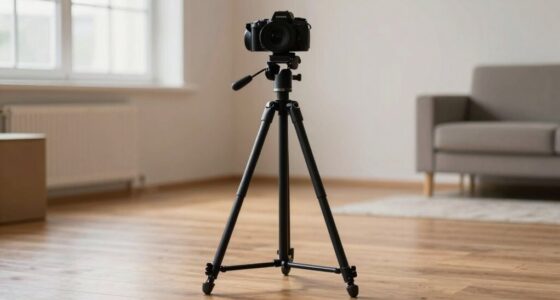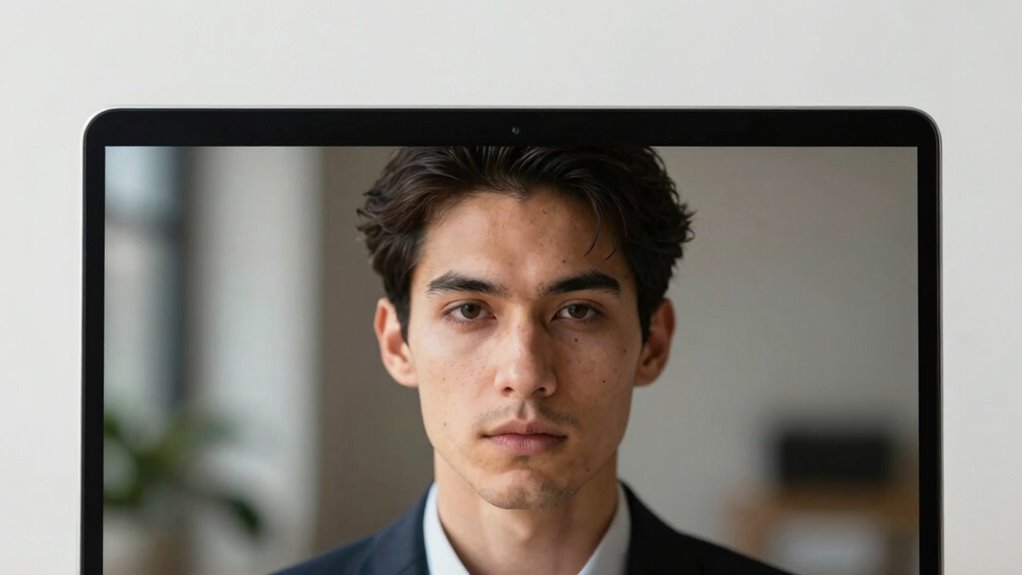
To boost your perceived confidence during video calls, focus on framing your webcam correctly. Position the camera at eye level and include your head and shoulders with a little space above your head. Keep your environment simple and use soft, even lighting for clarity. Small tweaks like leaning forward slightly and maintaining eye contact can make a big difference. Pay attention to these details—if you explore further, you’ll discover more ways to project professionalism and trust.

Get the little things that make your day delivered free — and shop member deals
- Fast, free delivery on millions of items
- Access to Prime Big Deal Days deals on October 6–7
- Prime Video, Amazon Music and more included
Key Takeaways
- Proper framing includes head and shoulders with a slight space above the head for balanced composition.
- Position the camera at eye level to create a natural and confident perspective.
- Fill most of the frame with your face and shoulders to foster connection and professionalism.
- Small adjustments like eye contact and leaning slightly forward enhance engagement and confidence.
- Maintaining a clutter-free background emphasizes professionalism and minimizes distractions.
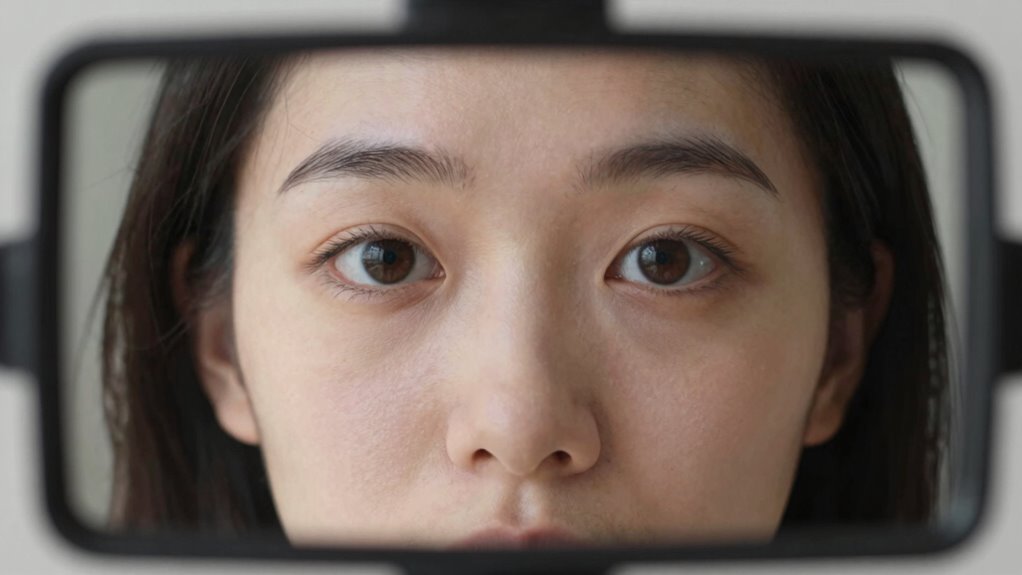
Have you ever wondered how to make your webcam shots look more professional and engaging? It all starts with understanding the importance of framing and how small adjustments can significantly boost your perceived confidence. One of the most overlooked yet impactful aspects is your lighting setup. Good lighting isn’t just about brightness; it’s about creating depth and clarity. Aim for soft, even light that illuminates your face without harsh shadows. Natural light works great if you can position yourself facing a window, but if that’s not possible, use a ring light or diffused lamps. The goal is to avoid overly bright spots or dark corners that distract viewers. When your face is well-lit, your expressions become clearer, and your overall presence appears more confident and trustworthy. Maintaining a simple, clutter-free environment also enhances your on-camera presence and helps viewers focus on you. When your background is clear, it reinforces your professionalism and keeps distractions at bay. Additionally, being mindful of camera angles and positioning can further improve your on-screen confidence. Once you’ve optimized your lighting setup and kept your background simple, framing becomes the next crucial step. Position your camera at eye level to create a natural, engaging perspective. Avoid looking down or up at the camera, as this can make you seem distant or unapproachable. Frame yourself so your head and shoulders fill most of the shot, leaving a little space above your head but not so much that you seem distant. This close framing fosters connection and shows confidence. Small adjustments like eye contact and slight lean forward can make a big difference in how confident you appear on camera. When you’re well-lit, have a clean background, and are framed correctly, you project a polished, self-assured image that instantly inspires trust and engagement.
As an affiliate, we earn on qualifying purchases.
Frequently Asked Questions
How Does Lighting Affect Webcam Framing?
Lighting ensures your webcam framing by highlighting your features and setting the tone. Artificial lighting can brighten your face evenly, reducing shadows, while natural illumination creates a softer, more authentic look. Properly adjusting both ensures your face is well-lit and clear, making you appear confident and approachable. When you control the lighting, you influence how viewers perceive your professionalism and confidence, enhancing your overall webcam presence.
What Are the Best Framing Techniques for Different Professional Settings?
To enhance your professional presence, use camera angles that position the camera at eye level, creating a confident and approachable look. Keep framing consistency by maintaining similar compositions across meetings, like centering your face with some space above your head. Adjust your framing depending on the setting—more formal for interviews, slightly relaxed for team chats. These techniques help convey professionalism and guarantee your message comes across clearly.
Can Webcam Framing Influence Viewer Trust?
Yes, webcam framing can influence viewer trust. When you maintain good eye contact and guarantee your face is clearly visible, it creates a sense of connection and authenticity. Framing yourself at eye level with your face centered helps viewers feel you’re engaged and confident. Proper facial visibility and eye contact foster trust, making your audience more receptive and confident in your message.
How Do I Adjust Framing on Various Devices?
Imagine switching from a cluttered desk to a clean background; adjusting camera angles changes your presence instantly. On various devices, you set framing by exploring camera settings or repositioning your device itself. Use a tripod or stack books to maintain framing consistency across devices. Keep your camera at eye level, ensuring your face is centered and well-lit. Small tweaks in camera angles make your confidence clear, no matter the device.
Does Background Choice Impact Perceived Confidence?
Yes, background choice substantially impacts perceived confidence. Your personal environment sends subtle signals about professionalism and self-assurance. Opt for a clean, uncluttered background that reflects your personality without distractions. Thoughtful background selection shows you’re prepared and confident, making your message more credible. Avoid busy or unprofessional settings, as they can undermine your authority. A well-chosen background helps you project confidence and makes a strong, positive impression during virtual interactions.
As an affiliate, we earn on qualifying purchases.
Conclusion
Remember, your webcam framing isn’t just a tiny detail—it’s the brushstroke that paints your confidence. When you position yourself just right, you become the star of your own story, commanding attention without saying a word. Think of it as the spotlight on a stage, highlighting your best features and boosting your presence. So, adjust that frame and let your confidence shine through, turning a simple shot into a powerful statement of who you truly are.
As an affiliate, we earn on qualifying purchases.
As an affiliate, we earn on qualifying purchases.
NFL season / tailgating Picks
team gear
As an affiliate, we earn on qualifying purchases.