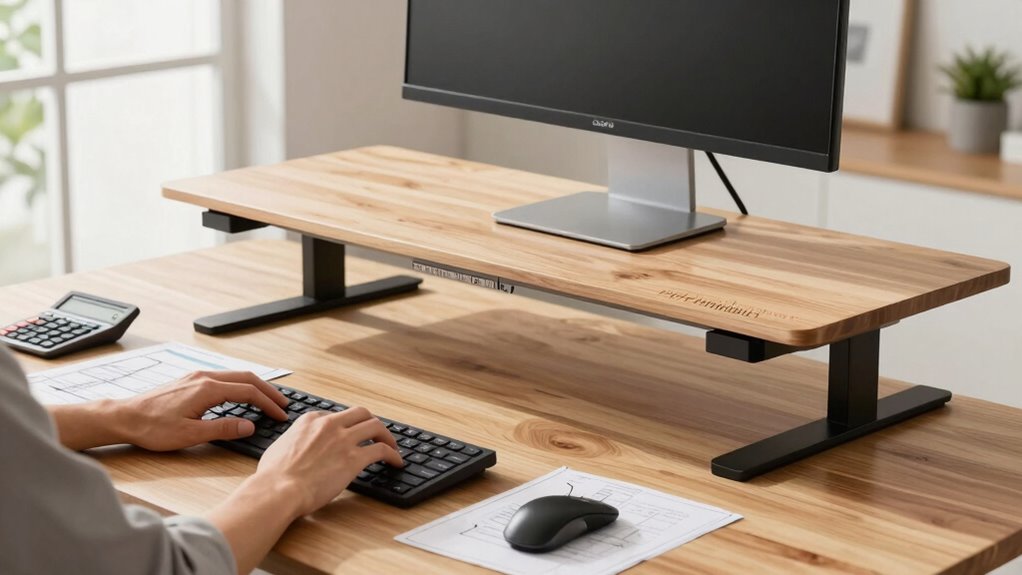

To find the right standing desk height, measure from the floor to your elbows when you’re relaxed with your arms at a 90-degree angle. Subtract 1 to 2 inches to account for keyboard height, ensuring your wrists stay straight while typing. Adjust your desk until your elbows are comfortably at this level, supporting good posture. Keep in mind, fine-tuning can boost comfort and prevent strain—continue for more tips on optimizing your setup.

Get the little things that make your day delivered free — and shop member deals
- Fast, free delivery on millions of items
- Access to Prime Big Deal Days deals on October 6–7
- Prime Video, Amazon Music and more included
Key Takeaways
- Measure from the floor to your elbows when standing relaxed to determine optimal desk height.
- Subtract 1-2 inches from elbow height to set a comfortable keyboard level.
- Ensure the monitor top is at or just below eye level for minimal neck strain.
- Use adjustable desks or accessories to fine-tune height for sustained ergonomic comfort.
- Properly calibrated standing desk setup reduces fatigue and supports long workday productivity.
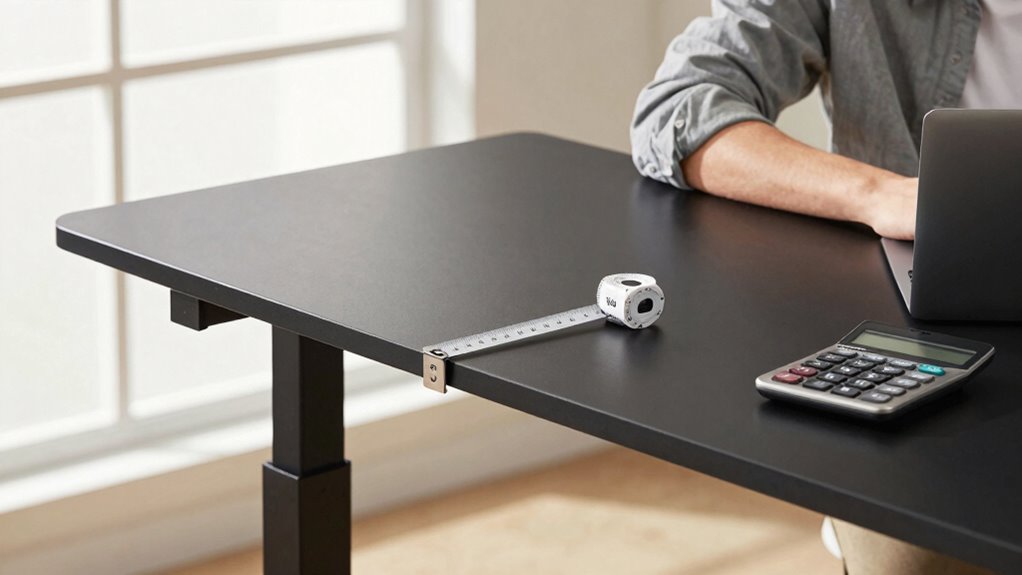
Finding the right height for your standing desk is vital for comfort and productivity. When your desk is at the proper height, you can maintain an ergonomic posture that reduces strain and fatigue during long workdays. To achieve this, understanding how to adjust your desk correctly is essential. The key is knowing the right desk adjustment that aligns with your body’s natural position, supporting your arms, shoulders, and neck.
First, you want to make sure your elbows are bent at roughly a 90-degree angle when your hands are on the keyboard. This way, your forearms are parallel to the ground, which minimizes shoulder tension. Your monitor should be positioned so that the top of the screen is at or just below eye level, allowing you to look straight ahead without tilting your head up or down. This setup encourages an ergonomic posture, preventing neck strain over time. Additionally, ergonomic posture helps sustain comfort throughout your workday and can improve overall productivity. Ensuring your workspace is set up with proper body alignment is crucial for long-term health and well-being.
To find the ideal standing desk height, measure the distance from the floor to your elbows when you stand naturally with your arms relaxed by your sides. Subtract about 1 to 2 inches to account for the keyboard height, ensuring your wrists stay straight and comfortable while typing. This calculation provides a solid starting point for desk adjustment. If your desk is adjustable, tweak it until your elbows rest comfortably at this height, and your wrists are not bent while typing. If your desk isn’t adjustable, consider adding a keyboard tray or a footrest to fine-tune your ergonomic setup. Moreover, being aware of ergonomic principles can help you optimize your workspace for both comfort and productivity.
As an affiliate, we earn on qualifying purchases.
Frequently Asked Questions
How Often Should I Adjust My Standing Desk Height During the Day?
You should adjust your standing desk height every 30 to 60 minutes to maintain an ergonomic posture and reduce fatigue. Frequent changes help prevent strain on your neck, shoulders, and back. Listen to your body; if you notice discomfort or fatigue, shift your position sooner. Regular adjustments keep you comfortable and promote better circulation, making long workdays more manageable and helping you stay focused and productive.
Can the Formula Be Customized for Different Types of Work?
Yes, you can customize the formula for different types of work to maintain ergonomic posture. For tasks requiring precision or detailed focus, adjust your desk height slightly lower for better control. For tasks like typing, make sure your elbows are at a 90-degree angle. Personalizing your desk setup helps reduce strain and fatigue, making long workdays more comfortable. Regularly tweak your desk height to match your activity for ideal ergonomic posture.
Is There an Ideal Desk Height for Different Chair Heights?
When it comes to desk height and chair heights, there’s no one-size-fits-all answer; it’s like fitting a square peg in a round hole. For ergonomic comfort, you should aim for desk customization, adjusting your desk to match your chair height. Your keyboard and monitor should be at eye level, and your elbows at a 90-degree angle. Experiment a bit to find what feels best for your long workdays.
How Does User Height Influence the Standing Desk Height Formula?
Your height directly influences the standing desk height formula because taller individuals need higher desks to maintain proper posture alignment. To optimize comfort, you should adjust your desk using ergonomic accessories like a footrest or monitor riser if necessary. These adjustments help keep your wrists straight, shoulders relaxed, and neck aligned, reducing fatigue during long workdays. Always prioritize ergonomics to support your posture and prevent strain.
Are There Any Safety Concerns With Incorrect Desk Height Adjustments?
Yes, incorrect desk height adjustments can pose safety concerns. If your desk isn’t set properly, you might adopt an ergonomic posture that strains your neck, shoulders, or wrists, increasing injury risk. To prevent this, verify your elbows are at a 90-degree angle and your monitor is at eye level. Proper adjustment promotes injury prevention and supports comfortable, safe long work sessions.
As an affiliate, we earn on qualifying purchases.
Conclusion
Now that you know the standing desk height formula, you’re equipped to work comfortably and confidently. No more strained necks or aching backs—just smooth, effortless shifts between sitting and standing. It’s simple to measure, easy to adjust, and makes long workdays feel less intimidating. So, embrace the balance, find your perfect height, and turn your workspace into a place where productivity and comfort go hand in hand, day after day.
As an affiliate, we earn on qualifying purchases.
As an affiliate, we earn on qualifying purchases.
NFL season / tailgating Picks
team gear
As an affiliate, we earn on qualifying purchases.