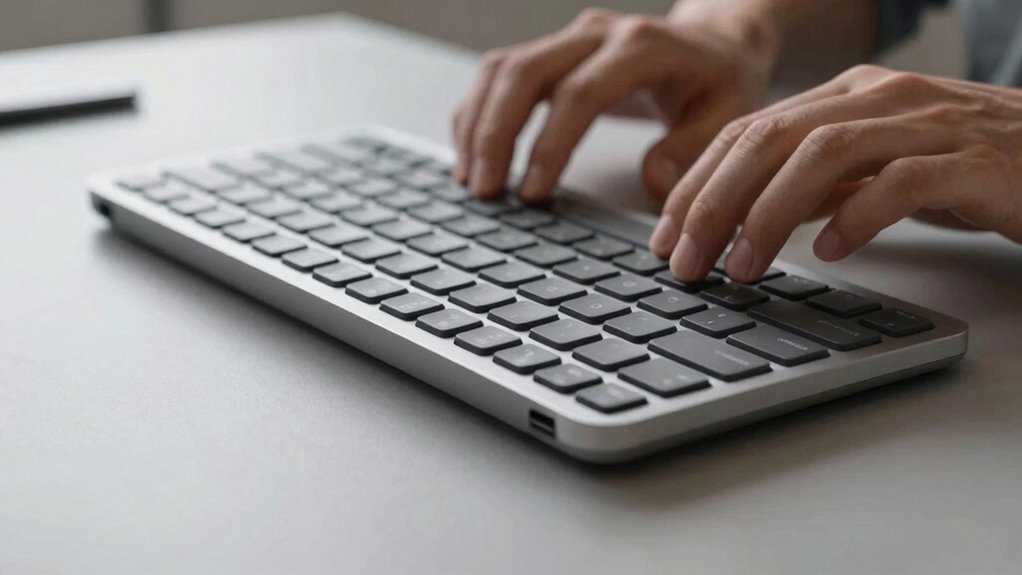

Choosing an ergonomic keyboard with a split layout, curved or tented design, and wrist support can markedly reduce typing fatigue and prevent discomfort over time. Opt for switches that match your noise preference and feel. Make sure the keyboard fits your hand size and allows adjustments for comfort. Investing in these features helps maintain a natural hand posture and minimizes strain. Keep exploring to discover how the right design can transform your typing experience.

Get the little things that make your day delivered free with Prime
- Fast, free delivery on millions of items
- Prime Video, Amazon Music and more included
- Member-only deals all year
Key Takeaways
- Choose an ergonomic keyboard with split, curved, or tented design to maintain neutral wrist posture and reduce strain.
- Opt for mechanical switches for tactile feedback and less finger fatigue during prolonged typing.
- Use removable wrist rests and adjustable tilt features to enhance comfort and support natural hand positioning.
- Select sustainable, durable materials to promote a healthier workspace and longer-lasting device.
- Test different models to find the best fit for your hand size and typing style, preventing fatigue and discomfort.
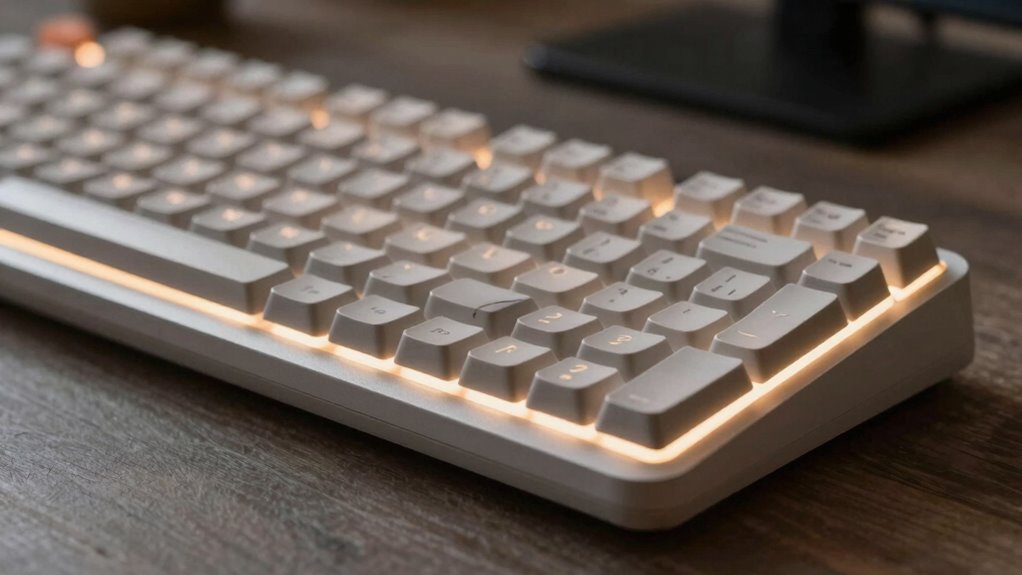
Choosing the right keyboard can make a meaningful difference in how quickly you experience typing fatigue. When you spend hours at your desk, the keyboard you use isn’t just a tool—it’s a critical factor in your comfort and productivity. An ergonomic design plays an essential role here, as it’s crafted to promote natural hand and wrist positions, reducing strain during long typing sessions. Look for keyboards that support your wrists, have a slight tilt, or incorporate a split layout to prevent awkward angles. These features help you maintain a relaxed posture, which in turn minimizes fatigue and discomfort.
Beyond design, the switch types of a keyboard greatly influence your typing experience. Mechanical switches, for example, offer a tactile response that can make typing more comfortable and satisfying, especially if you prefer a lighter touch. They require less force to actuate, meaning your fingers don’t have to work as hard with each keystroke. They also tend to have a greater durability, lasting longer under frequent use. On the other hand, membrane switches tend to be softer and quieter, which might be preferable if you’re concerned about noise or want a softer touch. Choosing the right switch type aligns with your typing style and personal preferences, but it also impacts how quickly your fingers tire out.
When considering ergonomic design, pay attention to the overall shape and layout of the keyboard. A curved or tented design can help keep your wrists in a neutral position, preventing awkward angles that cause strain. Some keyboards even come with removable wrist rests, giving you additional support exactly where you need it. If you type intensively or for extended periods, investing in an ergonomic keyboard with these features can save you from chronic discomfort and reduce the risk of repetitive strain injuries. Additionally, understanding biodiversity and sustainable practices in your workspace setup can promote overall health and well-being, including ergonomic considerations.
Switch types also influence the sound your keyboard makes, which can affect your focus and comfort. Mechanical switches tend to produce a distinct click or soft sound, while membrane switches are generally quieter. If noise is a concern, choosing a keyboard with quieter switch options can create a calmer, less distracting environment. Moreover, the material composition of the keyboard can influence its durability and environmental impact, making it a worthwhile factor to consider. Incorporating sustainable materials in your choice can further enhance your eco-friendly workspace.
Ultimately, your choice of keyboard—considering both ergonomic design and switch type—directly impacts your typing fatigue. It’s worth testing different options to find the one that best fits your hand size, typing style, and comfort needs. By making this decision thoughtfully, you’ll not only improve your efficiency but also protect your hands and wrists from unnecessary strain. The right keyboard isn’t just about speed; it’s about sustaining comfort over the long haul.
As an affiliate, we earn on qualifying purchases.
Frequently Asked Questions
How Does Keyboard Height Affect Typing Fatigue?
Your keyboard height directly impacts your typing fatigue by affecting your ergonomic wrist position and key spacing. If it’s too high or low, you’ll strain your wrists, leading to discomfort over time. Ideally, the height should allow your wrists to remain straight and relaxed, with proper key spacing that minimizes finger overreach. Adjusting your keyboard to an ergonomic height promotes comfort, reduces fatigue, and enhances your overall typing efficiency.
Are Wireless Keyboards Better for Reducing Fatigue?
Wireless keyboards can help reduce fatigue if they allow you to position your keyboard more ergonomically. You can use ergonomic wristrests to support your wrists comfortably, and choose key switch types that suit your typing style—linear switches for smoothness or tactile ones for feedback. Moving freely without cords helps minimize strain and encourages better posture, making wireless keyboards a good choice for reducing overall typing fatigue.
What Role Does Keyboard Layout Play in Comfort?
Imagine your fingers dancing across a well-choreographed stage—that’s how a good keyboard layout feels. Your comfort hinges on ergonomic design and proper key spacing, which reduce strain and keep fatigue at bay. When keys are thoughtfully arranged, your hands glide effortlessly, transforming typing from a tiring chore into a smooth, flowing experience. A layout that fits your natural hand position is the key to longer, more comfortable typing sessions.
Do Different Materials Impact Long-Term Typing Health?
Different materials greatly impact your long-term typing health by influencing ergonomic design and durability. Rubber or silicone pads reduce strain and improve grip, while metal parts guarantee durability but can be heavier. Opt for keyboards with high-quality, resilient materials that support ergonomic features, preventing fatigue and injury over time. Choosing durable materials also means your keyboard maintains its shape and comfort longer, ultimately supporting healthier, more comfortable typing sessions.
How Can Keyboard Tilt Influence Fatigue Levels?
A gentle tilt in your keyboard can do wonders for your comfort, reducing fatigue by encouraging ergonomic wrist positioning. When you angle the keyboard correctly, it minimizes strain and helps your hands glide smoothly across the surface, thanks to ideal surface friction. This subtle adjustment allows your muscles to work more naturally, preventing tension buildup and making typing feel less tiring over time.
mechanical keyboard with wrist support
As an affiliate, we earn on qualifying purchases.
As an affiliate, we earn on qualifying purchases.
Conclusion
So, next time you pick that sleek, trendy keyboard, remember—it might look cool, but it could be your silent villain in the battle against fatigue. Ironically, the very device designed to boost productivity might be secretly draining your energy. Your fingers may thank you for choosing wisely, but your weary mind might just roll its eyes. Sometimes, the simplest choice in keyboards can turn your typing experience from a marathon into a sprint—without you even realizing it.
adjustable tilt ergonomic keyboard
As an affiliate, we earn on qualifying purchases.
As an affiliate, we earn on qualifying purchases.
quiet membrane ergonomic keyboard
As an affiliate, we earn on qualifying purchases.
As an affiliate, we earn on qualifying purchases.
Evergreen bestsellers Picks
bestsellers
As an affiliate, we earn on qualifying purchases.