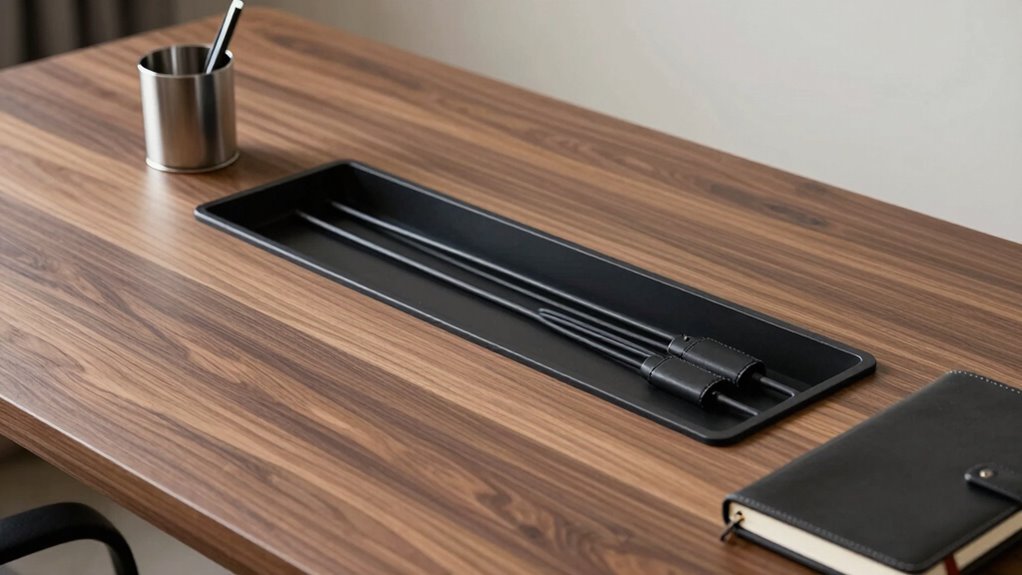

In just 15 minutes, you can turn your desk into a sleek, expensive-looking space by grounding, hiding, and organizing cables. Disconnect and group similar cords, use stylish clips or sleeves to keep wires tidy, and route longer cables behind monitors or along edges for a seamless look. Hiding power strips and adding subtle accessories instantly elevate your workspace. Keep things simple and neat daily—more tips to achieve that polished, high-end vibe await you.
Key Takeaways
- Disconnect and group similar cables, then secure them with decorative clips or Velcro for a tidy, high-end appearance.
- Use cable sleeves or covers to conceal wires and create a seamless, sophisticated look in under 15 minutes.
- Hide power strips behind desks or inside management boxes to reduce clutter and enhance the workspace’s luxury feel.
- Route longer cables along desk edges or behind monitors for a clean, organized, and expensive-looking setup.
- Remove unnecessary cables, incorporate wireless devices, and add stylish accessories for a quick, polished desk makeover.
Why Good Cable Management Makes Your Workspace Look More Expensive
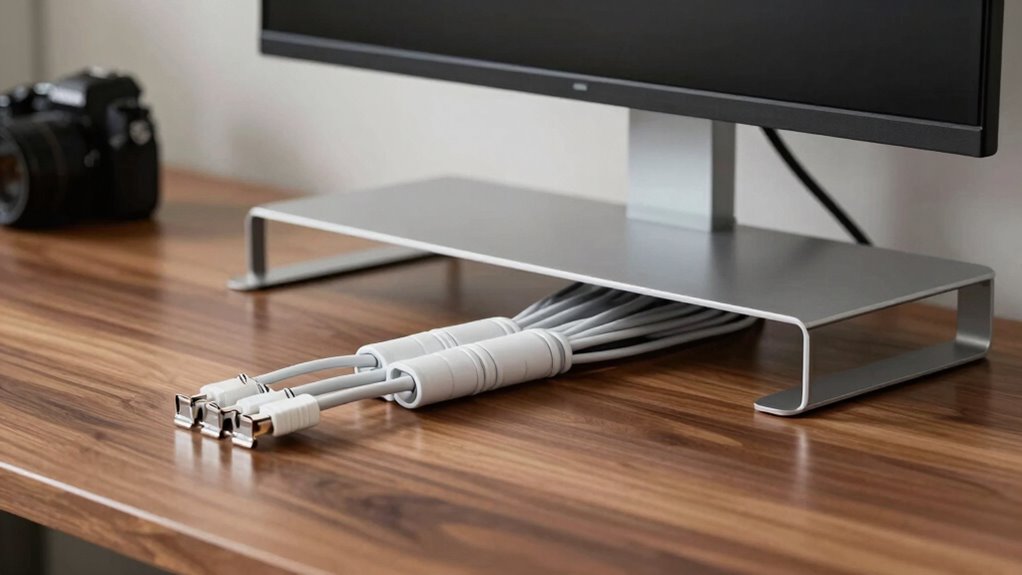
Good cable management instantly elevates the look of your workspace, making it appear more polished and professional. When your cables are neatly organized, it enhances cable aesthetics, giving your desk a clean, streamlined appearance. This attention to detail signals that you value quality and organization, creating an impression of expense and sophistication. Plus, a tidy setup improves your ergonomic setup, reducing clutter that could interfere with your comfort and productivity. When cables are properly managed, your workspace feels more intentional and refined, which reflects well on you. The visual harmony of hidden or neatly bundled wires can transform an ordinary desk into a sleek, high-end environment. In short, good cable management isn’t just functional—it’s a subtle way to make your workspace look more expensive.
Spot Clutter Hotspots on Your Desk
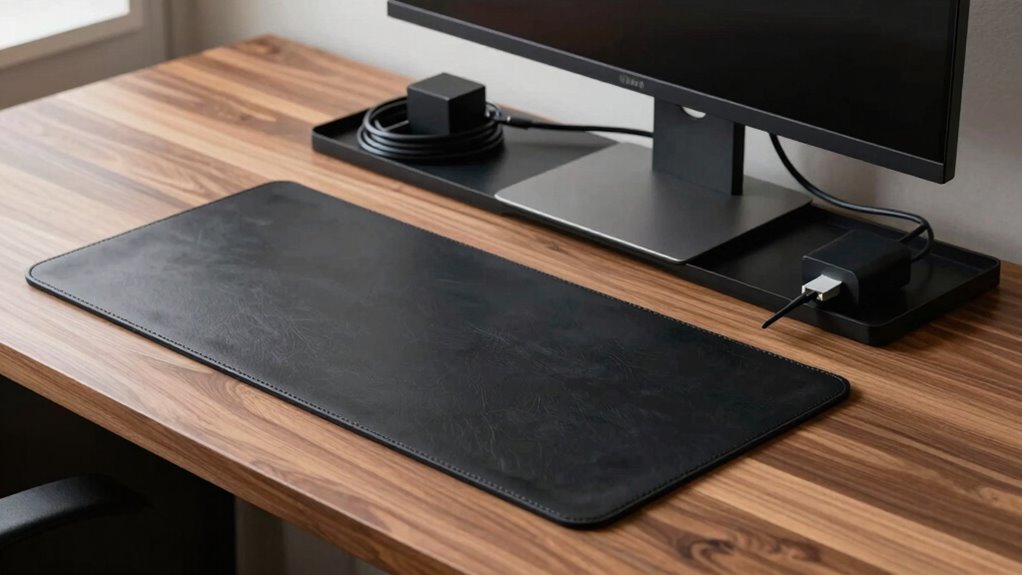
Start by spotting visible clutter spots that draw attention and make your desk look messy. Recognize cables that get overused or frequently moved, as they tend to create more chaos. Pay attention to tangled wire areas, which can be easy to overlook but contribute substantially to clutter. Additionally, understanding digital content formats can help you organize your electronic files more efficiently, reducing overall desk clutter. Implementing effective cable management strategies can further streamline your workspace and enhance work-life harmony.
Identify Visible Clutter Spots
To effectively manage your cable clutter, you need to identify the visible hotspots that draw attention and create chaos on your desk. Start by examining areas where cables pile up or hang loosely, often near your monitor or charging station. Check for cables that are too long, which tend to tangle and look messy. Using color coding can help you quickly spot which cables belong to specific devices, making it easier to organize and reduce clutter. Look for cables that cross over your workspace or clutter around your keyboard and mouse. Spotting these clutter hotspots gives you a clear starting point to tidy and streamline your setup. Additionally, understanding contrast ratio can help you choose the right lighting to minimize glare and reflections on your screen, enhancing your overall workspace environment. Incorporating cable management accessories such as clips or sleeves can further keep cables neatly in place and prevent tangling. By addressing these visible clutter spots, you’ll create a cleaner, more organized workspace in just minutes.
Recognize Overused Cables
Overused cables often become the main clutter hotspots on your desk, signaling where attention is needed most. When you notice a surge of cable overuse, it’s a clear sign that wire clutter is building up in that area. These hotspots typically appear near your monitor, charging station, or keyboard, where multiple cords converge. Recognizing these overused cables helps you pinpoint problem zones before clutter spirals out of control. Look for cables that are stretched, tangled, or constantly moved, indicating frequent use. By identifying where wire clutter accumulates, you can plan targeted solutions to tidy up those specific areas. Spotting these overused cables early keeps your workspace streamlined, reducing visual chaos and making your desk look sleek and organized. Incorporating cable management solutions like cord organizers can further enhance the appearance and functionality of your workspace. Additionally, understanding cable strain can help prevent damage and improve overall longevity of your devices.
Spot Tangled Wire Areas
Once you’ve identified areas with overused cables, it’s time to zero in on tangled wire zones that create visual clutter and hinder productivity. These spots often become hotspots for cord tangles, turning neat desks into wire chaos. To tackle this, observe where cables bunch up or cross randomly. Use the table below to assess common problem areas:
| Hotspot Location | Signs of Wire Chaos | Suggested Fixes |
|---|---|---|
| Behind monitors | Cables overlapping | Use cable clips or sleeves |
| Under desk | Cluttered cords | Implement cable trays |
| Near power strips | Tangled cords | Label and bundle cables |
| On desk surface | Visible tangles | Use cable ties |
| Drawer areas | Hidden messes | Store excess cables away |
Additionally, cable management techniques like using cable sleeves and clips can help maintain an organized desk and prevent future clutter buildup. Regularly reviewing and adjusting your cable setup can also reduce cable stress, preventing damage and prolonging cable life. Incorporating proper cable routing helps avoid unnecessary bends and strain, further extending cable durability. Recognizing wire clutter hotspots allows you to plan effective solutions before the mess worsens. Identifying and organizing these hotspots reduces cord tangles, creating a cleaner, more efficient workspace. A well-maintained cable system not only looks more expensive but also enhances overall productivity.
Find Affordable Tools for a Tidy Desk
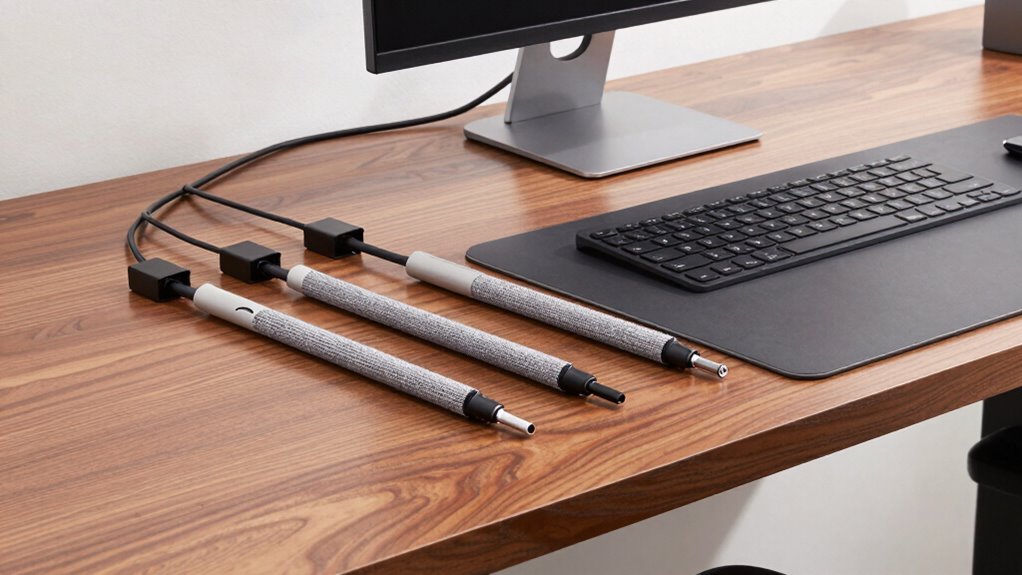
You can keep your desk tidy without breaking the bank by using budget-friendly cable organizers. DIY hacks also offer simple ways to manage cords effectively. With a few affordable tools and creative ideas, your workspace stays neat and clutter-free.
Budget-Friendly Cable Organizers
Keeping your desk organized doesn’t have to cost a fortune; affordable cable organizers can make a significant difference in managing clutter. Simple solutions like reusable cable labels help with cable labeling, so you know exactly which cord belongs to which device. Stretchy cable sleeves or twist ties are great for cable length adjustment, preventing excess slack from tangling or falling behind your desk. Silicone or plastic clips are inexpensive and easy to attach, keeping cords neatly routed along your desk edges. Cable management boxes made from budget-friendly materials can hide power strips and excess cords, creating a cleaner look. These tools are easy to install, effective, and won’t break the bank, giving your workspace a tidy, professional appearance without the high cost. Additionally, understanding cable management principles can help you optimize your setup for both safety and aesthetics. As the demand for AI cybersecurity continues to grow, maintaining a clean and secure workspace becomes even more important.
DIY Cable Management Hacks
Transforming your workspace doesn’t have to be expensive; with a few simple DIY hacks, you can achieve a tidy desk using affordable tools. Start by repurposing household items like binder clips or clothespins to secure cables and keep them organized. For wireless solutions, consider investing in affordable charging stations that reduce cable clutter and enhance your ergonomic setup. Use adhesive cable clips or velcro straps to route wires neatly along your desk edges. Creating designated cable channels with cardboard or plastic tubing is an easy, low-cost fix. These hacks help you maintain a clean, professional look without breaking the bank. With a little effort, your workspace will look polished, functional, and free of tangled cords—all in just minutes.
Step-by-Step: Tangle-Free Cables in 15 Minutes
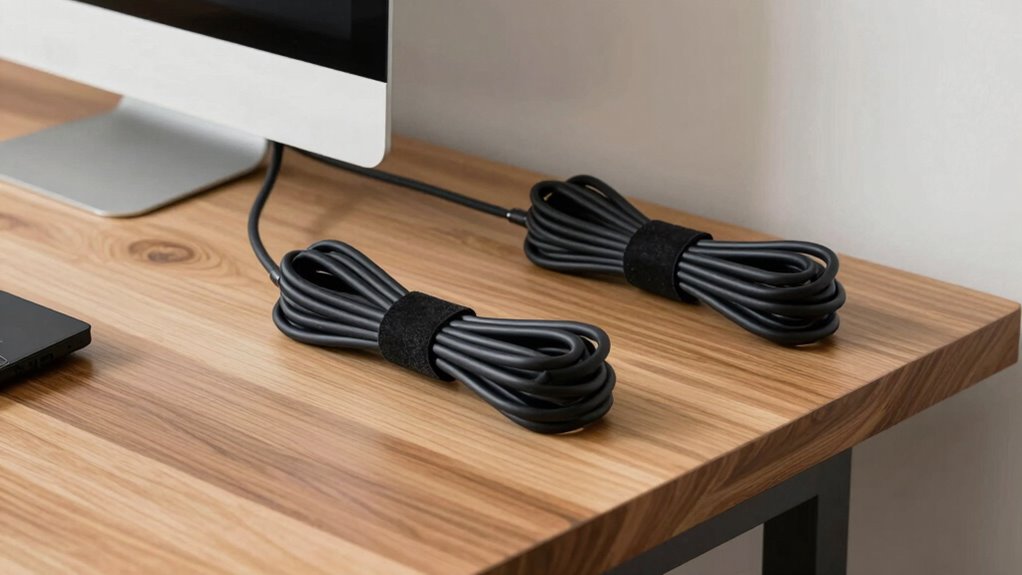
Tangles and knots can turn cable organization into a frustrating chore, but with a straightforward approach, you can achieve a tangle-free setup in just 15 minutes. Start by disconnecting all cables and grouping similar ones together. Use decorative cable covers to conceal and protect your cords, instantly elevating your desk’s look. Consider switching to wireless alternatives for devices like keyboards and mice, reducing clutter further. As you lay out your cables, use twist ties or Velcro strips to keep them neat and prevent tangling. Secure longer cables along the edges of your desk or behind your monitor. Additionally, practicing cable routing techniques can help maintain a tidy workspace by preventing dust buildup on your cables and equipment. Implementing regular cable inspections ensures your setup stays organized and functional over time. Regularly inspecting and adjusting your cable arrangement ensures lasting organization and a sleek appearance. This simple method keeps your workspace tidy, saves time, and gives a sleek, expensive appearance without any complicated tools or hours of effort. Additionally, understanding cable management techniques can help maintain an organized workspace over the long term.
Hide Power Strips and Organize Wires Easily
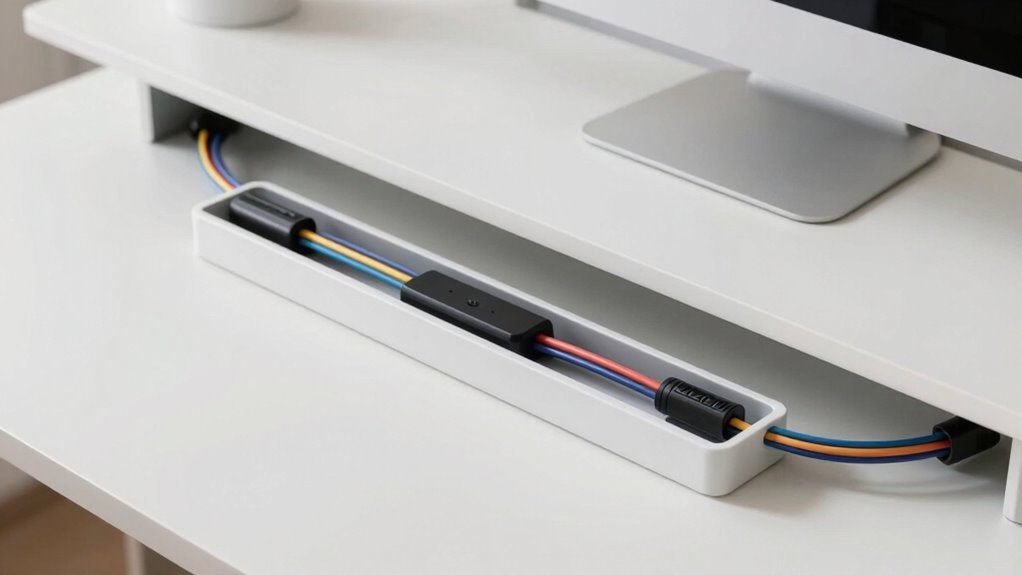
To create a cleaner workspace, start by hiding your power strips and organizing your wires effectively. Use cable labeling to identify each cord easily, preventing clutter and confusion. Position power strips behind your desk or inside a cable management box to keep them out of sight. Incorporate wireless charging stations on your desk to reduce cable clutter, freeing up space and simplifying your setup. Bundle wires together with cable clips or sleeves, ensuring they stay tidy and don’t tangle. When possible, route cables along the edges of your desk or beneath it for a seamless look. Additionally, consider ergonomic workspace setup to enhance comfort and productivity. Incorporating cable management techniques can further streamline your environment and maintain a polished appearance. Proper cable routing can prevent damage and extend the lifespan of your cords. Applying cable organization principles can also help maintain a clutter-free workspace and improve overall efficiency. Implementing these simple steps can lead to a more organized workspace, making your setup look like an expensive setup without extra effort.
Use Stylish Accessories to Secure Cables
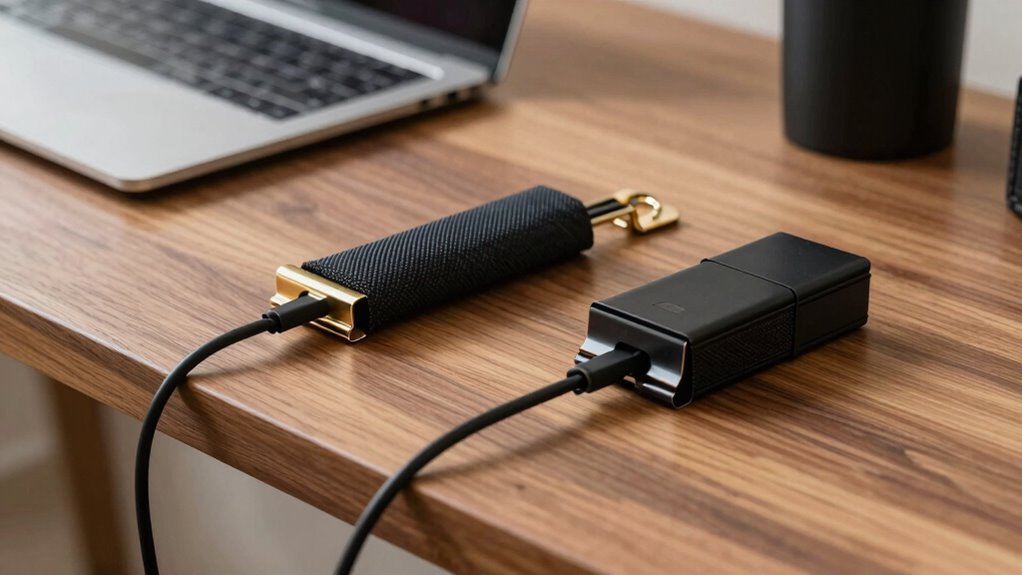
Adding stylish accessories to secure your cables not only keeps your workspace tidy but also enhances its aesthetic appeal. Decorative cable clips are a simple yet effective way to achieve this. These stylish accessories come in various designs, from sleek metallic finishes to colorful patterns, allowing you to match your decor. By using decorative cable clips, you can keep cords neatly routed along your desk edges or behind your monitor, preventing tangles and accidental disconnections. They also make your setup look intentional and polished, giving your workspace a sophisticated vibe. No more messy cables cluttering your surface—just clean, organized lines that look expensive. Incorporating cable organization techniques can further elevate your workspace’s professional appearance without adding clutter or complexity.
Keep Your Desk Tidy Daily With Simple Tricks
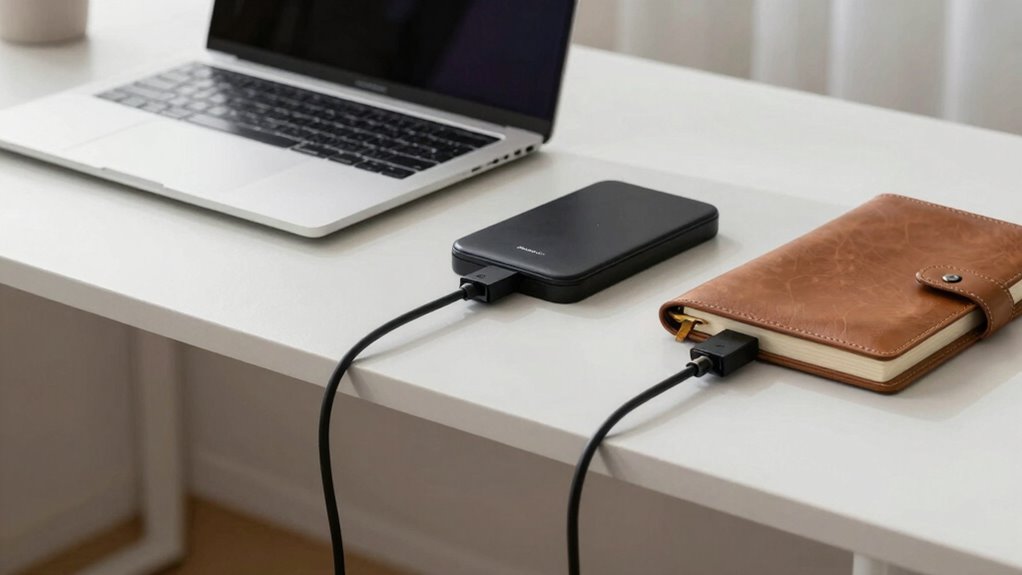
Maintaining a tidy desk daily is easier when you adopt simple, consistent habits. Start each morning by clearing away unnecessary items and organizing your cables with designated clips or sleeves. This not only keeps your workspace looking sleek but also offers ergonomic benefits by reducing clutter that can strain your posture. Make it a habit to put away loose papers, chargers, and accessories after use, preventing buildup. Regularly wipe down surfaces to sustain aesthetic enhancement and prevent dust from settling into cables and equipment. Keeping your desk organized every day minimizes distractions and creates a calming environment, boosting productivity. These small daily routines ensure your workspace remains stylish and functional, making the overall setup appear intentional and high-end without extra effort.
Quick Tips to Maintain a High-End Look Every Day
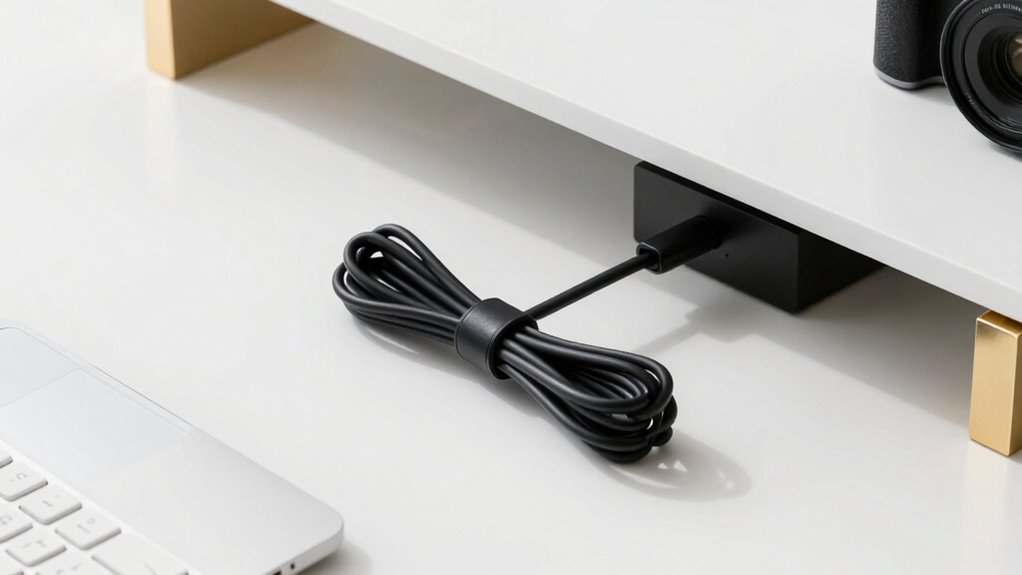
Achieving a high-end look every day doesn’t require elaborate efforts; simple adjustments can make a significant difference. Start by adopting wireless solutions to eliminate clutter and create a sleek appearance. Use cable color coding to organize cords by function or destination, making your setup look intentional and polished. Regularly review your cables and remove unnecessary ones to prevent chaos. Keep cables neatly tucked using cable sleeves or clips, ensuring they stay in place. Consider a cable management tray for a clutter-free desk. Here’s a quick reference:
| Cable Type | Color Code | Placement Tips |
|---|---|---|
| Power | Red | Near outlets |
| Data | Blue | Along edges |
| Peripheral | Green | Hidden behind monitors |
| Wireless | N/A | Minimize cable use |
| Extras | Yellow | Designate for accessories |
These small adjustments elevate your desk’s look daily.
Frequently Asked Questions
What Are the Best Cable Management Products for Small Desks?
For small desks, you should try cable clips and cable sleeves to keep wires tidy. Using cable labels helps you identify devices quickly, saving time. Pair these with wireless accessories to reduce clutter and improve your workspace. Opt for sleek, minimalistic products that fit comfortably without overwhelming your desk, and you’ll create an organized, stylish setup in just minutes.
How Can I Prevent Cables From Tangling Over Time?
To prevent cables from tangling over time, you should consider wireless alternatives where possible to reduce clutter. Use cable labeling to identify cords easily, making organization simpler and less messy. Regularly straighten and secure cables with cable clips or sleeves, and avoid overloading power strips. These steps help maintain a tidy, professional look, ensuring your cables stay organized and tangle-free longer.
Are There Eco-Friendly Cable Management Options Available?
Yes, eco-friendly options exist. For example, you could use cable sleeves made from sustainable materials like hemp or jute, which are biodegradable and durable. Imagine transforming your workspace with these stylish, environmentally conscious solutions that reduce plastic waste. These biodegradable options not only keep your cables organized but also minimize your ecological footprint, making your desk setup both functional and eco-friendly.
How Often Should I Update My Cable Organization System?
You should update your cable organization system every 3 to 6 months to guarantee optimal cable maintenance and organizational frequency. Regular checks help prevent tangles, loose connections, and clutter buildup that can affect performance. When you notice cables are becoming disorganized or worn, it’s time for a reset. Staying proactive keeps your workspace tidy, functional, and stylish, making sure your cable management always looks sharp and professional.
Can DIY Cable Management Solutions Look as Professional as Store-Bought Ones?
Like a knight wielding a trusty quill, you can achieve a professional appearance with DIY hacks for cable management. DIY solutions can look just as polished as store-bought ones if you choose quality materials and focus on neatness. Use cable clips, sleeves, or paint to hide wires, ensuring your desk looks tidy and stylish. With some effort, your DIY setup can rival expensive options—no need to raid a castle’s treasury!
Conclusion
Did you know that a cluttered workspace can decrease productivity by up to 20%? By spending just 15 minutes on cable management, you’ll instantly elevate your desk’s look and feel more expensive. Keeping your cables tidy not only boosts your workspace’s aesthetic but also helps you stay focused and efficient. So, take these simple steps today—you’ll be amazed at how a clean desk can transform your workday.