Using more screens doesn’t automatically boost your productivity and can often lead to more distractions, errors, and mental fatigue. Switching between multiple screens pulls your focus in different directions, disrupting flow and increasing task-switching time. If you’re not managing your screens intentionally, you may find yourself overwhelmed and less efficient. To discover how to avoid these pitfalls and optimize your workspace, explore the strategies that help balance your tech use and boost focus.
Key Takeaways
- Increasing screens can lead to distractions, multitasking pitfalls, and mental fatigue, reducing overall productivity.
- The Two-Screen Rule emphasizes intentional screen management to minimize visual clutter and digital overload.
- Constant switching between screens disrupts focus, increases errors, and hampers deep concentration.
- Managing screen use through decluttering and limiting notifications helps improve focus and work quality.
- More screens do not automatically boost productivity; strategic use and digital boundaries are essential for efficiency.
Does Using Two Screens Help or Hinder Your Productivity?
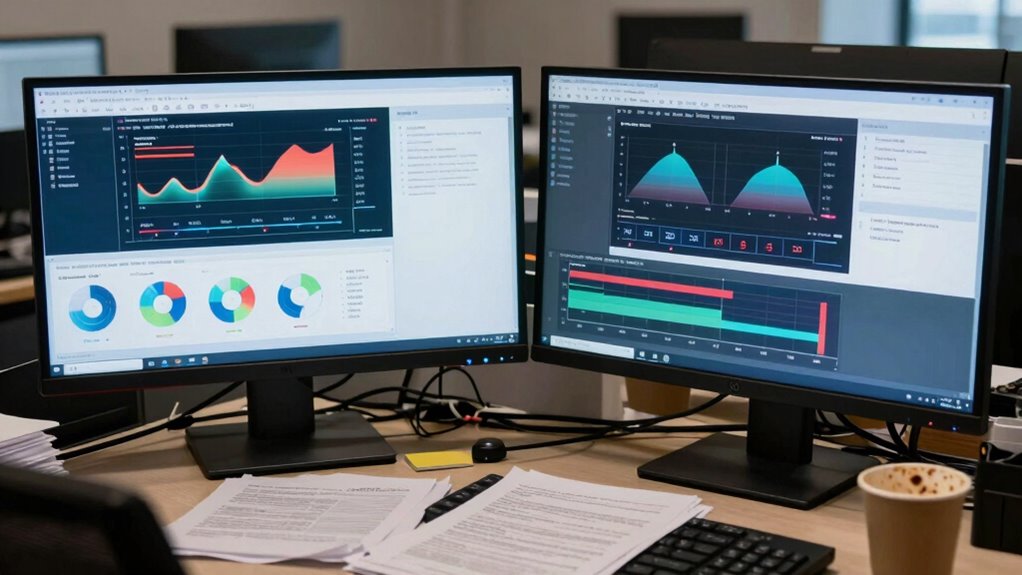
Does using two screens really boost your productivity, or does it just create distractions? Many believe that dual monitors enhance efficiency, but they can also lead to multitasking pitfalls. When you juggle multiple apps or windows simultaneously, your focus splits, making it harder to complete tasks quickly and accurately. This constant switching increases chances of errors and mental fatigue. Additionally, two screens can contribute to digital overload, overwhelming you with information and notifications. Instead of streamlining your work, you might find yourself spending more time managing distractions than actually getting things done. Research on cognitive load suggests that the more information your brain has to process, the less efficiently it operates. The tendency to multitask often results in reduced overall productivity and increased stress. Moreover, the visual clutter created by multiple screens can make it harder to find relevant information quickly. It’s also important to consider that the attention span required to manage multiple sources can decrease over time, affecting overall work quality. While some thrive with dual screens, others struggle to maintain concentration. Ultimately, whether two screens help or hinder depends on your ability to control digital clutter and stay disciplined.
The Two-Screen Rule Explained: Origins and Meaning
The Two-Screen Rule started as a way to boost focus and multitasking efficiency, but its true origins are often misunderstood. Its main purpose is to help you manage multiple tasks without losing track of important information. Many people assume it’s about working on two screens, but the rule’s meaning goes deeper than that. For example, understanding essential oils for specific health concerns can also be part of managing wellness and stress, which indirectly supports productivity. When applied thoughtfully, the rule encourages intentional screen management to minimize distractions and optimize focus during work sessions. Additionally, cultivating a growth mindset can help individuals adapt to new productivity strategies and overcome challenges related to multitasking. Recognizing the impact of cognitive load can further enhance your ability to balance multiple tasks effectively, leading to better overall mental clarity.
Origin of the Rule
The Two-Screen Rule originated as a practical guideline for enhancing focus and productivity in an increasingly digital world. It emerged from observations that juggling multiple screens can hinder screen ergonomics and reduce efficiency. Early studies found that shifting attention between screens creates cognitive overload, impairing task completion. To illustrate this, consider the following setup:
| Screen 1 | Main Task | Screen 2 |
|---|---|---|
| Focus | Emails | Reference |
| Distraction | Notifications | Chat |
This layout emphasizes how extra screens can become distractions rather than productivity tools. The rule encourages limiting screen use to maintain clarity and avoid unnecessary multitasking, ultimately helping you work smarter, not harder. It highlights a balance between technology use and effective focus in daily tasks. Additionally, being mindful of cognitive load can help optimize your work environment for better concentration. Reducing the number of screens can also decrease the risk of eye strain and improve overall comfort during work sessions. Recognizing how multitasking impacts mental resources is crucial for maintaining productivity and mental well-being. Moreover, understanding screen ergonomics can contribute to long-term health benefits while working. Studies also suggest that using fewer screens can improve mental clarity and reduce fatigue, leading to a more sustainable work routine.
Purpose of Two Screens
Understanding the purpose of two screens helps you harness their potential effectively. Many believe that using multiple screens boosts productivity, but it often leads to multitasking challenges. When you switch between screens, your focus becomes fragmented, making it harder to complete tasks efficiently. This setup can also increase screen fatigue, causing eye strain and mental exhaustion over time. The goal of the two-screen rule isn’t to encourage extra screens but to highlight when using more than one actually hampers your performance. Recognizing when two screens serve a purpose—like managing specific tasks—can prevent overload and improve focus. Ultimately, understanding this purpose helps you decide when to use multiple screens wisely and when to stick to a single display for ideal productivity.
Common Misconceptions
Many people assume that having two screens automatically leads to higher productivity, but this isn’t always true. This misconception fuels multitasking myths, where you believe you’re working more efficiently by switching between screens. In reality, constant task switching increases digital clutter, making it harder to focus and complete tasks effectively. The two-screen setup often creates a false sense of productivity, leading you to believe you’re multitasking well when, in fact, you’re just dividing your attention. This scattered focus can cause errors and slow you down. Recognizing these misconceptions helps you understand that more screens don’t guarantee better results. Instead, managing digital clutter and focusing on one task at a time can boost your actual productivity and reduce stress. Additionally, understanding the concept of Free Floating can help you create a more organized workspace that minimizes distractions. Being aware of Twin Flame connections and how emotional distractions impact focus can also improve your work efficiency by helping you maintain mental clarity.
How Multiple Screens Create Distractions and Reduce Focus

Have you ever noticed how switching between multiple screens can pull your attention in different directions? This constant shifting amplifies multitasking pitfalls, making it harder to concentrate on one task. Each time you move your focus from one screen to another, your brain needs time to reorient, disrupting your flow. This digital overload overwhelms your senses, leading to decreased efficiency and increased errors. Additionally, digital overload can contribute to mental fatigue, further diminishing your capacity to perform at your best. Recognizing the impact of multiple screens can help you create a more focused and productive workspace. Moreover, limiting screens encourages mindful work habits, promoting better concentration and mental clarity. Being aware of visual distractions caused by multiple screens can help you set boundaries and reduce unnecessary clutter in your workspace. Implementing digital decluttering strategies can further enhance your ability to stay focused and efficient.
Signs Your Dual-Screen Setup Is Hurting Your Work

If you notice yourself constantly switching between screens or getting distracted by non-essential tabs, your dual setup might be hurting your work. You may find your focus slipping, and tasks taking longer than they should. These signs indicate your screens could be more of a hindrance than a help. Additionally, frequent context switching can reduce your ability to maintain focused attention, impacting overall productivity.
Increased Distractions and Interruptions
When your dual-screen setup becomes a source of constant interruptions, your focus can quickly diminish. You might notice your productivity dropping because of:
- Frequent notifications that demand your attention and break your concentration.
- The temptation to multitask, leading to multitasking pitfalls that reduce work quality.
- Constant switching between screens, making it harder to complete tasks efficiently.
These distractions cause you to lose track of your workflow, making it harder to stay on task. Instead of enhancing productivity, your setup fuels notification overload and fragmented attention. You may find yourself constantly checking messages or toggling between windows, which hampers your ability to focus deeply. Recognizing these signs is vital to adjusting your screen use for better work performance.
Reduced Focus and Efficiency
A dual-screen setup can quickly start to hinder your focus and efficiency when you find yourself frequently losing track of tasks or making more mistakes. Multitasking pitfalls become more common as multiple screens create digital clutter, making it harder to concentrate on a single task. Instead of streamlining your work, you might find yourself jumping between windows and losing momentum. This constant shifting reduces your ability to stay engaged and process information effectively. Over time, your productivity suffers because your brain is overwhelmed by the excess visual stimuli. The result? You spend more time correcting errors and reorienting yourself. If your dual screens are causing these signs of reduced focus and efficiency, it’s a clear indicator it’s time to reconsider your setup.
When Do Two Screens Improve Your Efficiency: and When Do They Get in the Way?
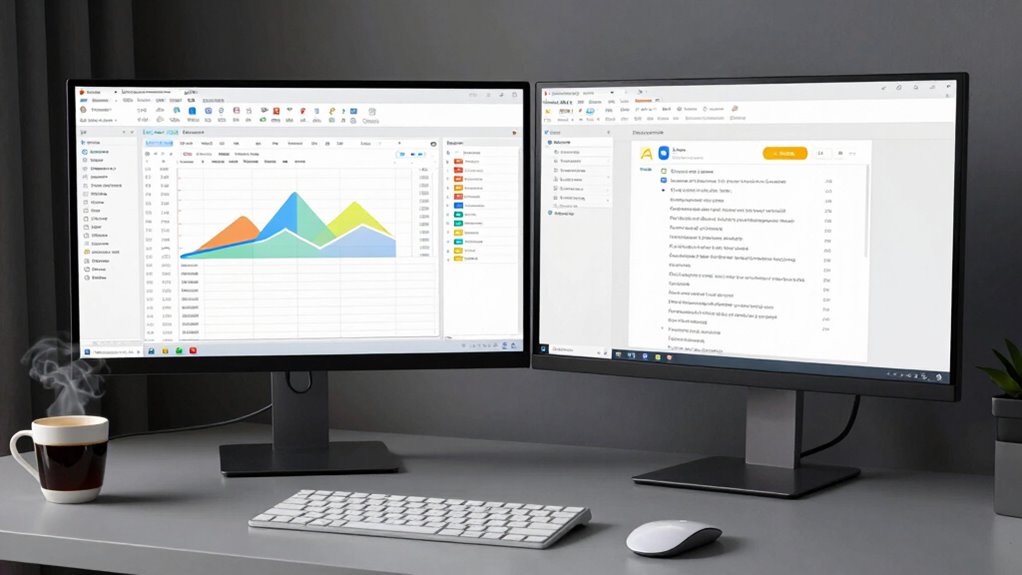
Two screens can boost your productivity when you need to multitask efficiently, such as referencing a document while writing or monitoring multiple communication channels simultaneously. However, they can also hinder your efficiency if you fall into common pitfalls. Consider these factors:
- When multitasking is well-organized, two screens reduce switching time and improve workflow.
- Proper screen ergonomics prevent strain and fatigue, keeping you comfortable and focused.
- Be aware of multitasking pitfalls like divided attention, which can impair deep concentration and lead to mistakes.
Knowing when to use two screens effectively depends on your ability to manage these factors. If you’re prone to distraction or poor ergonomics, more screens might get in your way instead of helping.
How to Manage Screen Use and Minimize Distractions

Managing your screen use effectively is key to maintaining focus and avoiding distractions that can undermine your productivity gains. Embrace digital minimalism by limiting notifications, closing unnecessary tabs, and focusing only on essential tasks. This reduces the temptation to switch between screens unnecessarily. Additionally, optimize your workspace ergonomics to prevent physical discomfort that can distract you, like adjusting monitor height and chair positioning. Keep your workspace tidy and free from clutter, which can divert your attention. Set specific time blocks for checking emails and social media to prevent constant interruptions. By intentionally managing your screen use and creating a distraction-free environment, you stay centered on your tasks and boost your overall efficiency.
Tools and Tips to Stay Focused in a Multi-Screen Environment

Staying focused in a multi-screen environment can be challenging, but the right tools and strategies can make a significant difference. To combat multitasking myths and screen addiction, try these tips:
- Use website blockers or focus apps to limit distractions during work sessions.
- Organize your screens by dedicating each to specific tasks, reducing constant switching.
- Schedule regular breaks away from screens to reset your focus and prevent burnout.
These tools help you stay on track and avoid the trap of endless scrolling. Remember, more screens don’t mean better productivity—intentional use is key. By implementing these strategies, you can reduce the temptation to multitask mindlessly and regain control over your focus, ultimately working smarter, not harder.
Finding the Right Balance Between Technology and Deep Work

Balancing technology use with deep work requires intentional planning and discipline. Embracing digital minimalism helps you prioritize meaningful tasks and reduce distractions. Set clear tech boundaries by designating specific times for checking emails or social media, preventing constant interruptions. Limit your devices to essential tools that support your focus instead of overwhelming you. Creating a dedicated workspace free from unnecessary screens fosters sustained concentration. Regularly evaluate your digital habits to identify what truly enhances your productivity and what hampers it. By intentionally managing your tech use, you can preserve your ability to engage in deep work while still benefiting from technology’s advantages. Striking this balance empowers you to work more deeply and efficiently, avoiding the trap of constant digital distraction.
Practical Steps to Apply the Two-Screen Rule in Your Daily Routine
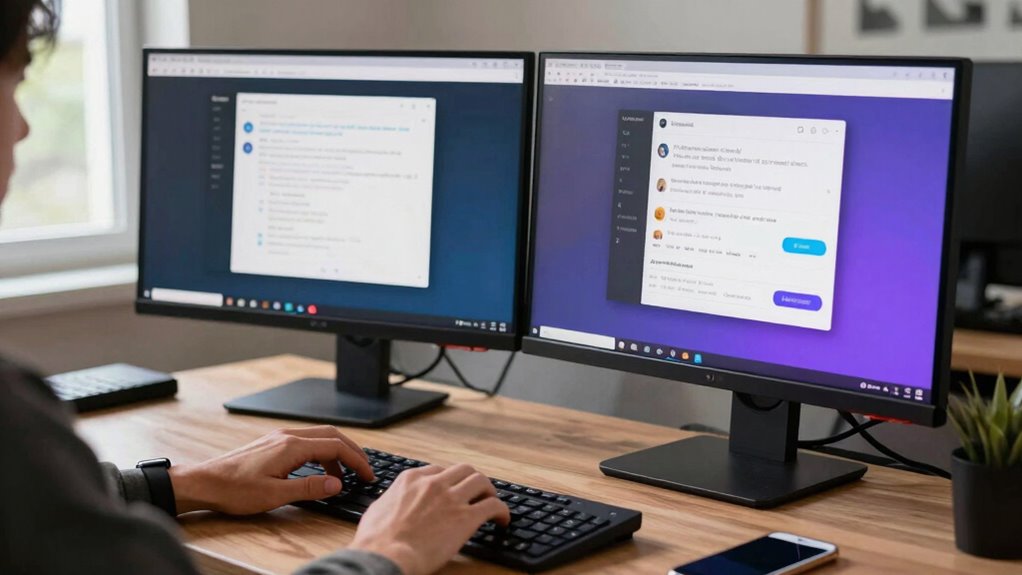
To effectively implement the two-screen rule, start by identifying your most essential tasks and assigning each to a specific device. This helps break the multitasking myths that often lead to decreased productivity. Establish clear digital boundaries to prevent distraction. Here are practical steps to get started:
- Prioritize tasks: Decide which tasks require deep focus and assign them to your primary screen.
- Limit secondary screen use: Keep your second screen for quick checks or non-urgent activities.
- Schedule breaks: Use your secondary screen intentionally during designated times, avoiding constant toggling.
Frequently Asked Questions
Can the Two-Screen Rule Vary by Profession or Task Type?
Yes, the two-screen rule can vary based on your profession or task. Your screen adaptability and need for task flexibility influence whether using multiple screens boosts or hinders productivity. If your work requires constant switching between data sources or multitasking, two screens might be ideal. However, for focused tasks, sticking to one screen could help you stay more efficient. Adjust your setup to fit your specific work demands and optimize your productivity.
How Do Different Screen Sizes Impact Productivity and Distraction?
Research shows that larger screens can boost productivity by 30%, but they also increase distraction. You might experience multitasking fatigue if screen sizes aren’t adapted to your tasks, leading to decreased focus. Smaller screens reduce visual clutter, helping you concentrate, but may hinder complex tasks. Adjust your screen size based on your work type to balance productivity and distraction, ensuring your setup supports effective screen size adaptation.
Are There Specific Apps That Help Manage Multiple Screens Effectively?
You can boost your productivity with multi-screen apps and productivity tools like DisplayFusion, AquaSnap, or Microsoft PowerToys. These apps help you organize, resize, and switch between screens seamlessly, reducing clutter and distractions. By using such tools, you optimize your workspace, making multitasking easier and more efficient. Embracing these apps guarantees you stay focused and manage multiple screens effectively, without feeling overwhelmed or distracted.
What Psychological Effects Does Multi-Screen Use Have on Users?
Using multiple screens can lead to cognitive overload, making it harder for you to process information efficiently. It often causes attentional fragmentation, pulling your focus in many directions at once. This can increase stress, reduce your ability to concentrate, and lead to mistakes. Over time, these psychological effects may diminish your productivity and overall well-being, so it’s essential to manage screen use carefully to maintain mental clarity and focus.
How Long Does It Typically Take to See Productivity Improvements After Changes?
Typically, you’ll notice progress within a few days, but true productivity peaks often take a week or two. As you navigate the learning curve, you’ll adapt and adjust your habits, gradually gaining efficiency. During this adaptation period, consistency is key. Stay patient, and you’ll start seeing significant strides as your focus sharpens and multitasking becomes more manageable. Remember, persistence pays off in transforming your screen habits into productive routines.
Conclusion
Using two screens can boost your productivity, but only if you manage them wisely. Without boundaries, they become distractions, pulling you away from deep work. The key is balance—embracing technology without letting it control you. When you set clear limits, screens serve as tools, not obstacles. Ultimately, it’s up to you to choose how to use this double-edged sword, turning it into an asset rather than a hindrance.