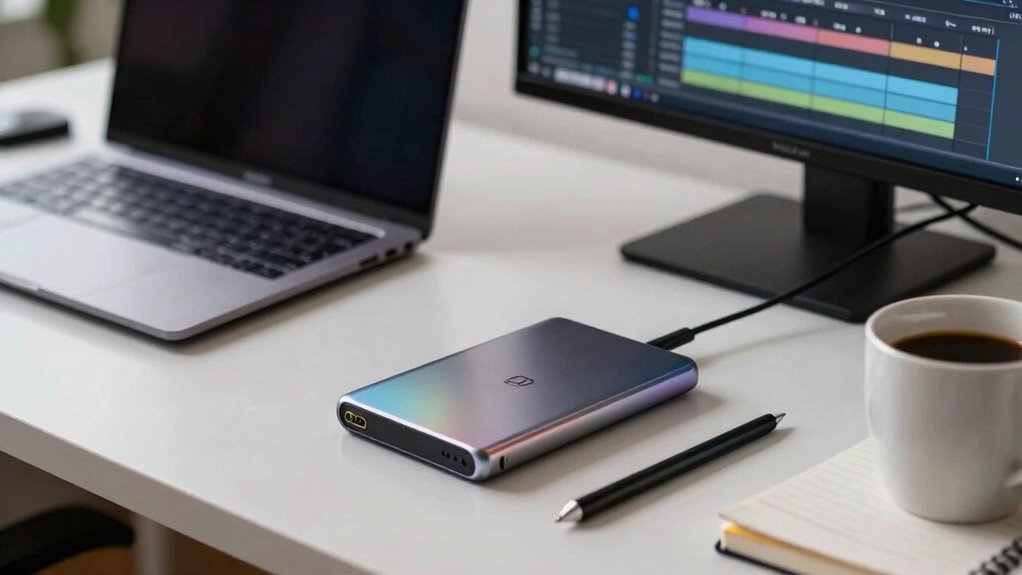

While high-speed external SSDs can transfer files quickly, your workflow depends more on factors like port compatibility, encryption, and hardware specs. Even the fastest drives can slow down if connected via older ports or if security features cause delays. Optimizing these elements often has a bigger impact on your productivity than raw speed alone. If you want to understand how to improve your setup and avoid bottlenecks, keep exploring the details that matter most.
Prime for Young Adults — start your free trial
Fast free delivery, streaming and member deals for eligible 18–24 year olds.
As an affiliate, we earn on qualifying purchases.
Key Takeaways
- Workflow efficiency depends on multiple factors like encryption and port compatibility, not just raw SSD speed.
- Data security features can slightly reduce transfer speeds, making speed less critical.
- Port type (e.g., Thunderbolt vs. USB-A) can limit potential SSD performance gains.
- Hardware compatibility and setup can hinder SSD benefits regardless of its speed.
- Overall productivity is influenced more by seamless integration and security than by drive speed alone.
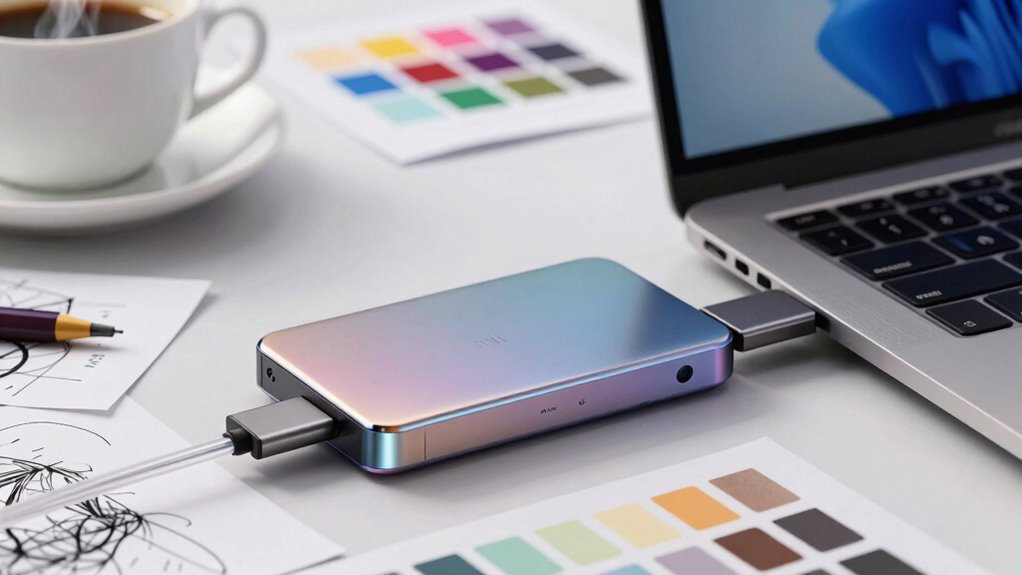
When it comes to managing large files and demanding workflows, the speed of your external SSD can make all the difference. A faster drive allows you to transfer files quickly, edit high-resolution videos seamlessly, and reduce wait times during intensive tasks. However, there’s more to consider than raw speed. In many cases, the overall workflow efficiency depends less on how fast data moves and more on how smoothly your entire setup operates. Factors like data encryption and port compatibility come into play, often overshadowing raw speed metrics.
Data encryption is crucial if you’re handling sensitive information or working in environments with strict security requirements. Investing in an external SSD with built-in encryption features ensures your data stays protected without sacrificing workflow efficiency. While some drives may offer hardware encryption that slightly impacts transfer speeds, the trade-off is often worthwhile when security is a priority. If your workflow involves frequent data sharing or cloud backups, encrypted drives prevent potential breaches and maintain compliance with data protection regulations. Remember, a drive’s speed is irrelevant if your data isn’t secure or if encryption slows down your process significantly. Additionally, understanding data transfer protocols can help optimize your setup for better performance.
Port compatibility is another vital aspect that can influence your workflow more than speed. External SSDs connect via various ports—USB-C, Thunderbolt, or older USB standards—and choosing the right one can prevent bottlenecks. For example, Thunderbolt 3 or 4 ports provide significantly higher bandwidth than standard USB-A connections, ensuring you maximize your drive’s performance. But if your device only supports USB 3.0, investing in a high-speed SSD won’t yield the expected gains. Compatibility issues can cause frustrating delays, forcing you to wait longer for transfers or work around hardware limitations. Ensuring your external SSD is compatible with your device’s ports keeps your workflow smooth and minimizes downtime. Additionally, understanding hardware specifications and their impact on performance optimization can further assist in making the best hardware choices for your needs.
As an affiliate, we earn on qualifying purchases.
Frequently Asked Questions
How Does File Size Impact SSD Performance?
File size can impact SSD performance, especially when dealing with larger files. Data compression helps by reducing file size, allowing faster read/write speeds. However, if files are fragmented, the SSD has to work harder to access different parts, slowing performance. Smaller, less fragmented files transfer more efficiently, but for large files, optimizing data compression and minimizing fragmentation can make a significant difference in overall speed.
Can Software Optimization Offset Hardware Limitations?
You might find that software optimization can often offset hardware limitations, especially since studies show up to 60% of data transfer delays come from inefficient software. By tuning your software settings, you can reduce hardware bottlenecks, making your external SSD perform better without upgrading. This approach lets you maximize your current hardware’s potential, ensuring smoother workflows even if the drive’s raw speed isn’t top-tier.
What Are the Best Workflows for Slow SSDS?
You can optimize slow SSD workflows by prioritizing cloud backup and redundant storage. Regularly transfer files to the cloud to free up local space and prevent bottlenecks. Use redundant storage systems, like RAID configurations, to guarantee data safety and improve access speeds. Break large projects into smaller chunks, working on and saving essential files first, then sync everything to the cloud. This approach minimizes delays caused by slow SSDs.
How Does Data Transfer Protocol Affect SSD Speed?
Data transfer protocols markedly impact SSD speed by influencing factors like encryption overhead and power management. If a protocol handles encryption efficiently, it minimizes delays, making transfers faster. Similarly, power management features can either throttle speeds to save energy or enable full performance. You’ll notice that choosing a protocol with optimized encryption and power features allows your SSD to perform at its best, especially when workflow demands quick, reliable data transfers.
Is External SSD Speed Consistent Across Different Devices?
No, external SSD speed isn’t always consistent across devices. Factors like data encryption can slow down transfer speeds due to added processing, while power consumption impacts performance—more power use might cause throttling or slower speeds. When connecting your SSD to different devices, these elements can cause fluctuations, so expect some variation in speed depending on the device’s hardware and how it manages encryption and power.
USB-C external SSD with encryption
As an affiliate, we earn on qualifying purchases.
As an affiliate, we earn on qualifying purchases.
Conclusion
Ultimately, while having a speedy external SSD is great, it’s your workflow that truly makes the difference. If you’re organized and optimize your processes, a slightly slower drive won’t hold you back. Remember, you can’t judge a book by its cover, and the same goes for tech gear. Focus on how you work, not just the specs, and you’ll find that efficiency matters more than raw speed. Sometimes, slow and steady really does win the race.
external SSD port compatibility adapter
As an affiliate, we earn on qualifying purchases.
As an affiliate, we earn on qualifying purchases.
high-speed encrypted external SSD
As an affiliate, we earn on qualifying purchases.
As an affiliate, we earn on qualifying purchases.
Fall yard work Picks
leaf blowers
As an affiliate, we earn on qualifying purchases.