To choose the right scanner, consider your specific needs: if you scan delicate materials or high-quality images, a flatbed is ideal. For bulk document processing, sheetfed scanners are faster and more efficient. If you need a portable device for quick scans on the go, a portable scanner works well. Think about your workspace, volume, and budget. Keep exploring to find the best match for your projects.
Key Takeaways
- Determine your volume needs: high-volume tasks suit sheetfed scanners, low-volume or delicate materials favor flatbeds, and on-the-go tasks require portable scanners.
- Prioritize resolution and color accuracy based on project detail, with flatbeds generally offering the highest quality.
- Consider workspace and portability requirements: flatbeds are stationary, sheetfed models are efficient for bulk, portable scanners are compact and mobile.
- Assess connectivity and software compatibility to ensure seamless integration into your existing workflow.
- Balance budget with needed features: flatbeds and high-end sheetfed scanners cost more, while portable options are more affordable but offer limited capacity.
How Do You Decide Which Scanner Fits Your Needs?
Choosing the right scanner starts with understanding your specific needs. If you require accurate color reproduction, look for models with reliable color calibration features to guarantee your scans match original colors. Consider your workflow and whether the scanner’s software compatibility aligns with your operating system and preferred applications. For example, if you use specialized photo editing software, confirm that the scanner supports it seamlessly. Think about the volume of scanning you’ll do; high-volume tasks may demand faster scanners with better software integration. Budget also plays a role, but investing in a scanner with good color calibration and software compatibility guarantees better results and smoother operation, saving you time and frustration in the long run. Additionally, digital content formats can influence your choice, as some scanners offer advanced options for exporting files suitable for different media or research purposes. Recognizing the importance of software compatibility ensures your workflow remains efficient and minimizes technical issues during operation. Moreover, considering scanner speed can significantly impact your productivity, especially when handling large batches of documents or images. To make an informed decision, evaluating scanning resolution and its impact on image quality is also crucial, particularly for detailed or professional work. A good understanding of contrast ratio can also help determine how well the scanner performs with various document types and lighting conditions.
What Are the Main Types of Scanners: Flatbed, Sheetfed, and Portable?

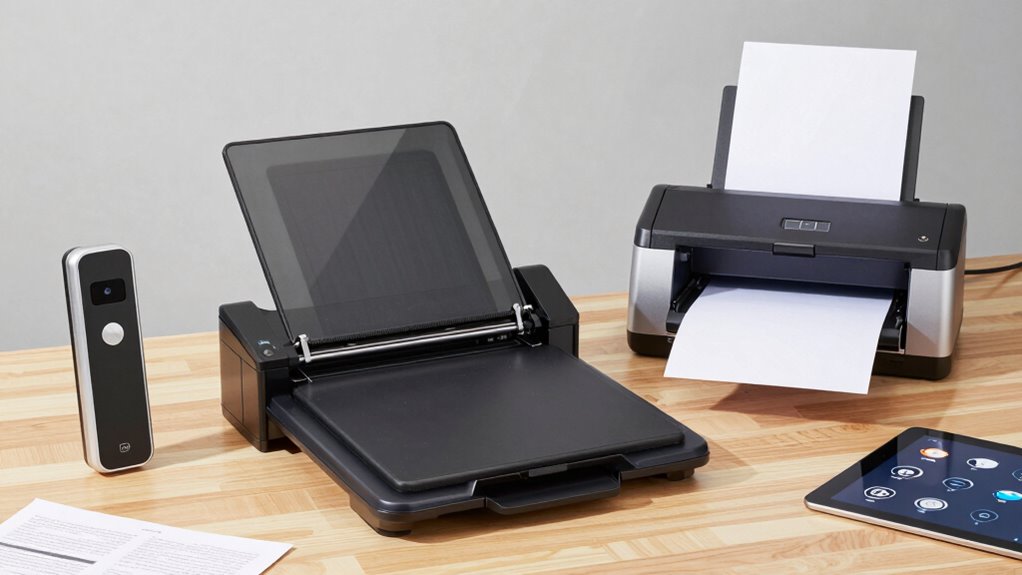
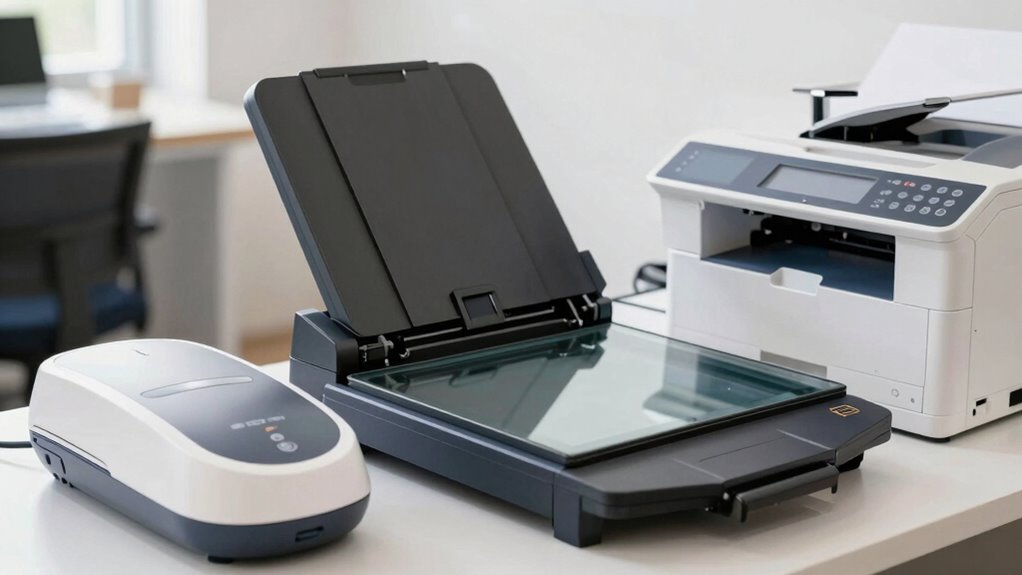
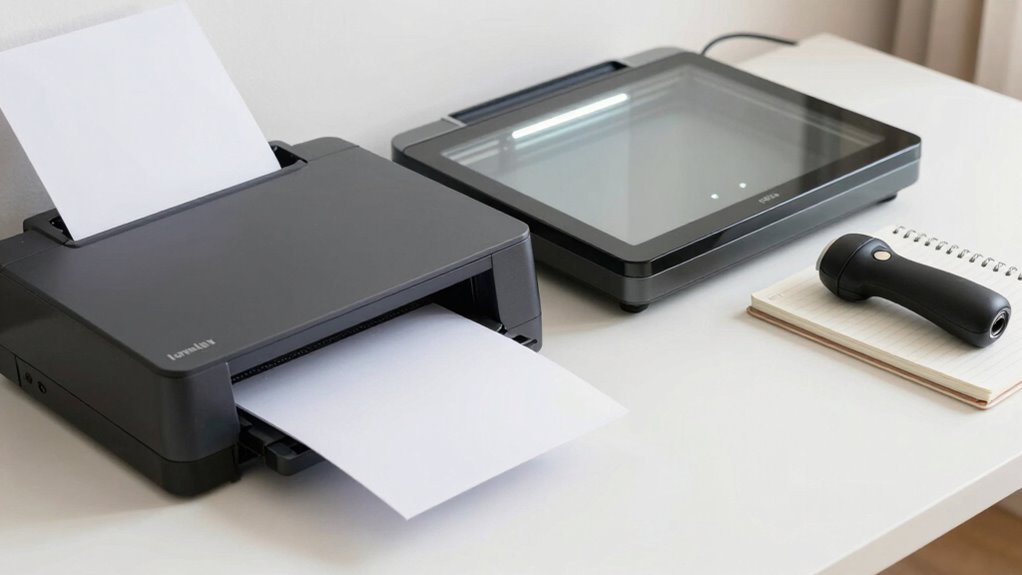
There are three main types of scanners to contemplate: flatbed, sheetfed, and portable, each designed to meet different scanning needs. Flatbed scanners are ideal for document preservation and archival scanning, offering high resolution and the ability to handle delicate or thick materials. They’re perfect for preserving photographs, books, or fragile documents. Sheetfed scanners are best for bulk scanning, quickly processing multiple pages without manual intervention, making them suitable for office workflows. Portable scanners provide convenience on the go, allowing you to scan documents anywhere, though they might lack the high resolution needed for detailed archival work. Understanding these types helps you select the right scanner for your specific needs, whether for long-term preservation or quick, on-the-move digitizing. Understanding scanner types is crucial for optimizing your workflow and ensuring the best quality for your scans.
What Features Matter Most When Choosing a Scanner? (Resolution, Speed, Connectivity)
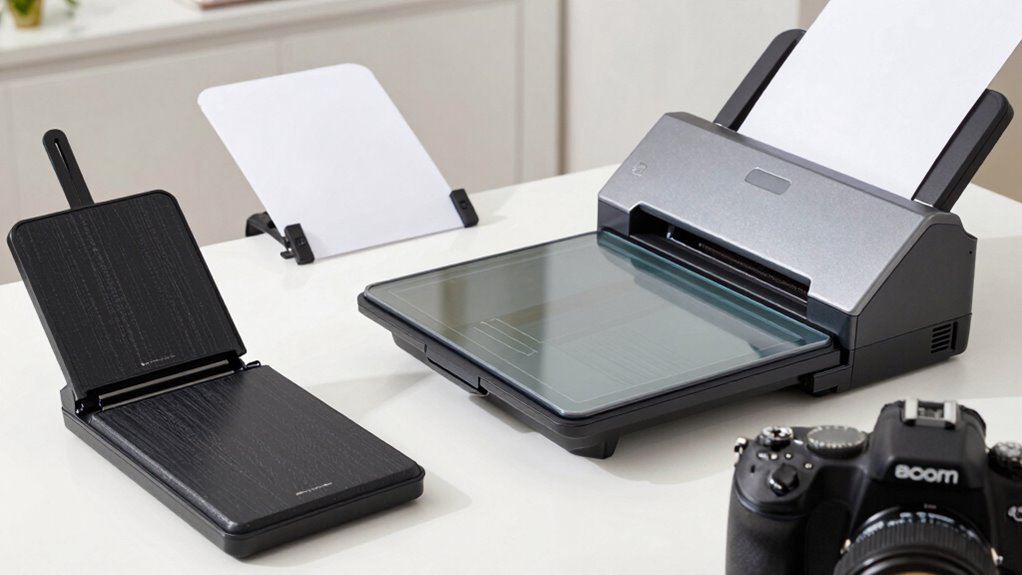
When selecting a scanner, the most vital features to contemplate are resolution, speed, and connectivity, as each impacts how well the device meets your specific needs. High scanning resolution ensures sharp, detailed images, especially if color accuracy is essential for your projects. Look for a scanner that offers at least 300 dpi for everyday use, but higher resolutions are better for professional work. Speed matters if you scan large batches frequently; faster scanners save you time. Connectivity options like USB, Wi-Fi, or Ethernet determine how easily you can integrate the scanner into your workflow. Prioritize features that match your usage, whether it’s detailed color accuracy or efficient batch processing, to choose a device that fits your needs perfectly. Additionally, understanding scanner technology can help you make more informed decisions about which type best suits your requirements.
How Do Scanner Types Compare in Quality and Use Cases?

Different scanner types vary in image quality, with some offering detailed, high-resolution images for professional use, while others suit quick, everyday tasks. You should consider the ideal scenarios for each, such as large documents, photos, or portable needs. Portability and convenience also influence your choice, especially if you need a scanner on the go or for multiple locations.
Image Quality Differences
Choosing the right scanner depends heavily on the quality you need for your projects. For high-resolution images and precise color accuracy, flatbed scanners excel due to their superior image capture capabilities. Sheetfed scanners often have lower resolution quality but are faster for bulk tasks. Portable scanners are convenient but may sacrifice some detail and color fidelity.
| Scanner Type | Resolution Quality | Color Accuracy |
|---|---|---|
| Flatbed | Very high | Excellent |
| Sheetfed | Moderate to high | Good |
| Portable | Moderate | Varies |
| Handheld | Low to moderate | Limited |
| Drum | Ultra high | Perfect for professional use |
Choose based on whether your priority is crisp detail or quick, everyday scans.
Ideal Use Scenarios
Ever wonder which scanner type best fits your specific needs? For digital archiving, flatbed scanners excel because they handle delicate or fragile documents with care and provide high-resolution images suitable for long-term storage. Sheetfed scanners are ideal for processing large volumes quickly, making them perfect for office or business environments where speed is essential. Portable scanners shine in on-the-go scenarios, like fieldwork or travel, where convenience outweighs absolute image quality. When accuracy matters, especially in color calibration, flatbed scanners deliver consistent, detailed results, essential for preserving true colors in artwork or photographs. Additionally, understanding the different scanner types can help you select the most efficient option for your workflow. Understanding these use cases helps you choose the right scanner to meet your demands—whether for archival quality, high-volume processing, or portability.
Portability and Convenience
When it comes to portability and convenience, the type of scanner you choose can substantially impact your workflow. Portable convenience is a major advantage with handheld or portable scanners, allowing you to scan documents on the go without bulky equipment. These scanners typically feature an ergonomic design, making them easy to hold and operate for extended periods. Flatbed scanners tend to be less portable but offer higher quality scans, ideal for detailed images or larger documents. Sheetfed scanners strike a balance, providing fast, automatic scanning for multiple pages, though they’re less portable than handheld models. Your choice depends on your needs: if mobility is key, a portable scanner offers unmatched convenience; for higher quality, a flatbed or sheetfed may be better suited. Additionally, considering the Free Floating concept can help you optimize your setup for maximum flexibility and efficiency.
Which Scanner Is Best for Your Projects: Documents, Photos, or Artwork?
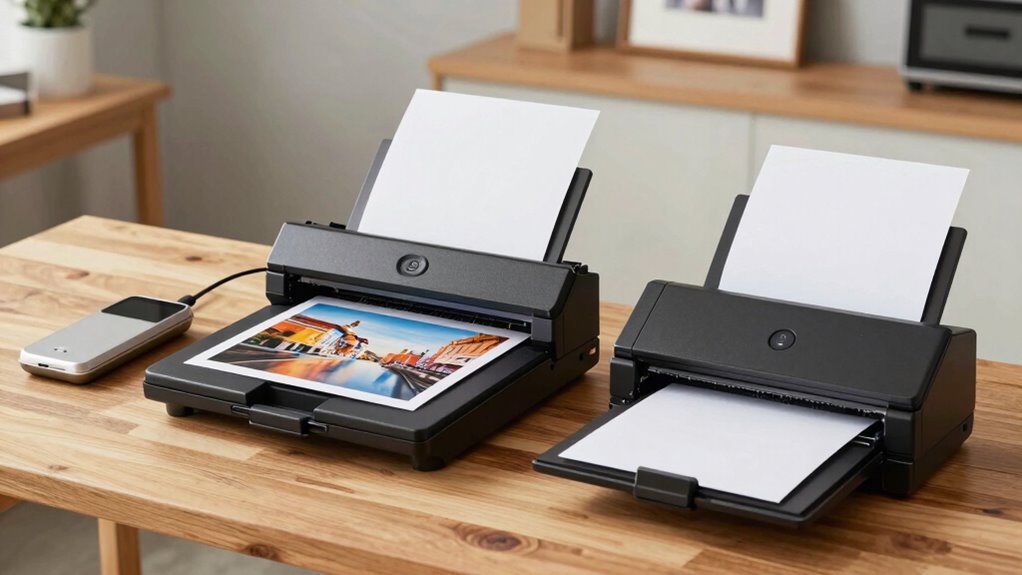
Are you wondering which scanner best suits your specific projects? For documents, a flatbed scanner with high resolution ensures clear, legible copies and reliable image preservation. If you’re digitizing photos, look for a scanner offering archival quality and color accuracy, which helps maintain the original vibrancy over time. Artwork requires a scanner with excellent detail and color fidelity to capture subtle nuances, making a flatbed model ideal. Portable scanners can work for quick scans of documents or photos, but they often lack the precision needed for fine artwork or archival-quality images. Additionally, understanding how to care for your gear can extend the lifespan of your scanner and ensure optimal performance over time. Choosing the right scanner also involves considering sensor quality, which directly impacts scan clarity and color accuracy, especially for detailed projects.
What Factors Affect Scanner Cost, Maintenance, and Ease of Use?
Several factors influence the cost, maintenance, and ease of use of scanners, making it essential to contemplate these aspects before making a purchase. Scanner durability plays a key role; a more durable model may cost more upfront but requires less frequent repairs. Maintenance requirements vary: some scanners need regular cleaning or calibration, while others are nearly maintenance-free. Ease of use depends on features like user interfaces, software, and setup complexity. Higher-end scanners often offer better durability and simpler operation but come at a higher price. Cheaper models might save money initially but could incur more costs over time due to repairs or shorter lifespan. Understanding these factors helps you select a scanner that balances upfront costs with long-term reliability and ease of operation. Additionally, considering requirements traceability can ensure the scanner meets specific compliance standards or integration needs.
How Much Scanning Volume Can Different Scanners Handle?

Understanding a scanner’s capacity to handle different volumes of work is essential for choosing the right model. Your scanning capacity depends on the scanner’s design and intended use. For example, sheetfed scanners typically handle high volumes efficiently, with volume limits often reaching thousands of pages per day. Flatbed scanners are better suited for occasional or low-volume tasks, with lower volume limits. Portable scanners usually have limited capacity, suitable for quick, on-the-go scans rather than large batches. Knowing these volume limits helps you match a scanner to your needs—whether you require heavy-duty daily scanning or just occasional use. Assess your typical workload to select a scanner that offers the right balance of capacity and performance, avoiding bottlenecks or unnecessary downtime. Understanding scanner durability is also important to ensure your chosen device can withstand your workload over time.
What Questions Should You Ask Before Buying a Scanner?
Before making a purchase, it’s important to ask the right questions to guarantee you choose a scanner that fits your needs. Start by considering these key points:
- How does the scanner’s ergonomics fit your workspace? Comfort and ease of use matter. Proper ergonomic design can help prevent strain during extended use.
- What is the brand’s reputation? Look for reviews and reliability to ensure quality.
- Does the scanner support your required resolution and document types? Match features with your workflow.
- Additionally, understanding the overall system compatibility of the scanner helps ensure smooth integration with your existing setup.
Asking these questions helps you evaluate whether the scanner will be user-friendly and durable. Focus on scanner ergonomics to prevent strain, and choose a reputable brand to avoid future issues. Clarifying these points ensures your investment is practical and tailored for your specific needs.
How Can You Match Scanner Features to Your Budget and Workflow?

To match scanner features with your budget and workflow, you need to consider how different scanner types fit within your price range. Think about your efficiency needs—do you require high-speed scanning or basic functions? Prioritize the features that will most improve your workflow without overspending on unnecessary options. Additionally, understanding battery inverter generator capacity can help you plan for power needs if you work remotely or in locations with limited electricity. Recognizing noise reduction solutions can also influence your choice, especially in shared or quiet environments.
Budget vs. Scanner Type
Choosing the right scanner involves evaluating how its features align with both your budget and your workflow needs. To do this effectively, consider your financial limits and the value each model offers. Here are three key points:
- Assess pricing strategies—look for options that balance affordability with necessary features.
- Research brand reputation—reliable brands often provide better durability and support, justifying higher investments.
- Match scanner type to your budget—entry-level flatbeds and portable models are budget-friendly, while advanced sheetfed scanners may cost more but boost productivity.
Workflow Efficiency Needs
Matching your scanner features to your workflow involves identifying the tasks you need to accomplish and selecting a model that balances those needs with your budget. If color accuracy is crucial—say, for photo editing or marketing materials—prioritize scanners with high color fidelity. For frequent scanning sessions, an ergonomic design reduces fatigue and improves efficiency, making prolonged use more comfortable. Consider whether your workflow requires quick batch scanning or detailed, high-resolution images. Portable scanners might suit on-the-go needs, but they may sacrifice some features like color accuracy or ergonomic comfort. By evaluating your specific tasks, you can choose a scanner that enhances productivity without overspending. The right match streamlines your process, saving time and ensuring your scans meet quality standards.
Feature Prioritization Choices
Since budgets vary widely, prioritizing features that align with your workflow guarantees you obtain the best value. Consider these key factors:
- Resolution settings – If you need detailed images or photos, look for higher resolutions. For basic documents, lower settings suffice.
- Connectivity options – Ensure the scanner offers your preferred methods, like USB, Wi-Fi, or Ethernet, for seamless integration.
- Speed and throughput – Match the scanner’s speed with your volume needs, whether quick scans for large batches or occasional use.
What’s the Best Scanner for Your Specific Digitization Goals?
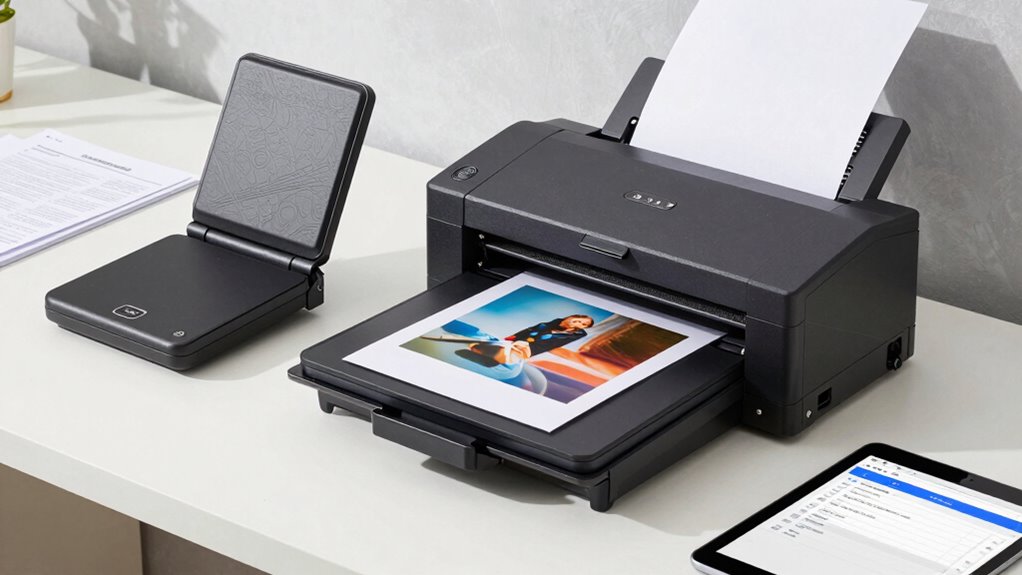
To find the best scanner for your digitization goals, you need to take into account what types of materials you’ll be scanning and the level of detail required. If you handle high-resolution images or delicate documents, look for scanners with multiple resolution options to guarantee clarity and precision. Consider connectivity features like USB, Wi-Fi, or Ethernet, which can streamline your workflow and allow easy sharing or storage. For everyday tasks, a simple flatbed with decent resolution might suffice, while more specialized projects may demand advanced sheetfed or portable scanners with adjustable settings. Matching your material types and desired output quality with the scanner’s resolution options and connectivity features will help you choose a device that fits your specific needs perfectly.
Frequently Asked Questions
Which Scanner Type Offers the Best Image Quality for Archival Purposes?
You should choose a flatbed scanner for the best image quality in archival purposes. Flatbed scanners typically offer higher archival resolution, ensuring detailed and accurate image preservation. They handle delicate or fragile documents gently, reducing the risk of damage. This makes them ideal for archiving, where clarity and longevity are critical. While sheetfed and portable scanners are convenient, they often sacrifice some image quality needed for long-term preservation.
How Does Scanner Size Impact Workspace and Portability?
Your scanner size directly affects your workspace and portability considerations. Larger scanners, like flatbeds, take up more desk space, making them less suitable for small areas but ideal for detailed scanning. Compact, portable scanners fit easily into your bag or drawer, enhancing portability for on-the-go scanning. Choose a size that balances your desk space limitations with your need for mobility, ensuring you can scan efficiently wherever you work.
Are There Eco-Friendly Scanner Options Available?
Think of eco-friendly scanners as the green trees in a forest—they help protect our planet. Yes, there are eco-friendly options available, often featuring energy-saving modes and recyclable materials. For example, some models automatically power down when idle, reducing energy consumption. Choosing such scanners not only cuts your carbon footprint but also supports sustainable practices, making your workspace greener and more responsible.
What Are the Common Connectivity Options for Different Scanner Types?
You’ll find that most scanners support wireless connectivity, allowing you to scan directly to your devices without cables. USB integration is also common, providing a reliable wired connection for fast data transfer. Depending on your scanner type, you might encounter Ethernet ports for network sharing or Bluetooth for portable models. Consider your workflow and environment to choose the best connectivity options, ensuring seamless scanning and easy access to your files.
How Often Should You Calibrate or Maintain Your Scanner?
You should calibrate your scanner every few months or whenever you notice color inconsistencies or scanning issues. Regular maintenance routines, like cleaning the glass and checking the rollers, are essential to keep it performing at its best. Skipping these steps could lead to deteriorating image quality or hardware problems. Staying proactive with calibration frequency and maintenance routines guarantees your scanner delivers crisp, accurate scans every time—don’t wait until problems arise.
Conclusion
Choosing the right scanner depends on your needs, whether it’s for high-quality photos, quick document scans, or on-the-go portability. Consider the features that matter most—resolution, speed, and connectivity—and match them to your budget and workflow. Remember, even in the age of floppy disks and dial-up, having the perfect scanner can make your digitization efforts smoother and more efficient. So, pick wisely, and let your documents and memories shine!