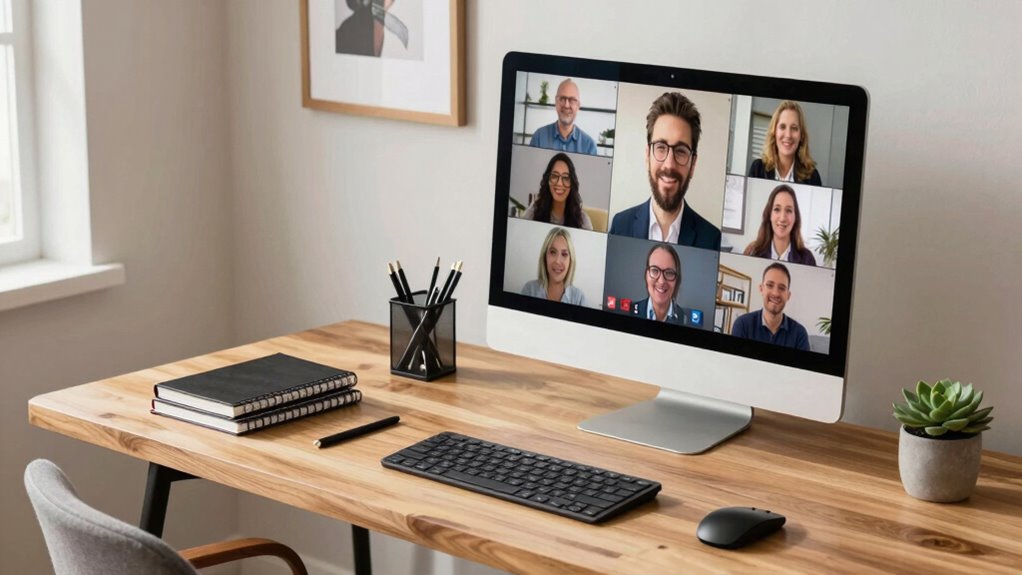

Your workspace speaks volumes about your professionalism during video calls. Clients notice your background for signs of organization, personality, and brand alignment. A tidy, clutter-free setup with stylish touches shows confidence and attention to detail, while poor lighting or distracting noise can undermine trust. By optimizing your environment—using good lighting, clean organization, and thoughtful decor—you project credibility. Keep going to discover practical ways to make your workspace truly reflect your brand and boost client confidence.
Key Takeaways
- A tidy, organized workspace reflects professionalism and builds client trust during video calls.
- Virtual backgrounds that align with your brand or industry enhance your professional image.
- Proper lighting and camera angles ensure clear visuals, boosting confidence and credibility.
- Minimal background noise and distractions signal preparedness and respect for clients’ time.
- Personal touches and consistent branding elements create an authentic, memorable impression.
How Your Workspace Affects Your Professional Image
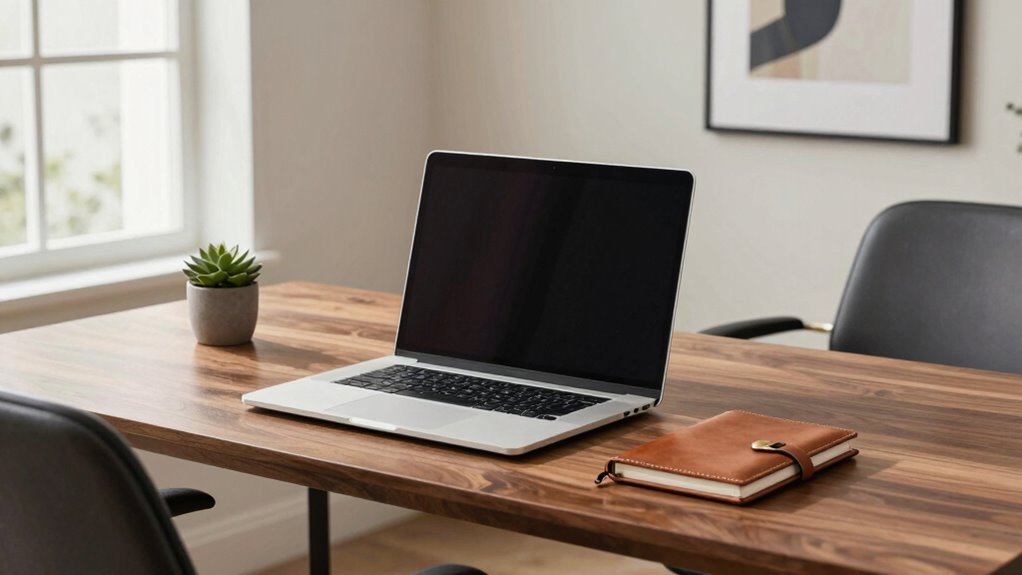
Your workspace plays a crucial role in shaping how others perceive your professionalism. When you choose a virtual background, it creates a polished, distraction-free environment that reflects your attention to detail. Avoid cluttered or unprofessional backgrounds, as they can undermine your credibility. Your dress code also impacts your image; dressing appropriately signals respect for the meeting and shows you take your role seriously. Even in a remote setting, your appearance matters. Make sure your attire aligns with your industry standards, presenting a confident, competent image. Combining a suitable virtual background with a professional dress code reinforces your commitment to quality and reliability. Additionally, maintaining a clean and organized workspace can improve your overall visual clarity, making your presentation more effective. Proper lighting conditions further enhance how clearly you are seen on camera. Remember, your workspace isn’t just a physical area—it’s a visual statement of your brand and professionalism, emphasizing the importance of a professional environment in remote interactions. Creating a consistent and professional setup can also boost your confidence during video calls.
What Clients Notice About Your Background

Clients quickly pick up on the visual cues your background presents during virtual meetings. Your background reveals a lot about your professionalism and personality. If you use virtual backgrounds, choose images that reflect your brand or industry, avoiding clutter or distractions. A clean, simple background communicates organization and focus. On the other hand, cluttered or overly casual backgrounds can undermine your credibility. Background noise also matters—constant interruptions or loud environments distract clients and signal unpreparedness. Guarantee your surroundings are quiet and free from disruptions. Remember, your background isn’t just a backdrop; it’s a subtle yet powerful way to convey competence, professionalism, and attention to detail. Clients notice these cues, and they form impressions about your work ethic before you even speak. Additionally, maintaining a professional workspace helps reinforce your credibility and demonstrates respect for your clients’ time. Keeping your workspace tidy and well-organized can also enhance your productivity during meetings and daily tasks, especially when integrating elements that promote mindfulness and presence, like minimal clutter or calming decor. Incorporating professional accessories such as quality lighting, a clean desk setup, or branded items can further elevate your virtual presence and leave a lasting positive impression. Using smart home technology, such as smart lighting or noise-canceling devices, can also help create an optimal environment for professional video calls and improve overall meeting quality.
How to Set Up Your Desk for a Polished Look

To create a polished look at your desk, start by clearing away clutter and organizing your essentials neatly. Use stylish desk accessories like a sleek pen holder, a minimalistic notepad, or a small plant to add personality without distraction. Focus on creating an ergonomic setup: position your monitor at eye level, keep your keyboard and mouse aligned to prevent strain, and ensure your chair supports good posture. Keep cables tidy with clips or sleeves to avoid a tangled mess. A clean, well-arranged workspace not only looks professional but also boosts your efficiency. When your desk is organized and thoughtfully accessorized, it projects confidence and attention to detail—qualities that clients notice and respect during video calls. Incorporating workspace organization principles into your workspace can help maintain motivation and clarity during work sessions, ultimately enhancing your professional image. Paying attention to visual harmony in your environment can also create a more welcoming and trustworthy impression.
How Clutter Can Hurt Client Trust
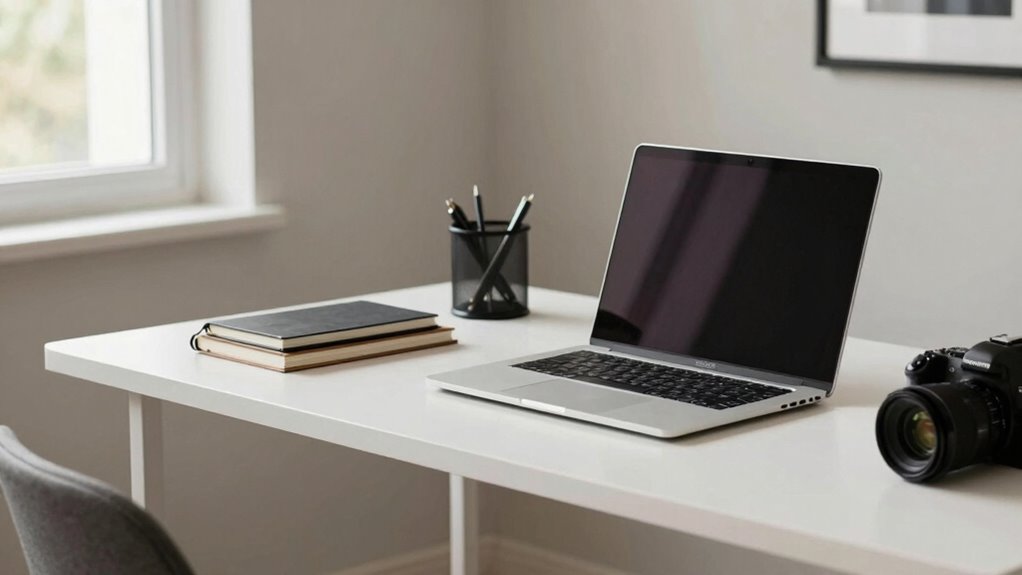
Even small amounts of clutter on your workspace can particularly undermine the trust clients place in your professionalism. Clutter perception influences how clients view your attention to detail and reliability. When your background is messy or disorganized, it suggests a lack of control and professionalism, which can erode trust quickly. Clients may wonder if you’re equally disorganized in your work or unprepared for meetings. This trust impact can diminish your credibility and make it harder to establish a strong relationship. Keeping your workspace tidy signals that you’re competent, attentive, and serious about your work. A clean, organized environment creates a positive impression, reinforcing your professionalism and helping clients feel confident in your abilities. Proper cabling solutions and equipment setup also play a crucial role in creating a professional appearance on video calls. Additionally, having an electric bike or other efficient transportation options can reflect well on your commitment to sustainability and innovation. Incorporating professional workspace organization can further enhance your visual presentation and reinforce your brand image. Maintaining a clutter-free environment also demonstrates your capacity for effective time management, which clients highly value. Being mindful of your workspace environment can also help reduce distractions during important meetings. Don’t underestimate how much clutter can undermine your brand on video calls.
Lighting and Camera Angles That Make You Look More Professional

Great lighting and camera angles can instantly boost your professional image. Use soft, even light to avoid harsh shadows, and position your camera at eye level for a confident look. Mastering these key points makes your videos more polished and trustworthy. Additionally, incorporating secure deployment practices ensures your content remains protected and compliant with enterprise governance standards. Maintaining a professional appearance also involves understanding home office ergonomics, which can enhance your comfort and productivity during calls. Paying attention to camera positioning can further improve your overall presentation and credibility on video calls. Being mindful of AI’s role in society can help you stay informed about evolving technology and its impact on professional environments.
Optimal Lighting Setup
Achieving a professional look on camera starts with your lighting and angles; they can dramatically influence how you appear on screen. To optimize your setup, focus on these key points:
- Use natural lighting whenever possible, positioning yourself near windows for soft, even illumination.
- Supplement with LED setups if natural light is limited, ensuring your face is well-lit without harsh shadows.
- Avoid strong backlighting, which causes silhouette effects, by placing lights in front or at a slight angle.
- Experiment with different camera angles to find the most flattering perspective that complements your lighting.
Flattering Camera Angles
Choosing the right camera angle can substantially enhance your professional appearance on video calls. Proper camera positioning guarantees you’re centered and well-framed, making a strong impression. Position your camera slightly above eye level to avoid unflattering facial angles and to create a more engaging facial framing. This angle highlights your features naturally and minimizes shadows or distortions. Keep your face well-lit and avoid shooting from below, which can create a distorted or less confident look. Experiment with your camera’s placement to find the angle that flatters your features and conveys professionalism. Remember, a good camera angle doesn’t just improve appearance; it also boosts your confidence and helps you communicate more effectively.
Adding Personal Touches That Enhance Your Brand
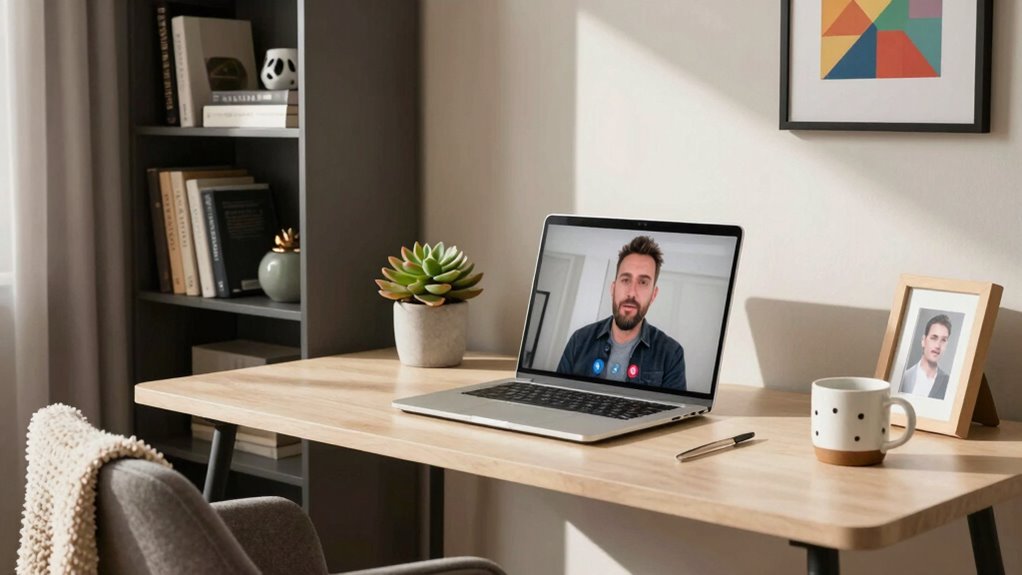
Adding personal touches to your workspace helps reinforce your brand identity. Show off your unique style, include meaningful items, and keep everything tidy to make a strong impression. These simple details can make your space more authentic and inviting.
Display Your Unique Style
Your workspace is a blank canvas for expressing who you are, so don’t hesitate to incorporate personal touches that reflect your style. Showing your personal style enhances your workspace branding and makes your environment memorable. To do this effectively:
- Use colors that resonate with your personality and brand.
- Display artwork or photos that inspire you and showcase your interests.
- Incorporate unique desk accessories that stand out.
- Keep your space organized but add personal elements like a favorite mug or a meaningful keepsake.
These touches not only make your workspace inviting but also communicate authenticity to clients. When your environment reflects your personal style, it reinforces your professional identity and creates a consistent brand image on video calls.
Incorporate Meaningful Items
Incorporating meaningful items into your workspace allows you to showcase your personality and reinforce your brand identity. Use meaningful decor and personalized accessories to make your space feel authentic and inviting. For example, display items that reflect your passions, values, or achievements, giving clients insight into who you are beyond work. These touches can include a favorite book, artwork, or a meaningful keepsake that sparks conversation. Well-chosen decor adds depth to your professional image without cluttering. Keep your personalized accessories relevant and tasteful, ensuring they enhance rather than distract from your message. When thoughtfully selected, these elements help create a memorable impression, making your workspace a true extension of your brand and a reflection of your unique personality.
Keep It Clean and Organized
Maintaining a clean and organized workspace is essential for projecting a professional image that aligns with your brand. A tidy environment signals competence and attention to detail. To enhance your workspace branding, consider these tips:
- Keep your desk decor minimal but intentional, reflecting your style without clutter.
- Regularly clear unnecessary items to maintain a streamlined look.
- Use storage solutions to keep essential items accessible yet hidden from view.
- Position meaningful items strategically to showcase your personality without overwhelming the space.
Common Workspace Mistakes That Undermine Your Credibility
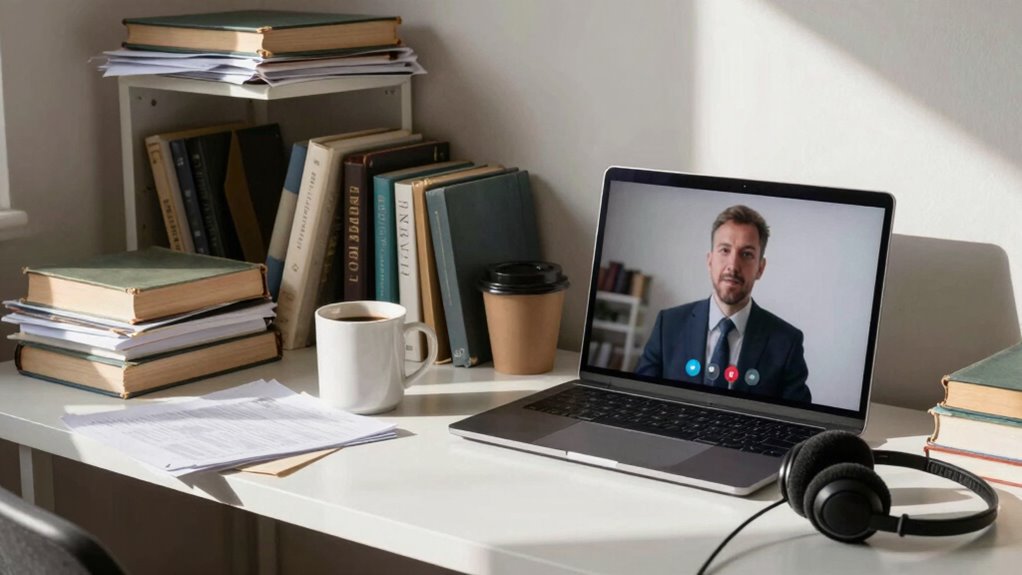
A cluttered or poorly organized workspace can quickly signal disarray and unprofessionalism, damaging your credibility in the eyes of clients and colleagues alike. Poor workspace hygiene, such as dust or dirty surfaces, suggests neglect and carelessness, undermining confidence in your professionalism. Additionally, background distractions like noisy gadgets, unmade beds, or chaotic shelves divert attention and create an unpolished impression. These mistakes make it harder for your audience to focus on what you’re saying and can lead them to question your reliability. To maintain credibility, guarantee your workspace is clean, well-maintained, and free of unnecessary clutter. Minimize background distractions, so your environment supports your message rather than detracts from it. Your workspace should reflect your professionalism and attention to detail.
Tips for Creating a Consistent, Brand-Aligning Environment

To create a workspace that truly reflects your brand, start by choosing a consistent color palette that aligns with your identity. Keep background elements organized and free of clutter to maintain a professional appearance. Make sure your environment reflects your brand style through decor and design choices to reinforce your message.
Consistent Color Palette
Choosing a consistent color palette is essential for creating a workspace that reflects and reinforces your brand identity. Well-coordinated colors support brand consistency and make your environment visually appealing. To achieve this, consider these tips:
- Select 2-3 main colors that match your brand’s personality.
- Use these colors consistently across your background, accessories, and attire.
- Incorporate accent colors sparingly to add interest without overwhelming the viewer.
- Guarantee your color choices complement each other for a cohesive look.
Organized Background Elements
Ensuring your background elements are organized helps maintain a professional and cohesive appearance that aligns with your brand. In remote work, your home office decor plays a vital role in making a positive impression. Keep clutter to a minimum by selecting essential items that reflect your brand’s identity. Use storage solutions to tidy up any loose papers or supplies, creating a clean and orderly space. Incorporate simple, purposeful decor pieces that reinforce your professional image without overwhelming the background. Avoid chaotic or overly personal items that might distract clients during video calls. An organized environment not only looks polished but also signals that you’re detail-oriented and trustworthy. Clear, intentional background elements help you communicate confidence and professionalism in every remote interaction.
Reflect Your Brand Style
Creating a consistent, brand-aligned environment starts with intentionally selecting elements that reflect your unique style and values. Your workspace decor should incorporate your brand colors to reinforce your identity visually. To achieve this, consider these tips:
- Use your brand colors consistently across furniture, accessories, and wall art.
- Choose decor that aligns with your brand personality—professional, creative, or minimalist.
- Keep clutter minimal to maintain a clean, focused background.
- Add subtle branding elements, like branded notebooks or mugs, to reinforce your image.
How to Reduce Noise and Distractions During Calls

Distractions can quickly derail your focus during calls, making it hard to communicate effectively. To minimize these issues, use background blur to keep your environment private and eliminate visual clutter. This feature helps you appear polished without revealing distracting elements behind you. Additionally, activate noise reduction tools available on many video platforms to block out background sounds like chatter or household noises. Consider investing in a quality microphone with noise-canceling capabilities for clearer audio. Find a quiet space where interruptions are less likely, and inform others around you of your meeting to avoid unexpected disruptions. By controlling your environment with background blur and noise reduction, you guarantee your message stays clear and your professionalism remains intact during every call.
Simple Upgrades to Make Your Workspace Look Better and Feel More Authentic
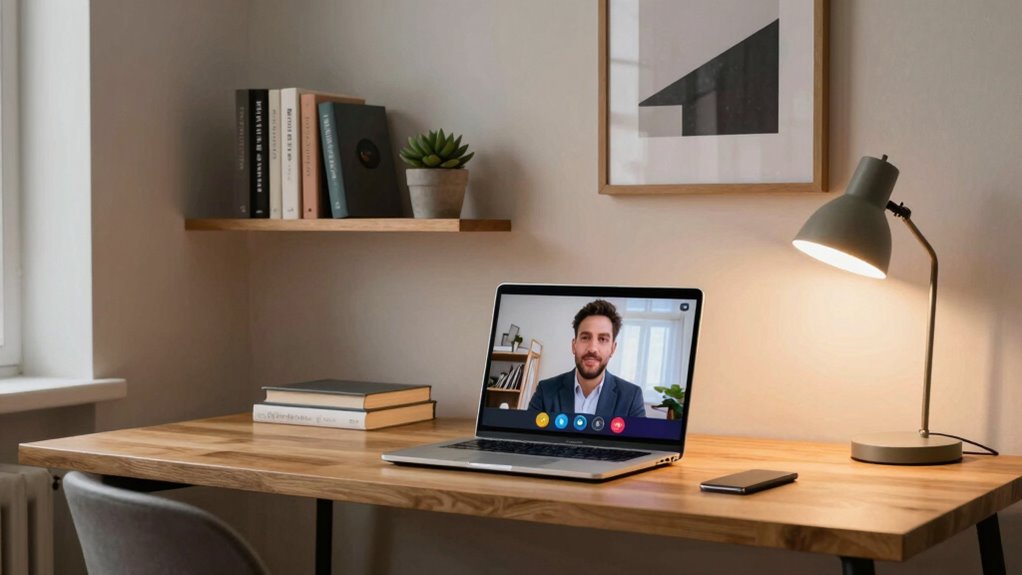
Adding simple upgrades to your workspace can instantly boost its appearance and make it feel more authentic. Focus on workspace personalization by adding meaningful items like photos or artwork that reflect your personality. Incorporate ergonomic accessories such as an adjustable chair, keyboard, or monitor stand to improve comfort and boost productivity. To enhance your setup, consider these upgrades:
- Use a stylish desk mat or runner to add color and texture.
- Incorporate a small plant for a natural touch and better air quality.
- Add a personalized wall calendar or organizer to keep things tidy.
- Upgrade your lighting with a soft, adjustable lamp for warmth and clarity.
These small changes make your workspace more inviting and genuine, projecting professionalism and authenticity on video calls.
Frequently Asked Questions
How Can I Make My Background Appear More Professional?
To make your background appear more professional, focus on desk organization and lighting tips. Keep your desk tidy, removing clutter to create a clean look. Use good lighting, such as natural light or soft lamps, to brighten your space and reduce shadows. Position yourself facing a well-organized area with minimal distractions. These simple adjustments will enhance your background, making a positive impression on clients during video calls.
What Are the Best Colors to Use in My Workspace?
Choose calming blues and greens to create a cozy, confident workspace. These colors harness color psychology to promote professionalism and focus, enhancing your workspace aesthetics. Soft neutrals like beige or light gray also work well, offering a polished, pristine backdrop that doesn’t distract. Bright accents can spark energy without overwhelming. By blending these hues, you craft a compelling, confident environment that conveys competence and calm on every call.
How Does My Workspace Reflect My Personal Brand?
Your workspace reflects your personal brand through your workspace aesthetics and branding consistency. When you choose colors, decor, and organization that align with your professional image, you send a clear message to clients about your style and values. Consistent branding across your workspace, from logos to color schemes, reinforces your credibility. By curating a space that showcases your personality and professionalism, you make a positive, lasting impression on every video call.
Should I Include Personal Items in My Video Background?
Including personal items in your video background can add authenticity, but be mindful of clutter. Proper personal item placement showcases personality without overwhelming the space. Keep background clutter minimal, ensuring your items are tidy and intentional. This balance helps clients see your personal side while maintaining professionalism. Ultimately, select meaningful items that reflect your brand, avoiding distractions and making a polished, personable impression.
How Often Should I Update My Workspace Setup?
You should update your workspace setup regularly, ideally every few months, to maintain a professional appearance. Keep your workspace organized, ensuring minimal clutter, and consider equipment upgrades when technology or your needs evolve. Regular updates help you stay current, improve productivity, and make a positive impression on clients. Staying proactive with workspace organization and gear upgrades shows you’re committed to professionalism and continuous improvement.
Conclusion
Remember, your workspace isn’t just a background—it’s the billboard of your professionalism. A cluttered desk or bad lighting can make clients question your expertise faster than you can say “technical difficulties.” By creating a polished, authentic environment, you’re not just impressing clients—you’re building trust that can outlast any Zoom call. So, invest in your space; it’s the one thing that can make or break your reputation in a split second.