
To stop dropped VoIP calls in your small office, start by checking your internet connection stability and ensuring your bandwidth is sufficient for multiple users. Prioritize VoIP traffic with QoS settings, use wired connections when possible, and keep your hardware updated. Regularly monitor call quality and network performance to catch issues early. Implementing these strategies can improve call reliability; keep exploring to discover more effective solutions.
Key Takeaways
- Ensure a stable, high-speed internet connection with sufficient bandwidth for VoIP traffic.
- Configure Quality of Service (QoS) to prioritize VoIP packets over other network data.
- Use wired Ethernet connections instead of Wi-Fi to reduce interference and improve call stability.
- Keep VoIP hardware and firmware updated to prevent bugs and compatibility issues.
- Regularly monitor network performance and implement security measures to prevent disruptions and call drops.
Why Do VoIP Calls Drop and How Can You Fix It?

VoIP calls can drop unexpectedly due to a variety of technical issues, often related to network problems. Poor call quality and system instability are common culprits. If your internet connection is inconsistent or has high latency, your VoIP calls may cut out or sound choppy. Additionally, insufficient bandwidth can cause dropped calls, especially if multiple devices are using the network simultaneously. To fix this, verify your network is stable and has enough capacity for VoIP traffic. Use a wired connection instead of Wi-Fi whenever possible, and prioritize VoIP traffic through Quality of Service (QoS) settings. Regularly update your system and firmware to prevent bugs that could affect stability. Being aware of network stability and its impact on VoIP performance is essential for maintaining reliable communication. You can also consider conducting network assessments to identify potential issues before they affect your calls. These steps will help improve call quality and keep your VoIP system running smoothly.
Common Reasons Your VoIP Calls Fail or Drop

Many issues can cause your calls to fail or drop unexpectedly, often stemming from problems with your network or device setup. One common reason is insufficient VoIP security, which can leave your system vulnerable to disruptions or attacks that interrupt calls. Poor network quality, such as high latency or jitter, also leads to dropped calls. Additionally, improper call encryption settings might cause compatibility issues, resulting in call failures. If your VoIP provider’s security measures aren’t properly configured, encrypted calls could fail or get disconnected. To prevent this, make sure your network is stable and your VoIP system’s call encryption is correctly implemented. Ensuring Network stability is essential for reliable VoIP performance. Regularly monitoring your network infrastructure and ensuring it is optimized can significantly reduce the chances of call drops. Addressing these issues involves maintaining security protocols and proper encryption settings, which helps avoid communication issues. Additionally, troubleshooting call quality problems by checking bandwidth and hardware can further improve reliability. Addressing these issues helps maintain reliable, secure communication and minimizes the chance of calls dropping unexpectedly.
How to Check If Your Internet Connection Is Causing Call Drops

If your calls keep dropping despite proper security measures and device setups, the issue might lie in your internet connection. To check this, focus on your network speed and signal strength. First, run an online speed test to see if your upload and download speeds meet your VoIP provider’s recommendations. Second, observe your Wi-Fi signal strength in the area where your VoIP devices are located; weak signals can cause call drops. Third, consider using a network monitoring tool to identify fluctuations or packet loss during calls. These steps help determine if your internet connection is unstable or too slow, which directly impacts call quality. Addressing these issues can considerably reduce dropped calls caused by connection problems. Additionally, understanding the concept of Free Floating can help you optimize your network setup for better stability. Furthermore, ensuring your network has proper bandwidth allocation can prevent congestion and improve overall call reliability. Regularly reviewing your network configuration and QoS settings can also enhance VoIP performance.
Steps to Optimize Your Network for Reliable VoIP Calls
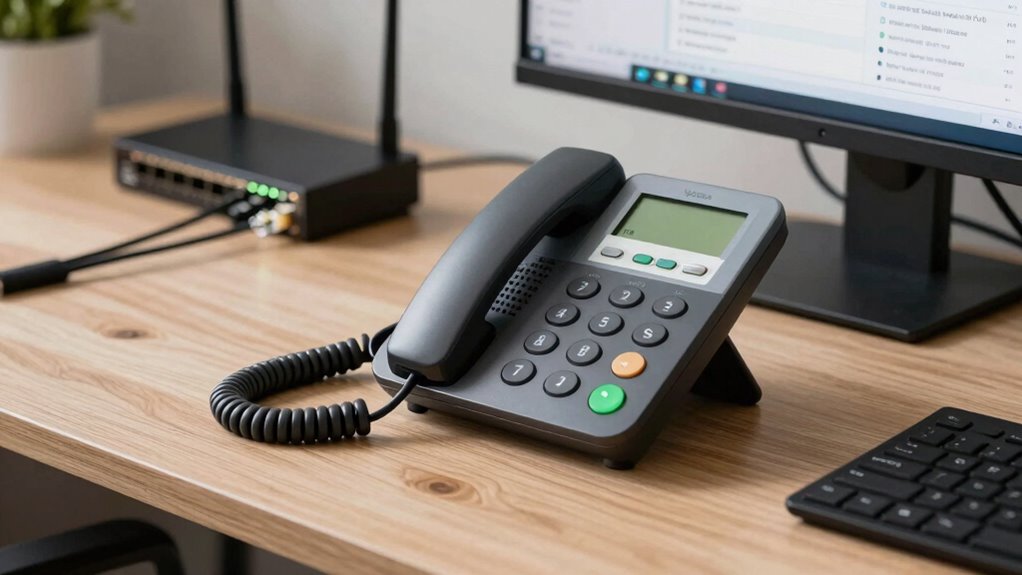
To guarantee your VoIP calls are consistently clear and stable, start by optimizing your network setup. Focus on network optimization by prioritizing VoIP traffic through Quality of Service (QoS) settings, which help ensure call quality remains high even during heavy internet use. Use wired connections instead of Wi-Fi whenever possible, as wired setups reduce latency and interference. Keep your router firmware up to date and position it centrally to improve signal strength. Limit other bandwidth-intensive activities during calls, like large downloads or streaming. Regularly monitor your network’s performance to identify congestion points. Implementing network segmentation can help isolate VoIP traffic from other network activities, further enhancing call quality. Additionally, perform regular network assessments to identify and resolve potential issues proactively. Ensuring your network hardware adheres to extension cord standards can prevent power-related disruptions that impact VoIP devices. Being aware of power management practices can also help maintain consistent device operation. Staying informed about network security measures is essential to protect your communications from interference or malicious threats. These steps help create a reliable environment for VoIP, improving call quality and preventing dropped calls. Proper network optimization is essential for maintaining consistent, professional communication in your small office.
Troubleshooting Specific Issues That Disrupt VoIP Calls
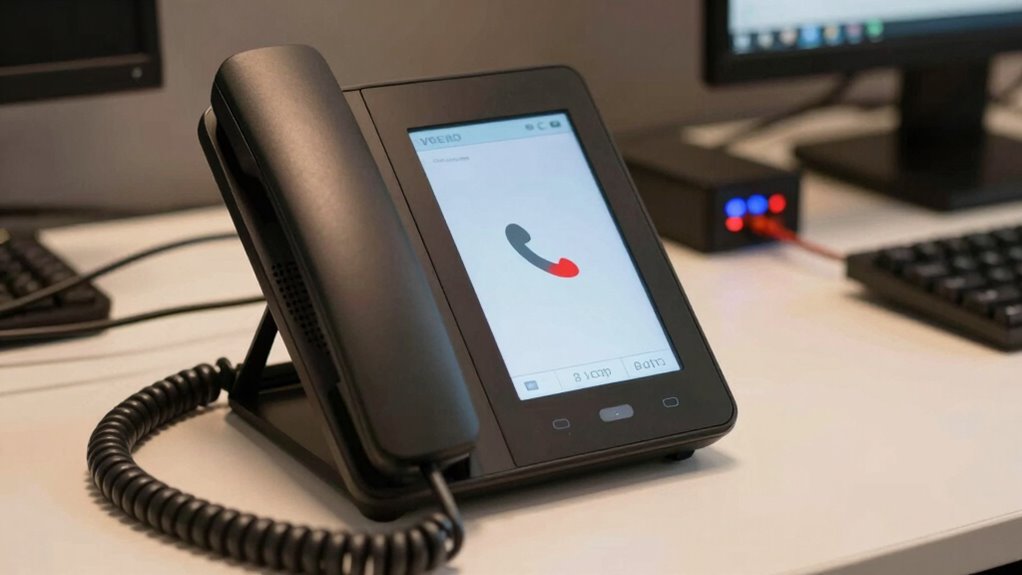
When VoIP calls experience issues like dropped connections, echo, or poor audio quality, pinpointing the root cause is vital for effective troubleshooting. Common culprits include network latency, bandwidth issues, or hardware malfunctions. To diagnose problems:
- Check your network latency with ping tests—high latency increases call disruptions.
- Monitor bandwidth usage—insufficient bandwidth can degrade call quality.
- Inspect your hardware connections and settings—loose cables or misconfigured devices cause audio issues.
- Ensure that your household network is properly secured and optimized to prevent interference with VoIP traffic. Additionally, reviewing network security protocols can help prevent unauthorized access that may impact call quality.
- Regularly updating your hardware and software can also improve overall VoIP performance and stability.
- Implementing Quality of Service (QoS) settings on your router can prioritize VoIP traffic, reducing latency and packet loss.
Addressing latency involves optimizing your network, while managing bandwidth ensures smooth data flow. If hardware isn’t functioning properly, replacing or reconfiguring equipment can restore call quality. Systematic troubleshooting helps identify whether the issue stems from network delays, insufficient resources, or equipment faults, ensuring clearer, more reliable VoIP calls.
How to Use Quality of Service (QoS) Settings to Prioritize VoIP Traffic

Quality of Service (QoS) settings are essential for guaranteeing that VoIP traffic receives priority on your network, especially during periods of high data usage. By configuring QoS, you enable network prioritization, which helps manage traffic effectively and prevents voice calls from dropping or experiencing delays. Start by identifying the types of traffic on your network, then assign higher priority levels to VoIP packets. Many routers allow you to set rules based on IP addresses, port numbers, or DSCP markings. Proper traffic management ensures voice data gets transmitted smoothly, even when your network is congested. Implementing QoS is a proactive step that guarantees consistent call quality and minimizes disruptions, making your small office communications more reliable. Additionally, understanding network prioritization can further enhance your ability to manage VoIP quality effectively. Effective prioritization can also help balance support and boundaries in your network, ensuring critical applications run smoothly without compromising overall performance.
Best Practices for Maintaining Clear and Stable VoIP Calls

Maintaining clear and stable VoIP calls requires proactive management of your network environment. First, ensure your network has robust security measures like call encryption to prevent eavesdropping and improve call quality. Second, implement user training to help staff recognize and troubleshoot common issues, reducing call drops and delays. Third, regularly monitor your network for bandwidth congestion and prioritize VoIP traffic using QoS settings. Additionally, keep firmware and software updated to avoid compatibility problems. Proper call encryption protects data and enhances stability, while ongoing user training reduces human errors. Breaches and disruptions can often be traced back to overlooked security vulnerabilities, making it essential to stay vigilant. Combining these practices helps maintain consistent call clarity and prevents disruptions, ensuring your small office’s communication stays reliable and professional.
When to Consider Upgrading Your VoIP Hardware or System

You should consider upgrading your VoIP system when you notice performance limitations or outdated hardware signs. Upgrading can also provide advanced features that improve efficiency and security. Recognizing these signs helps guarantee your communication remains reliable and future-proof.
Performance Limitations Identified
As your VoIP system ages or experiences increased usage, performance issues may start to surface, signaling that an upgrade might be necessary. You’ll notice performance bottlenecks such as dropped calls, lag, or poor call quality. Hardware constraints can limit your system’s ability to handle higher traffic volumes efficiently. To identify these issues, look for:
- Increased call latency or jitter during peak hours
- Frequent dropped calls despite good network conditions
- Slow response times from your VoIP hardware under load
If you experience these symptoms, it’s a sign that your current hardware may be reaching its limits. Upgrading your system can help eliminate bottlenecks, improve call stability, and ensure your office maintains reliable communication.
Outdated Hardware Signs
Recognizing when your VoIP hardware is outdated is essential to maintaining reliable communication. If your devices have a long hardware age, you might notice increased dropped calls or poor call quality. Older hardware often struggles with the latest software updates and features, which can cause compatibility issues. Device compatibility problems become evident when your equipment no longer integrates seamlessly with new systems or network protocols. Additionally, outdated hardware may respond slowly or fail to support new security standards, increasing vulnerabilities. If you find yourself frequently troubleshooting hardware problems or experiencing inconsistent performance, it’s a clear sign it’s time to upgrade. Staying current ensures your system remains reliable, secure, and compatible with evolving technology standards, helping you avoid unnecessary disruptions.
Advanced System Benefits
Upgrading your VoIP hardware or system opens access to advanced features that can markedly enhance your communication experience. These upgrades improve VoIP security by offering better encryption and protection against cyber threats. Additionally, they enable advanced call routing, ensuring calls reach the right team members efficiently. Consider upgrading when:
- You need enhanced VoIP security to safeguard sensitive data.
- Your team requires sophisticated call routing to improve customer service.
- You want access to new features like voicemail-to-email or call analytics that streamline operations.
Upgrading guarantees your system remains reliable and scalable, reducing dropped calls and technical issues. It also positions your office for future growth, keeping your communication infrastructure resilient and efficient.
Frequently Asked Questions
How Does Voip Quality Impact Business Productivity?
VoIP quality directly impacts your business productivity by guaranteeing clear call clarity and reducing disruptions. When bandwidth requirements are met, calls stay stable, allowing you to communicate efficiently without interruptions. Poor quality can lead to misunderstandings, delays, and frustration, decreasing overall efficiency. By prioritizing bandwidth and optimizing your VoIP setup, you make certain smooth, reliable communication that keeps your team connected and productive throughout the workday.
What Security Risks Are Associated With Voip Systems?
Think of your VoIP system as a treasure chest that burglars want to crack. You face security risks like encryption vulnerabilities, which could let hackers listen in on calls, and phishing attacks, tricking you into revealing sensitive info. To protect your system, guarantee strong encryption, update software regularly, and train staff to recognize scams. Staying vigilant keeps your communications safe and your business secure from cyber threats.
Can Voip Calls Be Recorded and Monitored?
Yes, you can record and monitor VoIP calls easily. Call recording allows you to save conversations for quality assurance, training, or compliance, while call monitoring lets you listen in on live calls or review recordings in real-time. Many VoIP systems offer these features built-in, giving you control over your communication. Just make certain you comply with local laws and inform all parties involved before recording or monitoring calls.
How Does Network Congestion Affect Voip Call Stability?
Oh, the irony of expecting perfect calls during peak internet chaos! Network congestion seriously impacts VoIP call stability because it drains bandwidth needed for clear communication. You can combat this by implementing bandwidth management and network prioritization, ensuring your VoIP traffic gets the priority it deserves. So, instead of frustration, you’ll enjoy smoother calls, even when your network’s busiest. Prioritize wisely and keep conversations flowing seamlessly.
What Are the Cost Benefits of Upgrading Voip Hardware?
Upgrading your VoIP hardware offers significant cost savings by improving call quality and reducing maintenance needs. Modern hardware is more efficient, leading to lower energy consumption and fewer repairs. Plus, new features enhance productivity, cutting operational costs. Investing in updated hardware guarantees reliable connections, minimizes dropped calls, and helps your business avoid expensive downtime, ultimately saving you money and boosting overall communication efficiency.
Conclusion
By tuning your network and addressing common issues, you can keep your VoIP calls as steady as a rock. Think of it as nurturing a delicate plant—regular care and attention guarantee it thrives. Don’t let dropped calls be the storm that sinks your communication. With the right steps, your small office can enjoy clear, reliable conversations that keep your business flowing smoothly like a well-oiled machine.