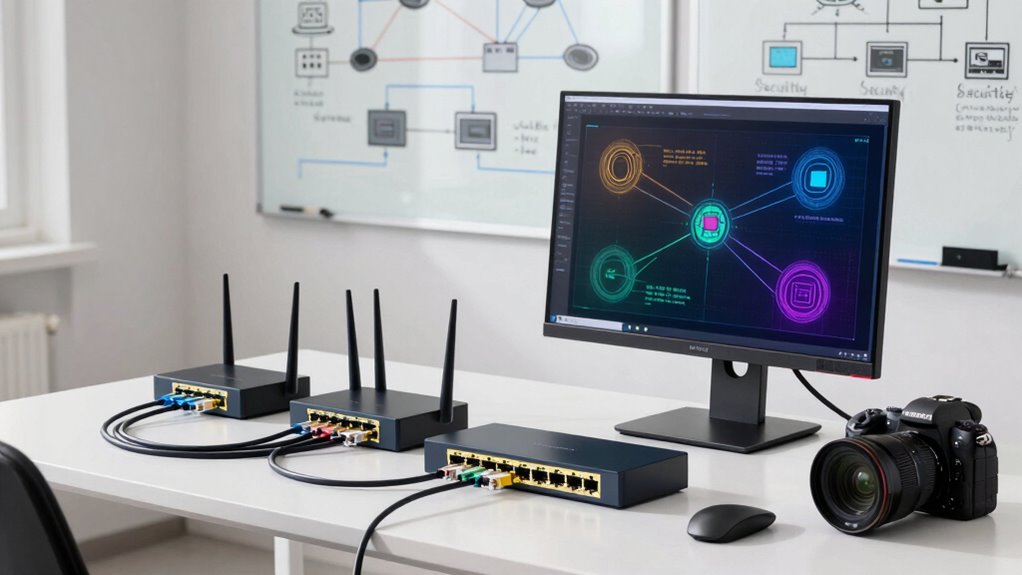

To improve your office network’s security without IT help, start by creating separate Wi-Fi networks for guests, employees, and IoT devices. Use your router’s settings to set up different segments or VLANs and enforce strong passwords and encryption. Isolate sensitive devices like servers or printers by placing them in secure zones. Regularly update firmware and monitor traffic to catch issues early. Keep exploring, and you’ll discover how to effectively set up and maintain these segments for lasting security.

Get the little things that make your day delivered free — and shop member deals
- Fast, free delivery on millions of items
- Access to Prime Big Deal Days deals on October 6–7
- Prime Video, Amazon Music and more included
Key Takeaways
- Segment devices into separate networks or VLANs to limit access and contain potential breaches.
- Create dedicated guest Wi-Fi networks isolated from your main office network for visitors.
- Use basic routers or switches to set up device groups and configure simple firewall rules for segmentation.
- Enable device encryption and regularly update firmware to protect sensitive data across all devices.
- Educate staff on secure practices, strong passwords, and monitoring network activity for unauthorized access.
As an affiliate, we earn on qualifying purchases.
Why Office Network Segmentation Boosts Your Security
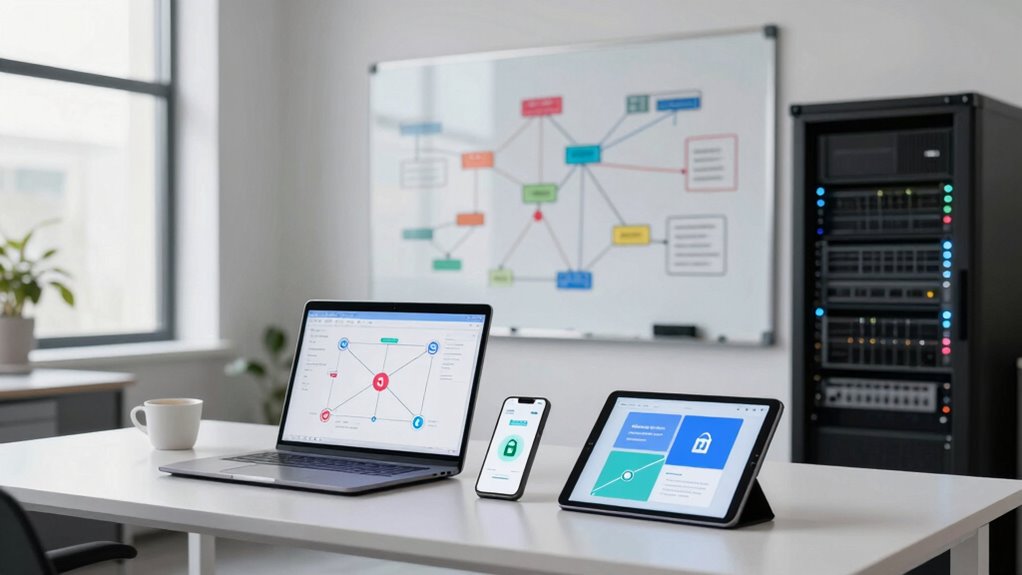
Network segmentation is a powerful strategy to enhance your office’s security because it limits access to sensitive data and systems. When you segment your network, you reduce the risk of breaches spreading across the entire organization. It also helps mitigate issues like wireless interference, which can disrupt your Wi-Fi and cause vulnerabilities. Proper employee training is essential; when staff understand the importance of secure connections and device management, they’re less likely to accidentally expose sensitive information. Segmentation ensures that even if a part of your network is compromised, the damage stays contained. This layered approach makes it harder for cybercriminals to access critical data, giving you better control over your network’s security and minimizing the impact of potential threats. Additionally, understanding your cabling infrastructure can help identify vulnerabilities and improve overall network reliability. Recognizing network architecture patterns can further aid in designing effective segmentation strategies that fit your office’s specific needs, especially when considering the capacity of your network to handle segmented traffic efficiently. Implementing security protocols tailored to your network layout can significantly enhance your defenses against cyber threats. Regular network monitoring is also crucial to quickly detect and respond to anomalies or potential intrusions.
As an affiliate, we earn on qualifying purchases.
How Network Segmentation Works: The Basics You Need to Know
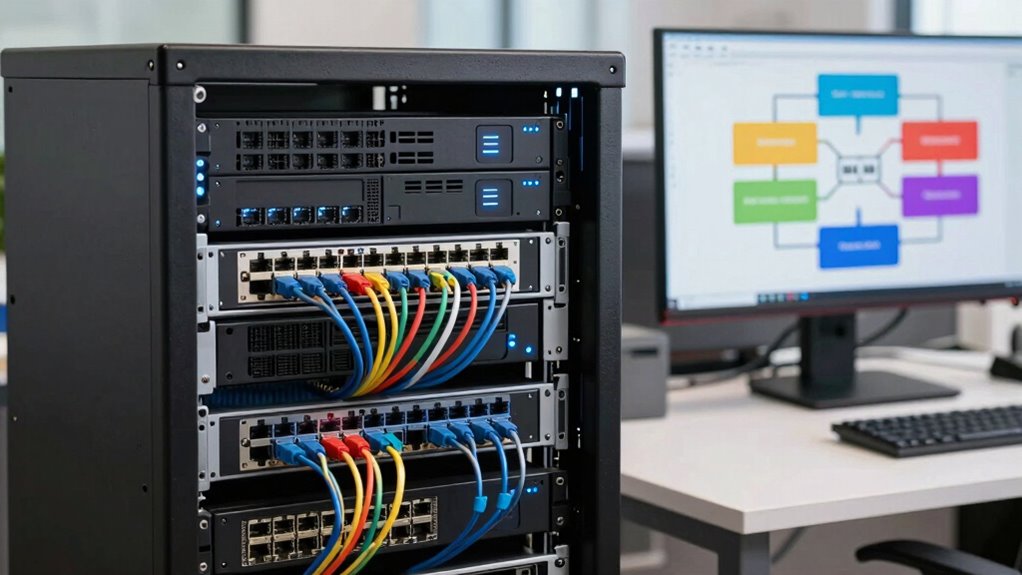
Network segmentation divides your office network into smaller, manageable parts, making it easier to control traffic and improve security. Understanding the benefits of segmentation helps you protect sensitive data and reduce risks. You’ll also find that network security benefits from proper segmentation, as it limits the spread of potential threats. Implementing segmentation can also support co-parenting strategies by securely isolating sensitive information within specific network segments. Additionally, exploring different content formats can enhance how you communicate security measures across your network. To ensure safety and reliability, consider using extension cord standards and weatherproof storage options for your network equipment to prevent damage and maintain consistent performance. We’ll also share practical tips to implement these segments effectively in your office environment.
Network Segments Explained
To understand how data flows securely within an office environment, grasping the concept of network segments is essential. Network segments divide your network into smaller parts, making it easier to control traffic and isolate potential threats. For example, you can separate your wireless protocols into dedicated segments, reducing the risk of unauthorized access. Device isolation ensures that devices within one segment can’t directly communicate with others, limiting potential breaches. This setup improves security and performance, as traffic is confined to specific areas. Incorporating dynamic contrast ratios can further optimize visual clarity within your networked presentation systems. Additionally, understanding network topology helps in designing effective segmentations tailored to your organization’s needs.
Benefits of Segmentation
Implementing network segmentation offers significant security and performance benefits for your office environment. By dividing your network into smaller, isolated segments, you reduce the risk of a security breach spreading across the entire system. This setup enhances virtual collaboration by ensuring sensitive data stays within designated areas, making remote work safer. Segmentation also allows you to prioritize devices, giving critical tools like VoIP phones or servers faster, more reliable connections. With device prioritization, essential systems get the bandwidth they need, improving overall efficiency. Additionally, segmentation minimizes network congestion, leading to smoother operations and quicker data transfers. Understanding network security fundamentals helps you design effective segmentation strategies that protect your organization. Overall, it helps you create a more secure, efficient, and manageable network, empowering your team to collaborate effectively without worrying about security vulnerabilities or performance hiccups.
Implementation Tips
Understanding how to set up your network segments is essential for maximizing their benefits. Proper implementation helps you prioritize devices, streamline network troubleshooting, and enhance security. Start by clearly defining your device groups based on function or sensitivity. Use VLANs or separate subnets to isolate critical equipment from general devices. Regularly monitor traffic to identify bottlenecks or unauthorized access. Keep device prioritization in mind, ensuring essential systems have priority bandwidth. For troubleshooting, segmenting simplifies problem isolation, saving time. Remember to document your setup and review it periodically for adjustments. Effective segmentation balances security with usability, preventing network overloads and vulnerabilities. By following these tips, you’ll create a manageable, secure, and efficient network tailored to your office needs.
As an affiliate, we earn on qualifying purchases.
Which Devices Should You Isolate in Your Office?
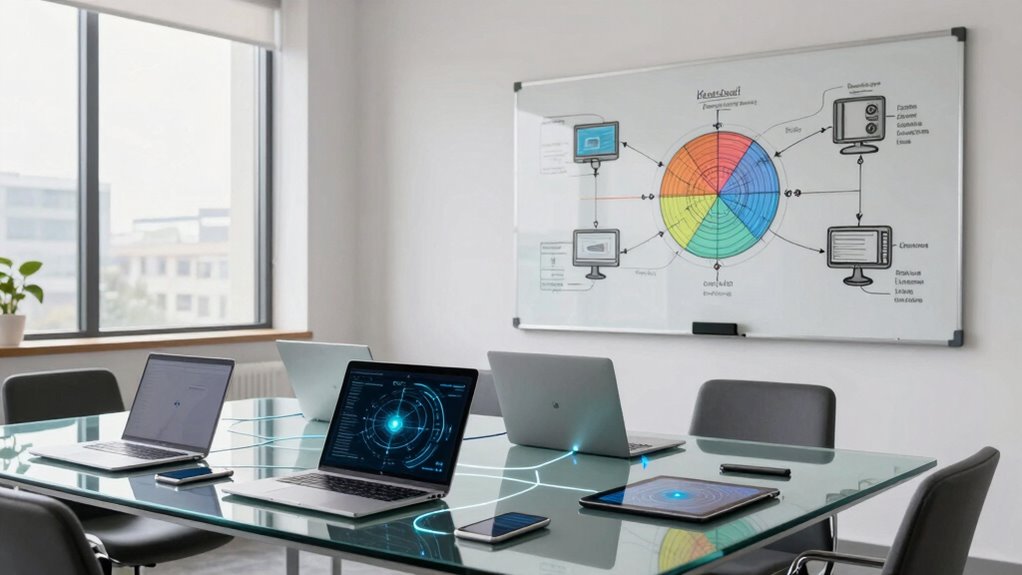
In any office network, certain devices pose a higher security risk and should be isolated to prevent potential threats from spreading. These devices include servers, printers, and devices connected to the internet, such as smart devices or IoT gadgets. By creating security zones, you can restrict access to sensitive areas of your network. Device isolation helps contain potential breaches, so malware or unauthorized access doesn’t spread to critical systems. For example, keep guest Wi-Fi, personal devices, and IoT gadgets separate from your main business network. This way, even if one device is compromised, it won’t jeopardize your entire office network. Properly isolating these devices strengthens your security posture without requiring advanced IT skills, making your network safer and more resilient. Supporting device boundaries is essential for maintaining a secure and manageable office environment, especially when considering essential oils for device protection that can metaphorically represent protective measures in your network. Additionally, understanding network segmentation helps in designing effective security zones to further enhance your defenses. Implementing these security zones can significantly reduce the impact of a breach, maintaining the integrity of your core systems. Establishing clear device boundaries further minimizes the risk of lateral movement by intruders within your network.
As an affiliate, we earn on qualifying purchases.
Step-by-Step Guide to Segmenting Your Office Network (No IT Skills Needed)
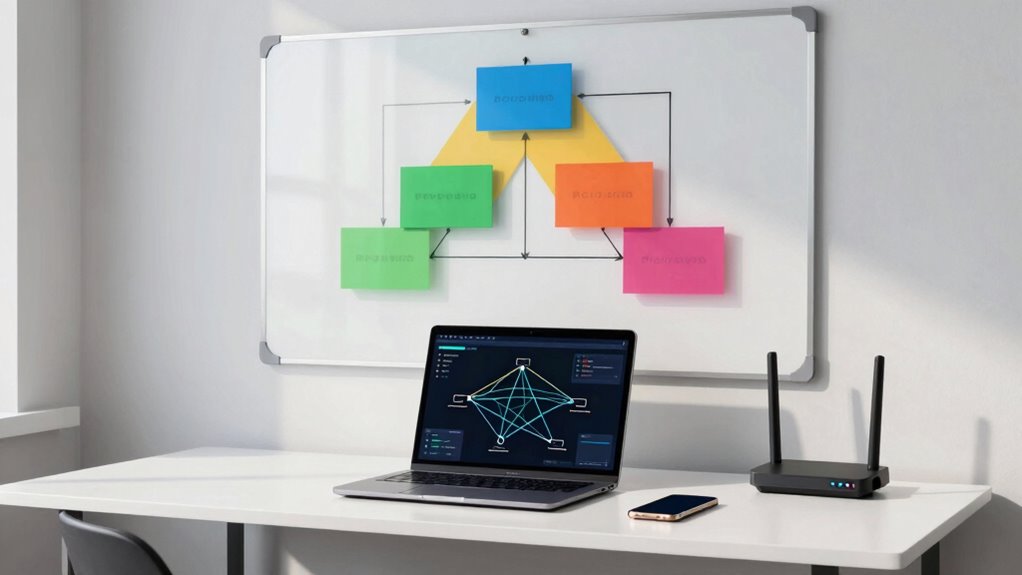
Creating network segments might sound complicated, but you can easily do it without any advanced IT skills. Start by envisioning your network as a hierarchy, with different device groups separated into zones. To implement device isolation effectively, follow these steps:
Creating network zones is simple—no advanced IT skills needed for effective device isolation.
- Identify critical devices that need protection
- Assign each device group to its own segment
- Use basic routers or switches to create separate subnets
- Configure simple firewall rules to restrict access between segments
- Test each segment to ensure proper isolation
- Remember that maintaining network segmentation is an ongoing process that helps prevent potential security breaches. Additionally, understanding the importance of smart home privacy can guide you in securing connected devices effectively. Properly segmenting your network can also reduce the impact of vulnerable devices and minimize overall risks. Being aware of device vulnerabilities allows you to take proactive measures to strengthen your network security. Incorporating secure device configurations can further enhance protection across your network.
This approach helps establish a clear network hierarchy, making it easier to secure sensitive devices. You don’t need to be an IT expert—just follow these simple steps to improve your office security through effective segmentation. This process keeps your devices safer and minimizes potential threats.
How to Set Up a Guest Network for Visitors and Temporary Users
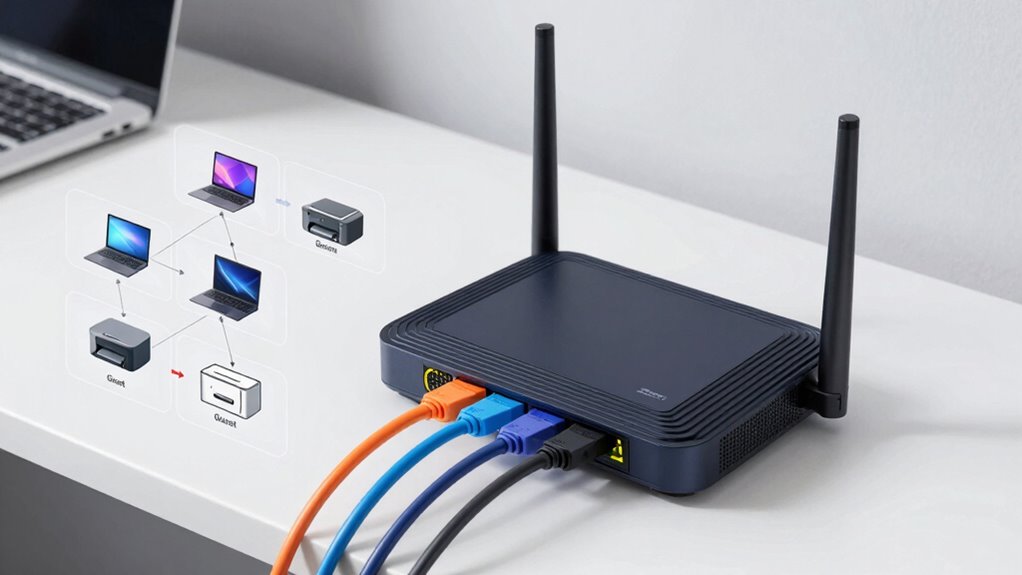
Setting up a guest network helps keep your main office data secure while giving visitors internet access. You’ll need to create a separate network SSID and set appropriate access restrictions. Managing guest network security guarantees that temporary users can connect safely without compromising your system. To ensure safety, regularly update your router’s firmware and use strong passwords to defend against unauthorized access.
Creating Separate Network SSID
Have you ever wondered how to keep your main network secure while allowing visitors or temporary users access to the internet? Creating a separate network SSID is the answer. It’s a simple way to segment your wireless devices and boost security. By setting up a distinct guest network, you ensure that visitors can browse without accessing your core systems. Think of it as a private lounge for guests, isolated from your main office. When configuring, focus on wireless security to prevent unauthorized access. Enable device isolation so guests can’t see or interfere with each other’s devices. This setup minimizes risks and maintains network integrity. Visualize a different Wi-Fi name, unique password, and segmented bandwidth, all working together seamlessly to protect your office environment.
Implementing Access Restrictions
Once you’ve established a separate guest network, the next step is to implement access restrictions to keep your main network secure. You can do this by setting up strict access controls that limit what guest users can see and do. Adjust user permissions so visitors cannot access sensitive files or internal systems. Use your router’s management interface to create rules that restrict bandwidth, disable device discovery, and prevent access to core network resources. It’s important to guarantee guests only have access to the internet and nothing more. Regularly review and update these access controls to adapt to changing needs. By managing user permissions carefully, you reduce the risk of unauthorized access and protect your main network from potential threats.
Managing Guest Network Security
Wondering how to keep your network secure while allowing visitors temporary access? Setting up a guest network is your solution. Start by creating a separate Wi-Fi SSID, clearly separated from your main network, to limit access. Implement guest access policies that restrict visitors to specific websites or services, preventing them from accessing sensitive data. Enforce device encryption on your guest network devices to protect data in transit. Use strong, unique passwords for the guest network, changing them regularly. Monitor guest activity periodically to spot any suspicious behavior. Visualize a dedicated guest Wi-Fi network with its own firewall, isolated devices, and encrypted connections—ensuring your core network stays protected while visitors connect effortlessly. This approach keeps your office secure without sacrificing convenience.
Using Your Home Router and Basic Tools to Segment Your Office Network
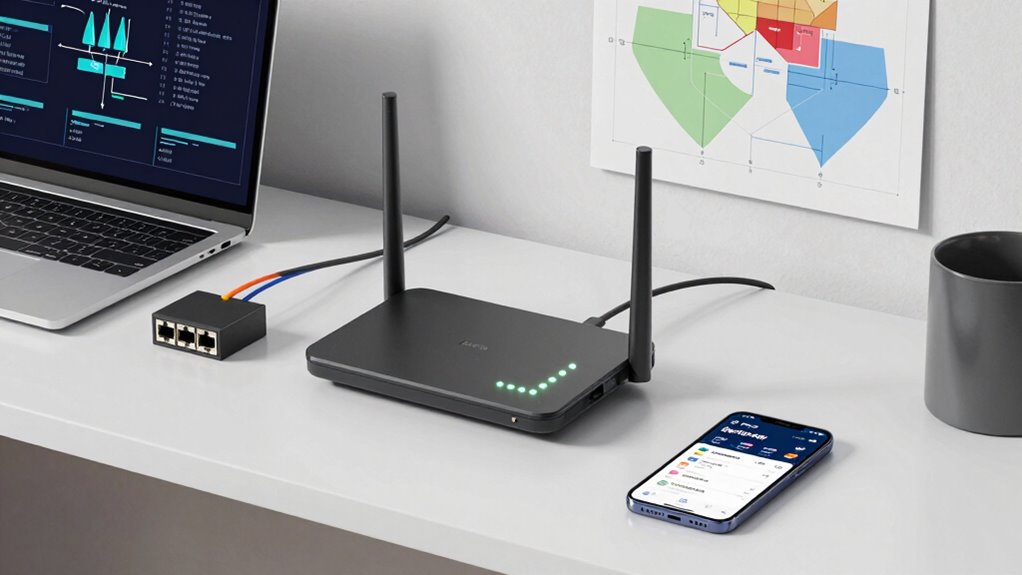
Using your home router to segment your office network is an effective way to enhance security and manage traffic more efficiently. You can create separate Wi-Fi networks or VLANs, isolating work devices from personal gadgets. Enable wireless encryption to protect data and prevent unauthorized access. Many routers support device prioritization, ensuring critical work tasks get bandwidth priority. This helps maintain productivity even when multiple devices are connected. To get started, access your router’s admin panel and set up separate SSIDs or network segments. Use device prioritization settings to assign higher bandwidth to essential devices. Remember, segmentation minimizes risks by limiting access between devices, reducing potential attack surfaces.
| Network Segment | Devices Included |
|---|---|
| Work Devices | Laptops, work phones |
| Personal Devices | Phones, tablets, smart home |
| Guest Network | Visitors’ devices |
Common Mistakes to Avoid When Segmenting Your Office Network
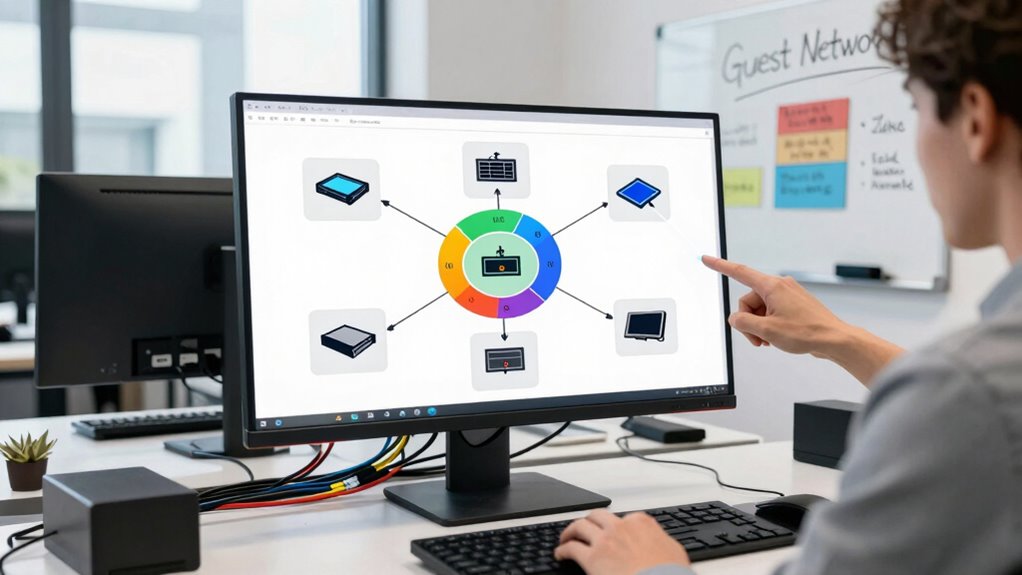
When segmenting your office network, it’s easy to make mistakes that compromise security or disrupt performance. One common error is overlooking device misconfigurations, which can create vulnerabilities. Failing to secure endpoints leaves your network open to attacks. Avoid these pitfalls:
- Ignoring firmware updates on devices
- Overlooking unsecured endpoints like printers or IoT gadgets
- Mislabeling or poorly segmenting network zones
- Relying on default passwords or settings
- Not testing your segmentation setup thoroughly
These mistakes can lead to data breaches or network slowdowns. Ensure each device is correctly configured, secured, and regularly checked. Proper segmentation isn’t just about creating separate zones; it’s about maintaining a secure, well-managed environment that minimizes risks from misconfigurations or unsecured endpoints.
How to Monitor and Maintain Your Network Segments Over Time
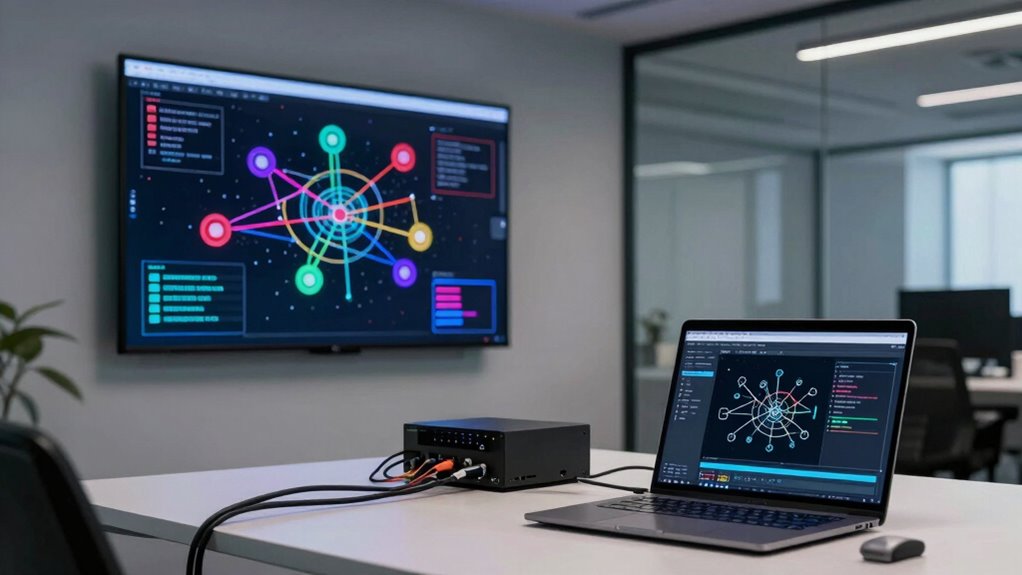
To effectively monitor and maintain your network segments over time, you need to establish ongoing oversight practices that quickly identify issues before they escalate. Start with regular traffic analysis to spot unusual activity or bottlenecks, ensuring your segments operate smoothly. Keep an up-to-date device inventory to track what devices are connected within each segment, making it easier to notice unauthorized or forgotten devices. Use network monitoring tools or simple logs to review traffic patterns and device status periodically. Set alerts for anomalies, such as spikes in data transfer or new device connections. Consistent monitoring helps you respond swiftly to problems, maintain security, and optimize performance. Staying vigilant with traffic analysis and a thorough device inventory keeps your network segments healthy and secure over time.
Final Tips for Keeping Your Office Network Secure Without IT Support
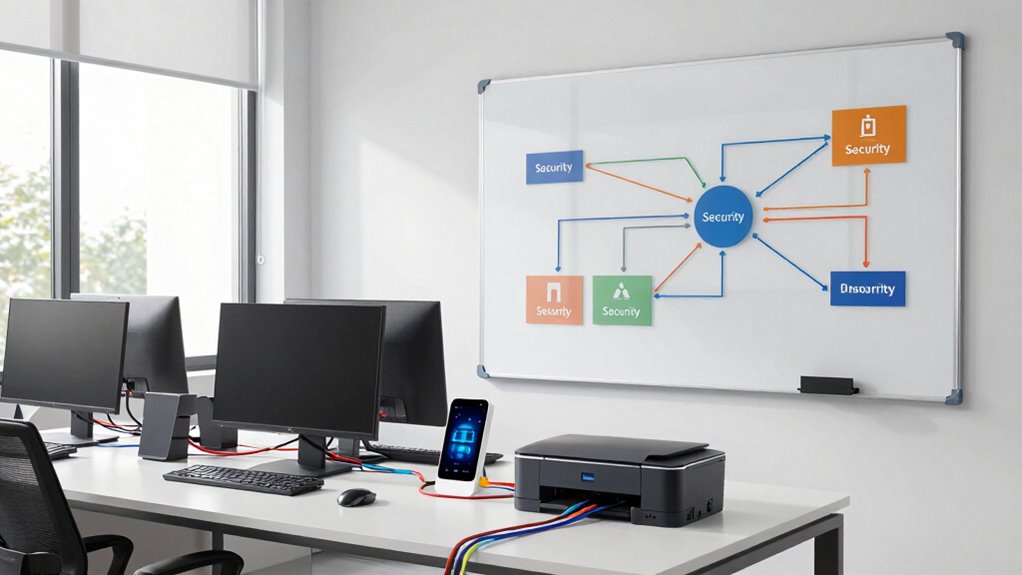
Keeping your office network secure without dedicated IT support can seem challenging, but several straightforward steps can markedly reduce risks. First, enable device encryption on all company devices to protect sensitive data if devices are lost or stolen. Second, regularly update your software and firmware to patch security vulnerabilities. Third, provide employee training to raise awareness about phishing scams and safe browsing habits. Fourth, create strong, unique passwords for all accounts and consider using password managers. Fifth, limit network access to essential devices only, segmenting your network for added security. These simple actions form a solid defense. Visualize locking doors, setting alarms, and training staff to recognize threats—these are your best tools for maintaining a secure network without IT support.
Frequently Asked Questions
Can I Segment My Office Network Without Any Technical Knowledge?
Yes, you can do DIY segmentation of your office network even without technical skills. Use beginner-friendly tools designed for easy network management, like simple router settings or dedicated segmentation apps. These tools guide you through creating separate networks for different devices, enhancing security. Just follow step-by-step instructions, and you’ll improve your network’s safety without needing advanced IT knowledge. It’s a straightforward way to protect your office devices.
What Are the Risks of Not Segmenting My Office Devices?
Not segmenting your office devices puts you at higher risk of data breaches and insider threats. Without proper segmentation, if one device is compromised, hackers can easily access sensitive information across your entire network. This increases the chances of data theft, malware spread, and unauthorized access. You might also face compliance issues and damage your reputation. Protect your business by understanding that device segmentation is a vital security step to minimize these risks.
How Often Should I Review and Update My Network Segments?
Have you ever wondered if your network segments are still secure? You should review and update your network segments at least quarterly. Conducting regular network audits helps identify vulnerabilities and guarantees your security policies stay effective. By staying proactive, you minimize risks and keep sensitive data protected. Don’t wait for issues to arise—schedule routine reviews to maintain a strong, secure network environment that adapts to evolving threats.
Is It Possible to Segment a Small Office Network Effectively?
Yes, you can effectively segment a small office network by creating separate zones for guest Wi-Fi, IoT devices, and your main work network. Use basic networking tools like VLANs or separate routers to isolate these devices, reducing security risks. This way, guest Wi-Fi doesn’t access sensitive data, and IoT devices are protected from potential threats, keeping your office network safer and more efficient without needing extensive IT expertise.
What Tools Are Best for Non-It Users to Manage Network Segmentation?
Managing network segmentation without IT feels like mastering a superpower, and the best tools make it seem effortless. Use visual network mapping tools like Fing or Paessler PRTG, which provide clear diagrams of your devices and connections. Pair them with user-friendly management apps such as Cisco Meraki or Ubiquiti UniFi, designed for non-IT users. These tools simplify segmentation, helping you secure your office network with confidence and ease.
Conclusion
By gently carving your office network into secure islands, you create a fortress that keeps threats at bay. Even without IT skills, you hold the key to a safer digital landscape. Think of your network as a well-tended garden—dividing devices guarantees each plant thrives without spreading trouble. With these simple steps, you’re the gardener guarding your digital sanctuary, turning chaos into calm and ensuring your office stays secure, no tech wizardry required.
NFL season / tailgating Picks
team gear
As an affiliate, we earn on qualifying purchases.