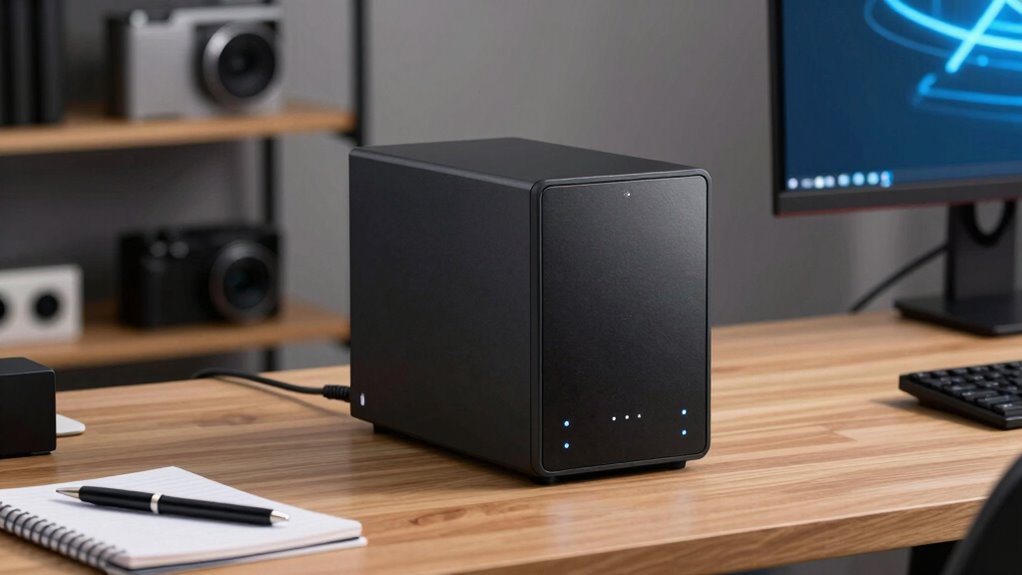

A NAS system is your hassle-free, centralized storage hub that keeps all your files accessible, secure, and ready to go without breaking a sweat. It connects to your network, making it easy to share documents across devices like computers, smartphones, or tablets. It also offers automatic backups, data redundancy, and cloud integration, so your info stays safe even if something goes wrong. Stay with us to uncover how this simple setup can simplify your digital life.

Get the little things that make your day delivered free — and shop member deals
- Fast, free delivery on millions of items
- Access to Prime Big Deal Days deals on October 6–7
- Prime Video, Amazon Music and more included
Key Takeaways
- NAS systems offer simple, centralized storage accessible from any device, ideal for busy users needing quick file access.
- They sync with cloud services like Google Drive, providing easy backups without complex setups.
- Built-in redundancy and backup options protect your data from hardware failures and accidental loss.
- Focus on security features to keep your files safe from unauthorized access, even remotely.
- Designed for efficiency and sustainability, NAS systems help manage digital assets responsibly in busy environments.
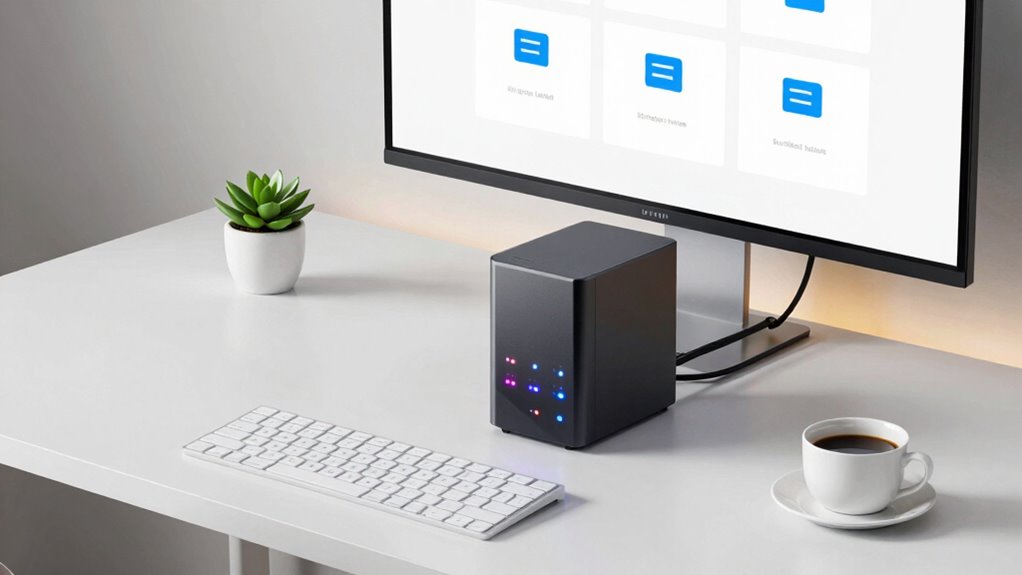
Are you looking for a reliable way to store and access your data across multiple devices? If so, NAS systems are worth considering. They’re designed to give you a centralized storage solution that’s easy to manage, even if you’re not a tech expert. Instead of juggling multiple external drives or worrying about losing files, a NAS acts like your personal cloud inside your home or office. It connects to your network, so you can access your files from your computer, smartphone, or tablet whenever you need them. This setup makes sharing files simple, whether you’re working from home or sharing with family or colleagues.
One of the main advantages of NAS systems is their ability to integrate with cloud services. This cloud integration means your NAS can sync with popular cloud platforms like Google Drive or Dropbox, providing an extra layer of flexibility and backup. So, if your local NAS ever fails or gets damaged, your data remains safe and accessible through the cloud. This hybrid approach ensures you’re not solely dependent on physical hardware, reducing the risk of data loss. Plus, cloud integration often simplifies remote access, allowing you to retrieve files from anywhere, without complicated configurations. Additionally, many NAS systems support data redundancy, which is crucial for safeguarding your files against hardware failures. Incorporating backup options into your NAS setup can further enhance your data protection strategy, ensuring your files are always recoverable. Understanding the role of biodiversity in maintaining healthy ecosystems can also remind us of the importance of protecting our digital and natural environments alike. Recognizing the importance of data security is essential when implementing these systems to prevent unauthorized access.
Best NAS storage systems for home
As an affiliate, we earn on qualifying purchases.
As an affiliate, we earn on qualifying purchases.
Frequently Asked Questions
Can NAS Systems Work Without an Internet Connection?
Yes, NAS systems can work without an internet connection. You get offline data access and local network sharing, allowing you to access and manage files directly through your local network. This means you don’t need an internet connection to retrieve or store data. As long as your devices are connected to the same network as the NAS, you can seamlessly access your files, making it reliable even when offline.
How Secure Are NAS Systems From Hacking?
NAS systems can be quite secure from hacking if you take proper precautions. You should enable encryption protocols like AES to protect your data and regularly install firmware updates to patch vulnerabilities. Additionally, setting strong passwords and limiting network access help keep your NAS safe. While no system is completely invulnerable, these practices considerably reduce the risk of unauthorized access, keeping your data much safer.
Do NAS Devices Require Regular Maintenance?
Think of your NAS device as a garden that needs tending. Yes, it requires regular maintenance like firmware updates to patch security holes and improve performance. Hardware upgrades, such as adding more drives or memory, keep it running smoothly as your data grows. Skipping these steps can leave your system vulnerable or sluggish. So, stay vigilant, perform routine check-ups, and your NAS will serve you well, just like a well-cared-for garden.
Can Multiple Users Access a NAS Simultaneously?
Yes, multiple users can access a NAS simultaneously. It handles cloud integration smoothly, allowing shared access from different devices. Plus, it manages data redundancy, ensuring your files stay safe even if one drive fails. You can set permissions for each user, making collaboration easy and secure. Whether you’re working remotely or locally, a NAS keeps everyone connected and your data protected without extra hassle.
What’s the Average Lifespan of a NAS Device?
Think of your NAS device as a trusty sidekick in a superhero movie—it often lasts around 5 to 7 years. With proper data redundancy and device scalability, you can extend its lifespan, ensuring your data stays safe and accessible. Regular updates and maintenance are like giving it superhero training, keeping it resilient against time and tech threats. So, plan for upgrades around this timeframe to stay ahead.
Network attached storage with cloud backup
As an affiliate, we earn on qualifying purchases.
As an affiliate, we earn on qualifying purchases.
Conclusion
Now that you’ve got the scoop on NAS systems, you’re practically a tech genius in disguise—ready to conquer storage needs like a superhero with a data cape! With just a little know-how, you can effortlessly keep your files safe, share effortlessly, and streamline your digital life without breaking a sweat. Remember, understanding NAS isn’t just useful—it’s the secret weapon that turns you into the ultimate data ninja, conquering storage chaos in record time!
Reliable NAS device for data redundancy
As an affiliate, we earn on qualifying purchases.
As an affiliate, we earn on qualifying purchases.
Secure NAS system for remote access
As an affiliate, we earn on qualifying purchases.
As an affiliate, we earn on qualifying purchases.
Fall Picks
fall essentials
As an affiliate, we earn on qualifying purchases.