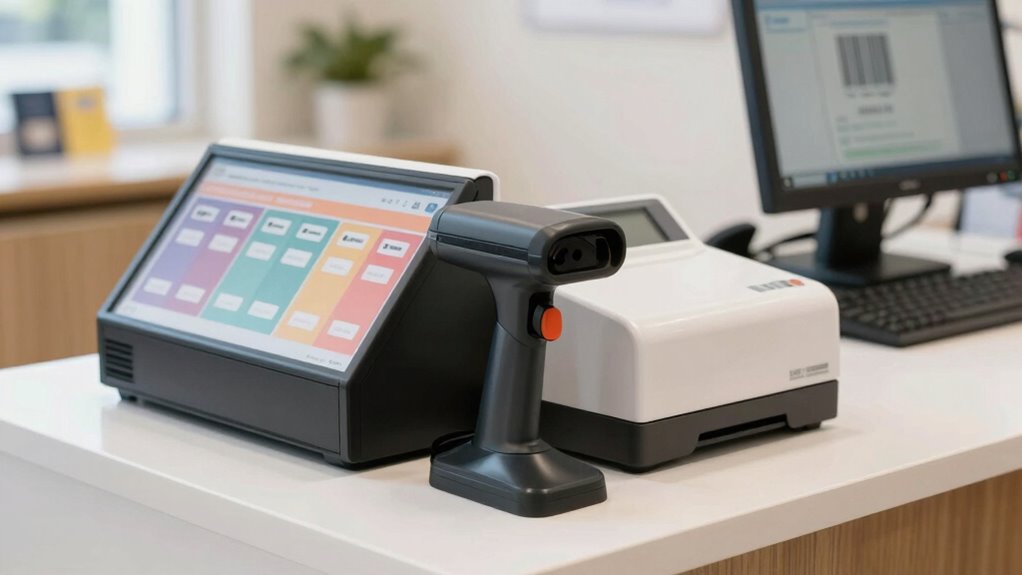

Starting a barcode system for your small business is a straightforward way to improve inventory accuracy and save time. Focus on evaluating your needs, choosing a compatible scanner, and printing simple barcode labels. Set up your system step-by-step to ensure smooth operation. As you grow, maintaining and troubleshooting your setup becomes easier. Keep exploring; there’s more to discover about creating a reliable, scalable barcode system that fits your business.
Key Takeaways
- Assess your inventory needs and budget to choose a suitable barcode system for your small business.
- Use reliable barcode labels and printers, and select user-friendly scanning software compatible with your existing systems.
- Train staff on proper barcode scanning procedures and regularly test equipment for accuracy.
- Start with simple, scalable solutions and expand the system as your business grows.
- Maintain ongoing system checks, update hardware/software, and troubleshoot issues proactively for long-term success.

WoneNice USB Laser Barcode Scanner Wired Handheld Bar Code Scanner Reader Black
Plug and play, This laser handheld barcode scanner has simple installation with any USB port and Ideal for…
As an affiliate, we earn on qualifying purchases.
As an affiliate, we earn on qualifying purchases.
What Challenges Do Small Businesses Face Without Barcode Systems?
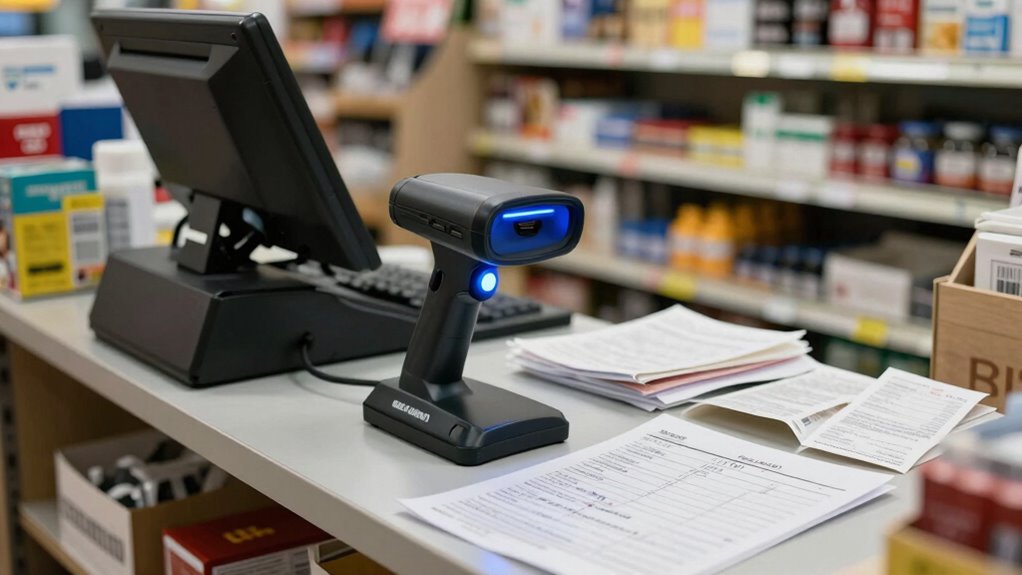
Without a barcode system, small businesses often struggle with inventory management. Tracking stock levels becomes a tedious, error-prone task, leading to overstocking or shortages. You might find yourself spending hours manually updating records or correcting mistakes. This inefficiency also affects employee training, as staff need to learn complex inventory procedures and deal with frequent errors. Without a clear system, new employees may take longer to get up to speed, and mistakes can become common. This chaos hampers your ability to make accurate business decisions and impacts customer satisfaction. Overall, the lack of an organized inventory management system creates unnecessary stress, wastes valuable time, and increases the risk of costly errors. Additionally, not implementing a barcode system can hinder inventory accuracy and slow down order processing, further impacting your business’s efficiency and ability to meet customer demands. Incorporating a barcode system can also improve real-time tracking, helping you respond swiftly to stock changes and reduce errors. Moreover, understanding the importance of technology integration can streamline your operations and support future growth. Recognizing how automated data capture reduces manual input can significantly boost operational productivity and data reliability.

CLABEL Desktop Bluetooth Label Printer: CT221D Label Maker Machine with Direct Thermal Printing, 2 Inch Barcode Recepit Sticker Printer for Small Business Address Office with 1 Roll Label
[Cost-Saving Freedom: No Bound Consumables] Experience the cost-saving freedom of our label maker, which eliminates the need for…
As an affiliate, we earn on qualifying purchases.
As an affiliate, we earn on qualifying purchases.
How Can Barcode Systems Improve Accuracy and Save Time?
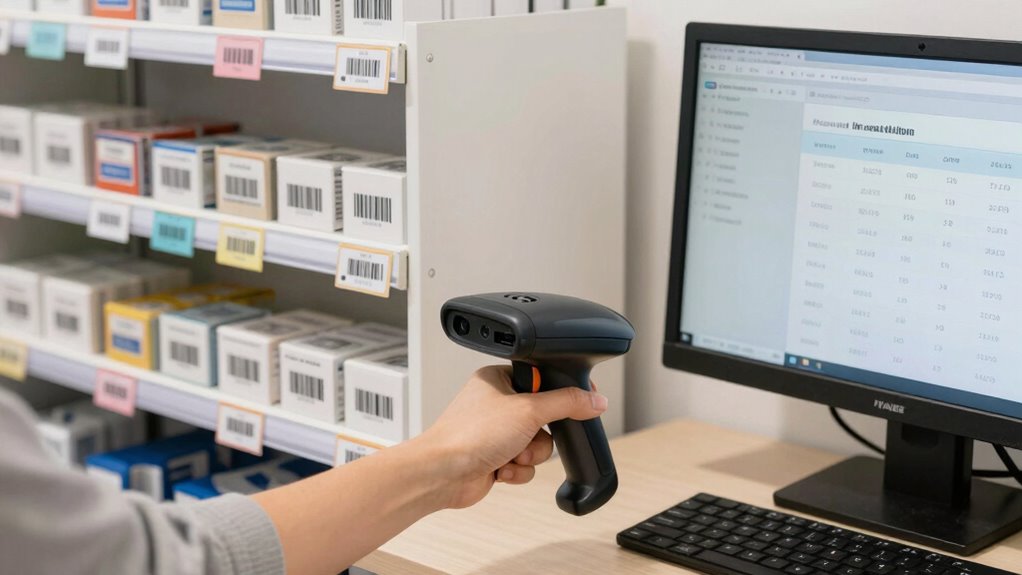
Implementing a barcode system streamlines inventory management by minimizing human error and speeding up data entry. With barcodes, you can quickly scan items to update stock levels, reducing mistakes that happen with manual entry. This improved process leads to more reliable inventory records, helping you avoid stockouts or overstocking. Additionally, barcode systems save you time because scanning is faster than typing in data or counting manually. Employee training becomes easier, as staff only need to learn how to use a scanner and interpret the data, rather than memorizing complex procedures. Over time, this improves efficiency across your operations. By enhancing accuracy and reducing the time spent on inventory tasks, a barcode system allows you to focus more on growing your business and serving your customers. Incorporating barcode label design best practices can further improve scanability and reduce errors. Using a well-designed scannability layout ensures faster and more reliable scanning, which enhances overall accuracy. Additionally, understanding data accuracy principles helps maintain clean and dependable inventory information. Moreover, paying attention to label durability ensures that barcode labels remain legible and scannable in various environments, further supporting your efficiency. Proper label placement also plays a critical role in ensuring smooth scanning operations and minimizing the need for re-scanning or manual adjustments.
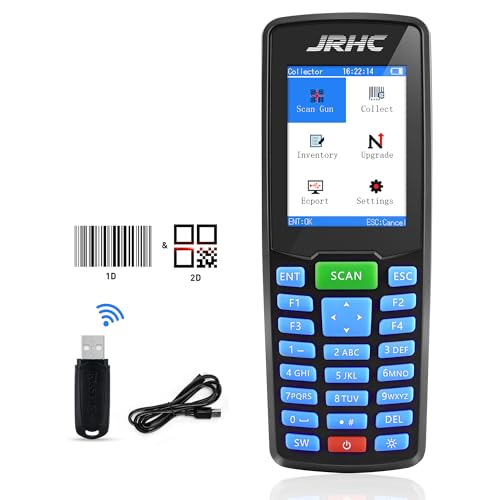
1D 2D Barcode Scanner Wireless, JRHC Portable Inventory Scanner & PDA Data Collector PDT Inventory Device with Long Transmission Distance Wireless Bar Code Reader with 2.8" LCD Screen
【Powerful Recognition】This bar code scanner can read one-dimensional barcodes and two-dimensional codes in all directions. Identify 1D: Codabar,…
As an affiliate, we earn on qualifying purchases.
As an affiliate, we earn on qualifying purchases.
How to Choose the Best Barcode System for Your Business?
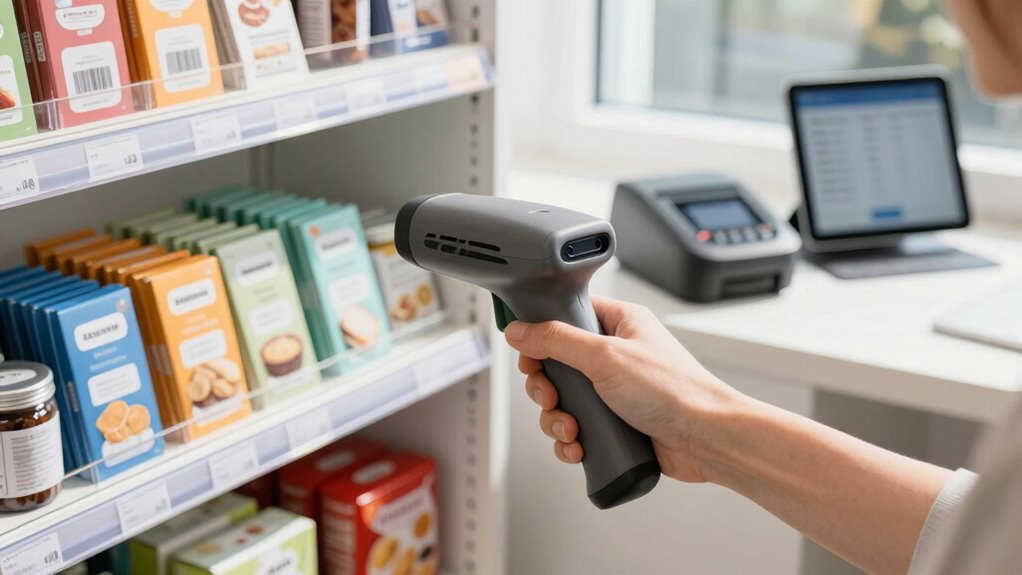
Choosing the right barcode system for your business starts with understanding your specific needs and budget. If you manage a large inventory, look for systems that support extensive data management and real-time updates. For small inventories, simpler setups may suffice. Consider how your system will integrate with existing inventory management software to streamline operations. Data security is also vital—ensure the system offers secure data transmission and storage to protect sensitive information. Evaluate whether you need wireless scanners for mobility or wired options for stability. Cost-effectiveness matters, but don’t sacrifice essential features like compatibility and security. Additionally, understanding balancing support and boundaries in managing your inventory ensures you provide efficient service while maintaining control. Recognizing the importance of ethical data handling can help you build trust with your customers and avoid potential legal issues. Incorporating industry standards into your selection process can further enhance system reliability and compliance. By evaluating your inventory management requirements and prioritizing Data security, you can select a barcode system that boosts efficiency and safeguards your business. Ensuring your system adheres to security best practices is crucial in protecting sensitive business and customer data, especially in today’s digital landscape.

EZ Home and Office Address Book Software
Address book software for home and business (WINDOWS 11, 10, 8, 7, Vista, and XP. Not for Macs)….
As an affiliate, we earn on qualifying purchases.
As an affiliate, we earn on qualifying purchases.
Step-by-Step Guide to Setting Up Your Barcode System
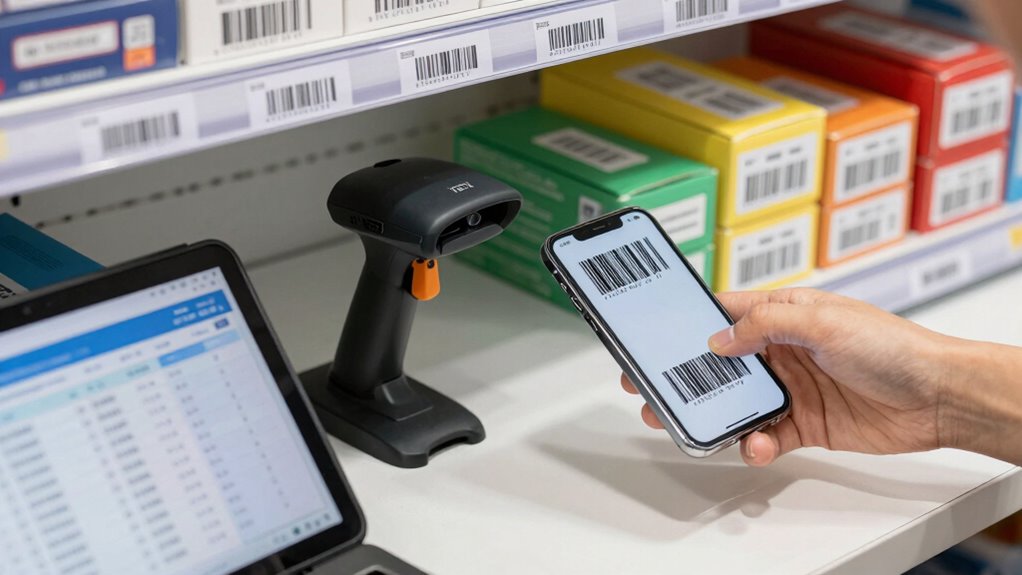
Setting up your barcode system can seem intimidating, but breaking it down into clear steps makes it manageable. First, decide on a barcode format and generate unique codes for your products. Then, print barcode labels using a reliable printer or order pre-printed labels. Next, install barcode scanning software compatible with your inventory management system. Train your staff on how to properly scan items and update inventory records. Consistent staff training ensures accuracy and efficiency. Set up your barcode scanner and test it thoroughly, scanning a few items to confirm data updates correctly. Organizing your inventory storage to make scanning smooth can prevent errors. Regularly review your setup to identify any issues early. Proper labeling methods can enhance the accuracy of your inventory tracking. Barcode readability is essential to reduce scanning errors and improve overall efficiency. Additionally, understanding the horsepower of electric dirt bikes can inform decisions if you plan to include such equipment in your inventory. A well-designed inventory layout can significantly improve scanning speed and accuracy. With this approach, you’ll streamline inventory management and keep your stock organized and accessible.
Troubleshooting Common Barcode System Issues and Growing With Your Business
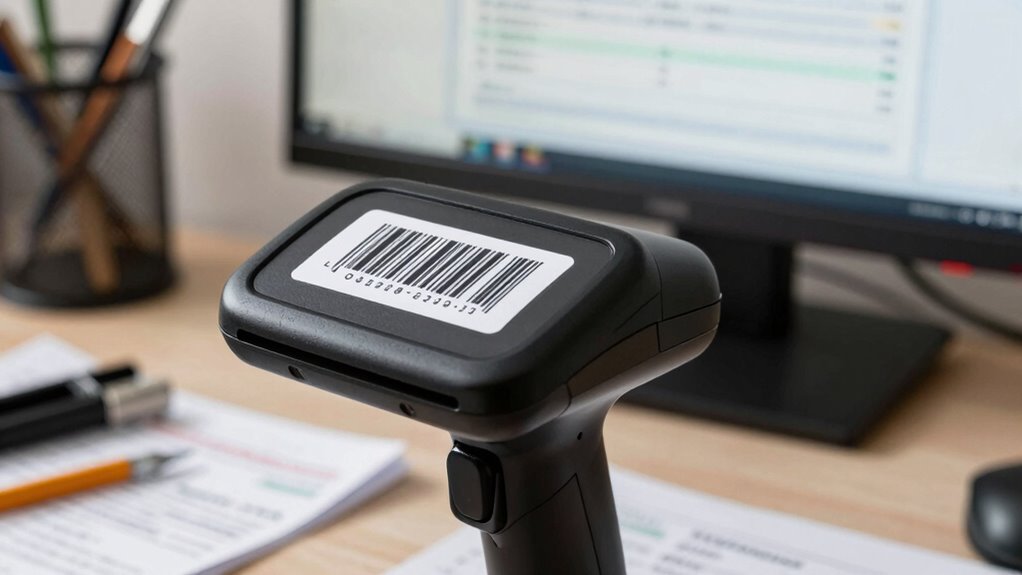
As your business grows, so do the chances of encountering barcode system issues that can disrupt operations. Common problems include misreads, syncing errors, or inaccurate inventory management. To troubleshoot, start with verifying scanner calibration, ensuring staff training is thorough, and double-checking database updates. A well-trained team reduces errors in scanning or data entry. Keep your software updated to prevent compatibility issues. Regularly review your inventory management data for discrepancies. If issues persist, test the hardware and software components individually. Consider expanding staff training to include troubleshooting steps. Additionally, maintaining clear documentation helps resolve recurring problems quickly. Incorporating proper maintenance practices can help prevent hardware failures and ensure longevity. Proper maintenance includes routine cleaning and calibration of scanners and other hardware components. Implementing inventory control measures can also help identify and correct discrepancies early, supporting the accuracy of your system. Growth requires proactive troubleshooting to keep your barcode system reliable, ensuring smooth inventory management and supporting your expanding business.
Frequently Asked Questions
Can Barcode Systems Integrate With Existing Inventory Management Software?
Yes, barcode systems can integrate with your existing inventory management software. You might face some integration challenges, especially if your software isn’t compatible with certain barcode hardware or formats. To guarantee smooth compatibility, check your software’s specifications and choose barcode systems designed to work with your current setup. Often, using APIs or third-party integration tools helps bridge software compatibility gaps, making inventory updates faster and more accurate.
What Are the Initial Costs Involved in Implementing a Barcode System?
Implementing a barcode system is like planting a seed—initial costs include equipment expenses such as scanners, printers, and labels, which vary based on your needs. You should do a cost analysis to estimate expenses and plan your budget. While setup costs can seem high at first, they often save money long-term by streamlining inventory management and reducing errors, making the investment worthwhile for your small business.
How Secure Are Barcode Data and Scanning Processes?
Your barcode data and scanning processes are generally secure when you implement data encryption and access controls. Data encryption protects sensitive information from unauthorized access during transmission and storage, while access controls limit who can view or modify barcode data. Regular updates and strong passwords further enhance security. By taking these precautions, you can confidently rely on barcode systems to keep your business information safe and secure.
What Training Is Required for Staff to Use Barcode Systems Effectively?
You’ll find that just a little employee training makes your staff barcode literacy supercharged, capable of scanning and managing data effortlessly. No need for complex courses—quick tutorials on scanning devices, understanding barcode labels, and basic troubleshooting work wonders. With this training, your team becomes barcode wizards, turning what seems like high-tech magic into everyday ease. Invest a bit now, and you’ll release lightning-fast inventory management and fewer errors every single day.
Are There Mobile or Cloud-Based Barcode Solutions Suitable for Small Businesses?
Yes, there are mobile and cloud-based barcode solutions perfect for small businesses. Cloud options offer flexibility and easy updates, while on-premises setups provide control. Mobile scanning apps allow you to scan barcodes directly from a smartphone or tablet, making inventory management simple and efficient. Whether you prefer cloud vs. on-premises or need mobile scanning, these solutions help streamline your operations without requiring extensive technical expertise.
Conclusion
Implementing a barcode system transforms chaos into clarity, turning your small business into a well-oiled machine. It’s the key to accuracy, efficiency, and growth—your silent partner in success. So, take the leap today, embrace the technology that simplifies your daily tasks and prepares you for future growth. Remember, the right barcode system isn’t just a tool; it’s the rhythm that keeps your business moving forward, steady and strong.